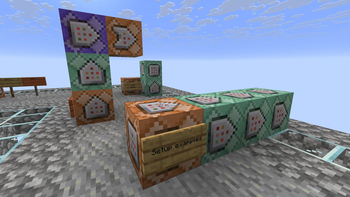

Command Blocks to Sign
Turn command blocks into interactive signs you can click on!
⚙️ Server-side operation!
If you install this datapack/mod only on the server or in a local network, it will work for all players without them needing to install it on their clients!
📖 How to use:
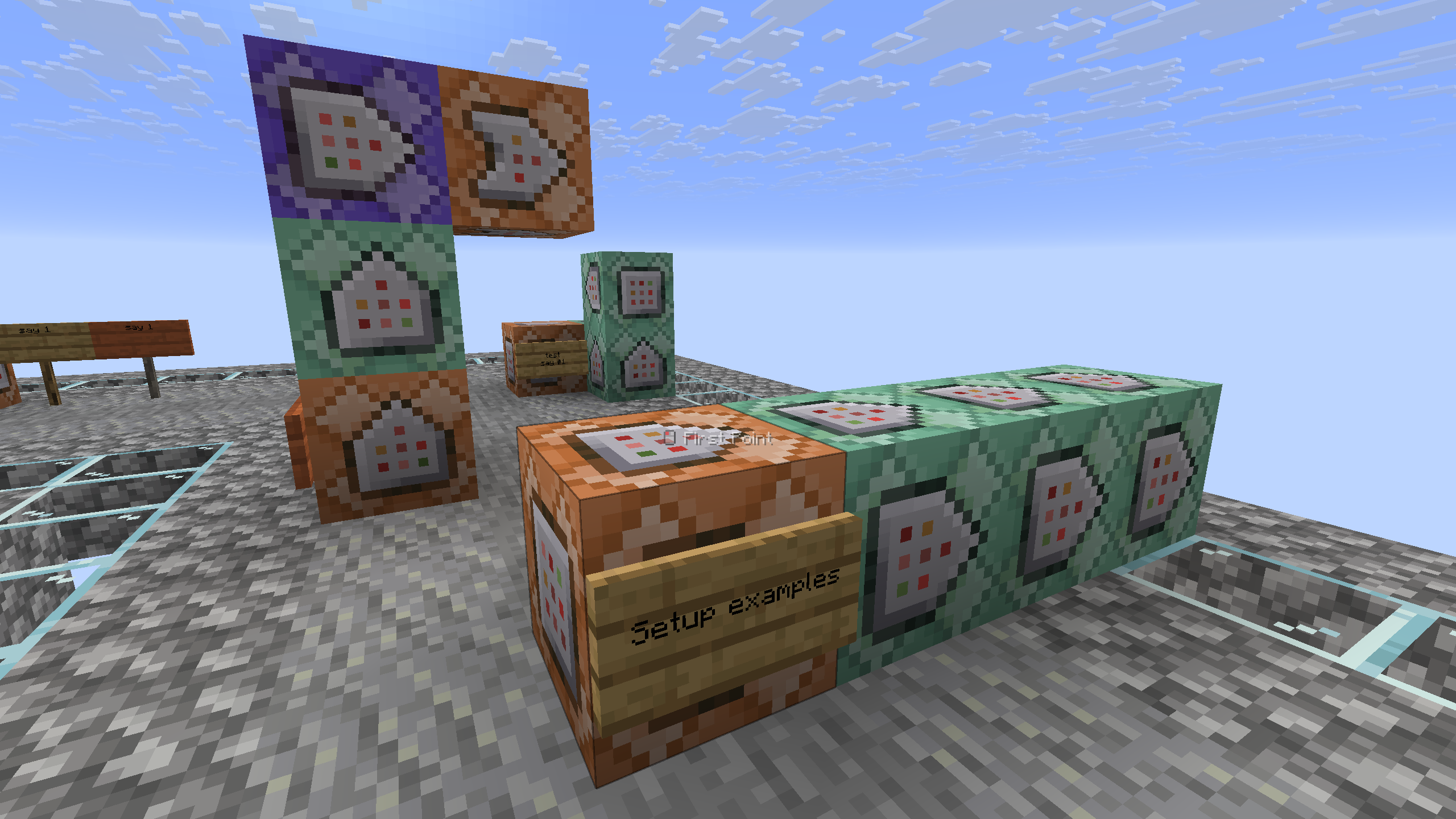
Place a sign on the side of the command block you want to convert. You can use up to 4 command blocks maximum (they must be facing each other). Take honeycomb and right-click on the sign to wax it (the wax will be removed). That's it! Your sign is activated.
The system only triggers if the sign is on a command block. Otherwise, nothing will happen, and waxing the sign will work as usual.
⤵️ Installation:
Datapack:
Download the latest version and place the datapack .zip file in the datapacks folder of your Minecraft world.
Mod:
Download the latest version and place the mod .jar file in the mods folder of your Minecraft game.