
CraftTweaker GUI - Visual Recipe Editor
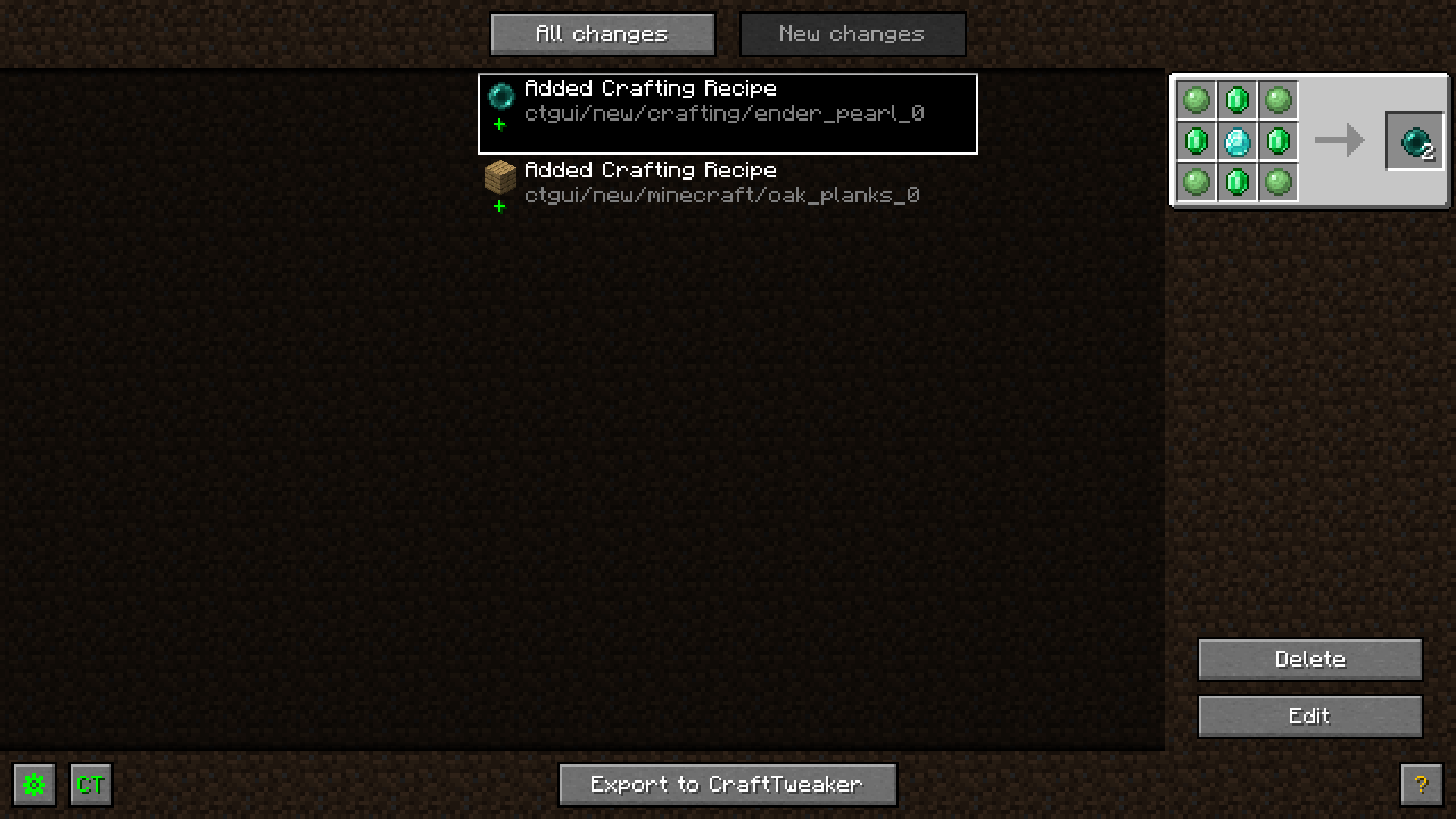
CraftTweaker GUI provides a convenient interface for creating and modifying crafting recipes. All changes are saved locally, allowing you to view the list of edited recipes at any time and make additional adjustments. The modification works exclusively on the client side and does not affect the server.
Recipe Editing Process
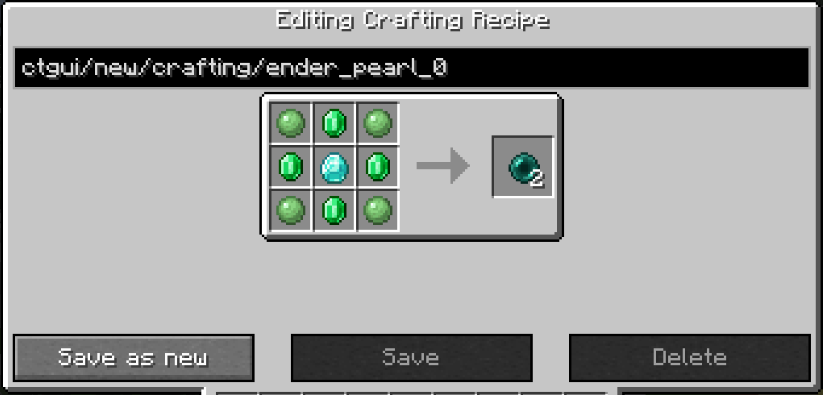
To start working with recipes, open EMI (recommended) or JEI. To create a new recipe, click the plus icon next to the category name. To edit an existing recipe, use the CT GUI icon next to it. In the editor, you can drag items from EMI or the recipe itself into the appropriate slots. Right-clicking a slot removes the item, while scrolling the mouse wheel changes the quantity. In the bottom left corner, you can create tag ingredients and add them to the recipe.
Some recipe types support additional settings, such as making the craft shapeless. Above the recipe, you can change its identifier - it is automatically assigned when specifying the craft result if not previously changed manually. Below the recipe, options are available to delete the original, replace it with a new version, or create an additional recipe without affecting the original. Even without export, changes are immediately displayed in EMI, although they don't actually work yet.
Change Management
After editing a recipe or when pressing the CT button in the pause menu, a list of all made changes opens. Here you can filter unexported edits, delete or edit existing changes, and also export them to CraftTweaker. In this same menu or in the settings, you can disable the editing mode and the button in the pause menu.
Working Features
Tag editing has its own characteristics since it's not a full recipe. Instead of a recipe identifier, the tag name is specified. Since EMI doesn't display tags with one or zero items, to add elements to such tags, you need to create a new tag with the same name.
In editing mode, tag collapsing is disabled, so when modifying the recipe for iron doors, you'll see that it accepts the tag for iron ingots, not just the ingots themselves. This function can be enabled for all cases in the settings, but it only works with EMI.