

CreatureChat™ - Chat with Any Creatures in Minecraft!

Mod Features
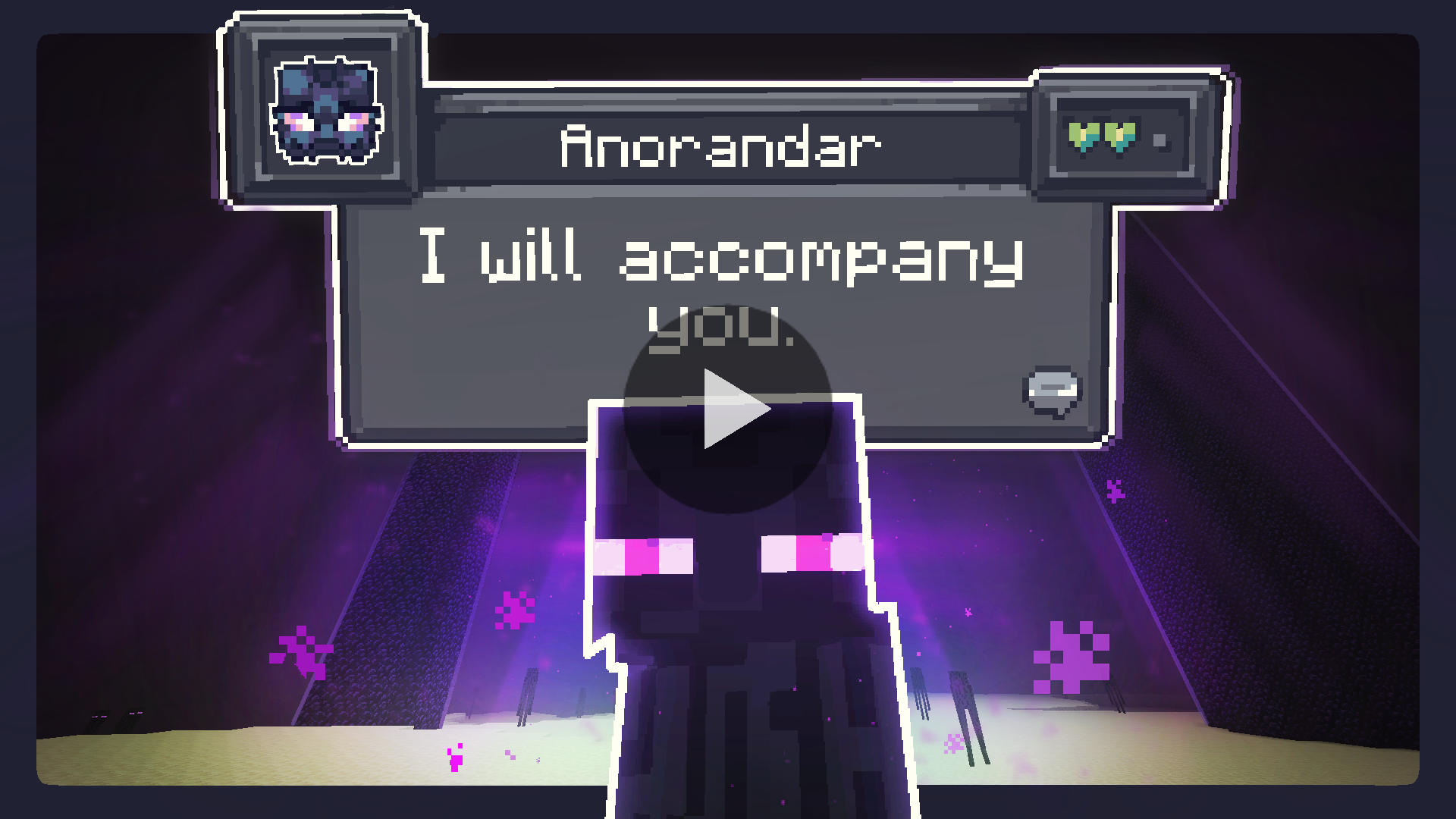
Using artificial intelligence technology, CreatureChat™ transforms ordinary Minecraft mobs into full-fledged conversation partners! Every creature in the game can now engage in meaningful dialogues and react to your actions.
Smart Conversations: Using ChatGPT or open AI models, every conversation becomes unique and engaging. No conversation repeats!
Mob Behavior: Creatures make independent decisions - they can follow you, flee from danger, attack enemies, or protect you.
Automatic Reactions: Mobs react to taking damage or receiving gifts from players, making interactions more natural.
Relationship System: Track the development of your relationships with each creature - from loyal friends to sworn enemies.
Multiplayer: Enjoy conversations together with friends - all dialogues are synchronized between the server and players.
Creature Memory: Each creature remembers your previous interactions, making every new encounter more personal and meaningful.
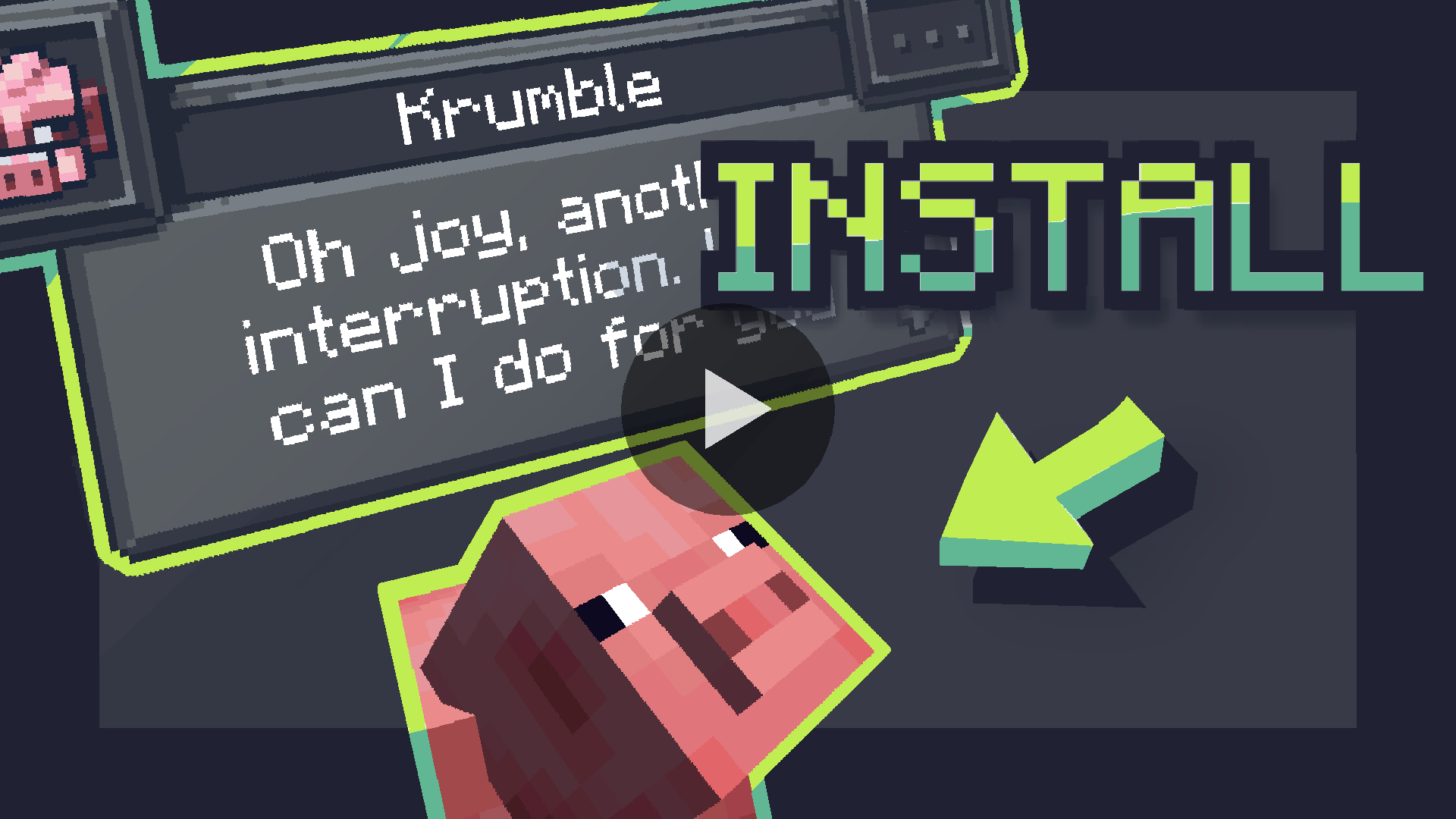
Installation Instructions
Fabric (Recommended)
- Install Fabric Loader and API: Follow official instructions
- Install CreatureChat™ Mod: Download and place
creaturechat-.jarandfabric-api-.jarfiles in the.minecraft/modsfolder - Launch Minecraft with Fabric profile
- Configure AI: Requires LLM (large language model) for text generation
Forge (with Sinytra Connector)
IMPORTANT: Sinytra Connector only supports Minecraft 1.20.1
- Install Forge: Download Forge installer and select "Install client"
- Install Forgified Fabric API: Download and place
.jarfile in the.minecraft/modsfolder - Install Sinytra Connector: Download and place
.jarfile in the.minecraft/modsfolder - Install CreatureChat™ Mod: Download and place
creaturechat-*.jarin the.minecraft/modsfolder - Launch Minecraft with Forge profile
- Configure AI: Requires LLM for text generation
AI Usage Options
CreatureChat™ requires AI/LLM for generating character text and dialogues.
1. Free Local Option
Difficulty: Hard
The mod fully supports free and open LLM models. To get started:
- Requires HTTP endpoint compatible with OpenAI Chat Completion JSON syntax
- Recommended to use Ollama and LiteLLM as HTTP proxy
- LiteLLM Features:
- Supports over 100+ LLM models
- Proxies them through local HTTP endpoint compatible with CreatureChat™
- Note: Running local LLM on computer requires powerful GPU
Setting up local HTTP endpoint in-game:
/creaturechat url set "http://YOUR-HTTP-ENDPOINT-FROM-LITE-LLM"
/creaturechat model set MODEL-NAME
/creaturechat timeout set 360
2. Use Your Own API Key
Difficulty: Medium
For those already using third-party APIs (e.g., OpenAI, Groq):
- Integrate your own API key for seamless connectivity
- Cost depends on provider's pricing
- By default CreatureChat uses OpenAI endpoint and
gpt-3.5-turbomodel, known for balance of low cost and high speed - Note that OpenAI developer API does not include free usage
Setting up API key and model in-game:
/creaturechat key set <YOUR-SECRET-KEY>
/creaturechat model set gpt-3.5-turbo
3. Token Shop
Difficulty: Easy
Support CreatureChat developers by purchasing tokens:
- Easy setup with ready token packs created for CreatureChat users
- Setting up token shop API key in-game:
/creaturechat key set <YOUR-SECRET-KEY>
In-Game Commands
Configure CreatureChat
REQUIRED: /creaturechat key set <key>
- Sets OpenAI API key. Required for making LLM requests
OPTIONAL: /creaturechat url set "<url>"
- Sets URL of API for making LLM requests. Default:
"https://api.openai.com/v1/chat/completions"
OPTIONAL: /creaturechat model set <model>
- Sets model for generating responses in chats. Default:
gpt-3.5-turbo
OPTIONAL: /creaturechat timeout set <seconds>
- Sets timeout (in seconds) for API HTTP requests. Default:
10seconds
OPTIONAL: /creaturechat whitelist <entityType | all | clear> - Show chat bubbles
- Shows chat bubbles for specified entity type or all entities, or clears whitelist
OPTIONAL: /creaturechat blacklist <entityType | all | clear> - Hide chat bubbles
- Hides chat bubbles for specified entity type or all entities, or clears blacklist
OPTIONAL: /story set "<story-text>"
- Sets custom story (included in character creation and chat prompts)
OPTIONAL: /story display | clear
- Displays or clears current story
Configuration Scope
OPTIONAL: You can specify configuration scope at the end of each command to determine where settings should be applied:
- Default Configuration (
--config default): Applies configuration universally, unless overridden by server-specific configuration - Server-Specific Configuration (
--config server): Applies configuration only to server where command is executed - If
--configoption is not specified,defaultconfiguration scope is assumed
License
- Source code: GNU GPL v3
- Non-code assets: CC-BY-NC-SA-4.0

Legal Notices
CreatureChat™ is an independent project and is not endorsed by Mojang AB, Microsoft Corp., or OpenAI. Minecraft® is a trademark of Mojang AB. ChatGPT® is a trademark of OpenAI OpCo, LLC. All trademarks appear here for identification only.
CreatureChat™ is a trademark of owlmaddie LLC (registration pending). Factual nominative references such as "Fork of CreatureChat" that do not imply endorsement are allowed; all other uses of the name or logo require prior permission.
Project members

CreatureChat
Developer

owlmaddie
Developer

jonoomph
Developer
Created: 3 May 2024
ID: 5166

