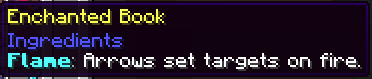

Enchantment Descriptions
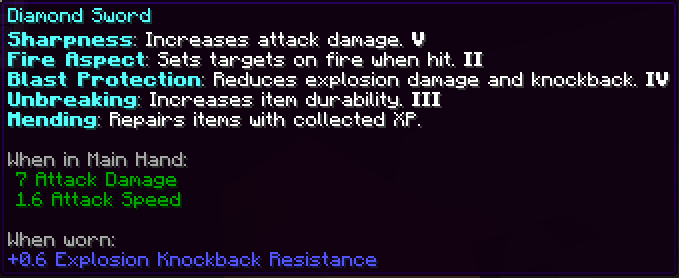
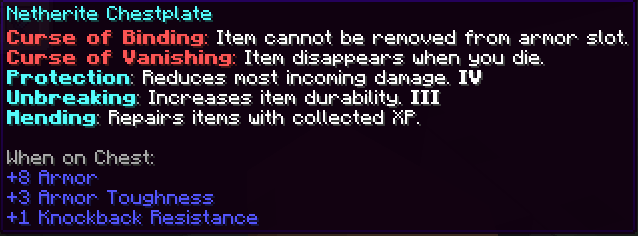
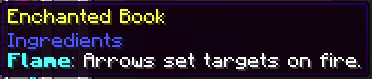
Enchantment Descriptions modification is a convenient solution for Minecraft Java Edition that significantly simplifies working with enchantments. No more guessing what each spell does - all the necessary information is now displayed directly in the game in tooltips.
🔍 Visual Examples


Resource Pack Installation (.zip)
- Download the .zip archive file
- Place it in the resourcepacks folder of your Minecraft client
- Launch the game, open Options → Resource Packs and activate the selected pack
Mod Version Installation (.jar)
To install the .jar version:
- Make sure you have Minecraft Forge or Fabric installed
- Download the latest .jar file from the downloads section
- Move the .jar file to the mods/ folder, located at:
- Windows: %appdata%.minecraft\mods
- macOS: ~/Library/Application Support/minecraft/mods
- Linux: ~/.minecraft/mods
- Launch Minecraft through the selected modloader
- Enjoy detailed enchantment descriptions in-game!
Important: This is exclusively a client-side visual enhancement - it does not affect gameplay and is compatible with any servers.
Report any detected translation errors or modification operation issues


