
FlatEdit+ - The Superior Superflat Customization System
Tired of using external websites just to create custom superflat presets? Dreamed of creating custom presets directly inside Minecraft? With FlatEdit+, it's now reality!
Mod Features
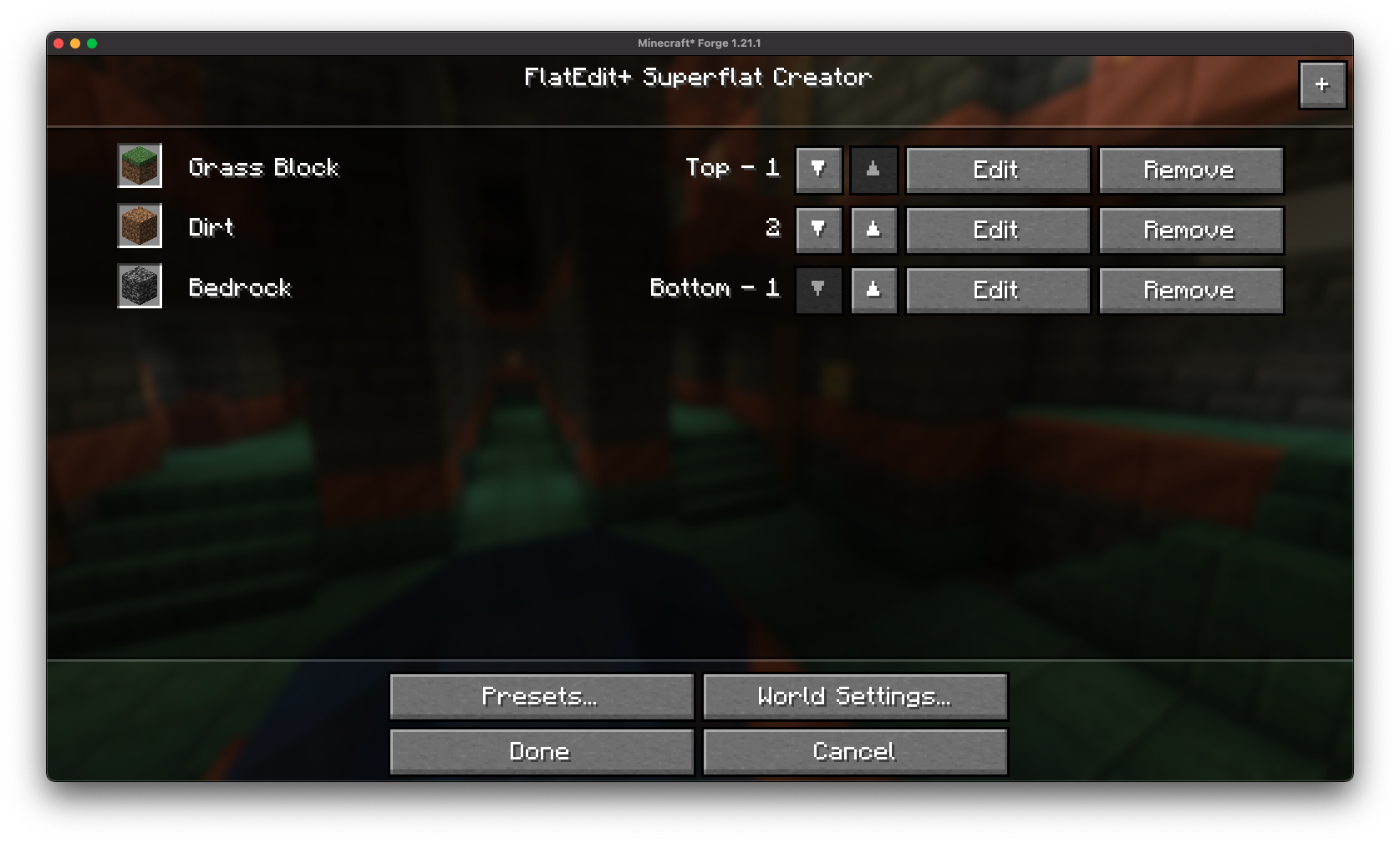
Overhauled Layer Interface No more cumbersome layer editing systems! FlatEdit+ offers an intuitive interface with the ability to quickly add, remove, and reorder layers in real time.

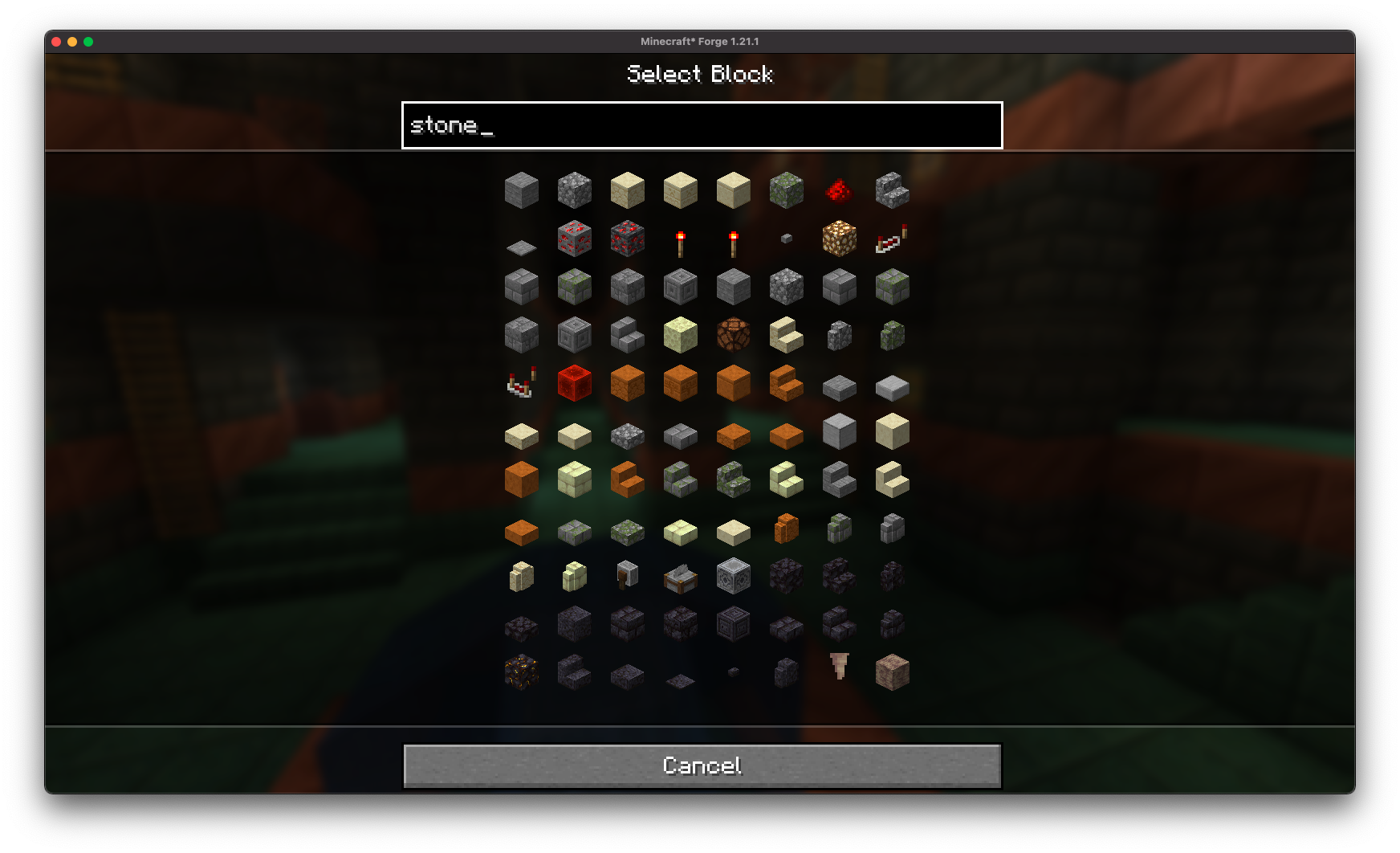
Smart Material Search Find the exact blocks you need instantly thanks to the built-in search system with filters for all available world materials.
Modern GUI Completely reworked superflat world customization screen with modern and user-friendly design, while preserving familiar vanilla interface elements.
Full World Control
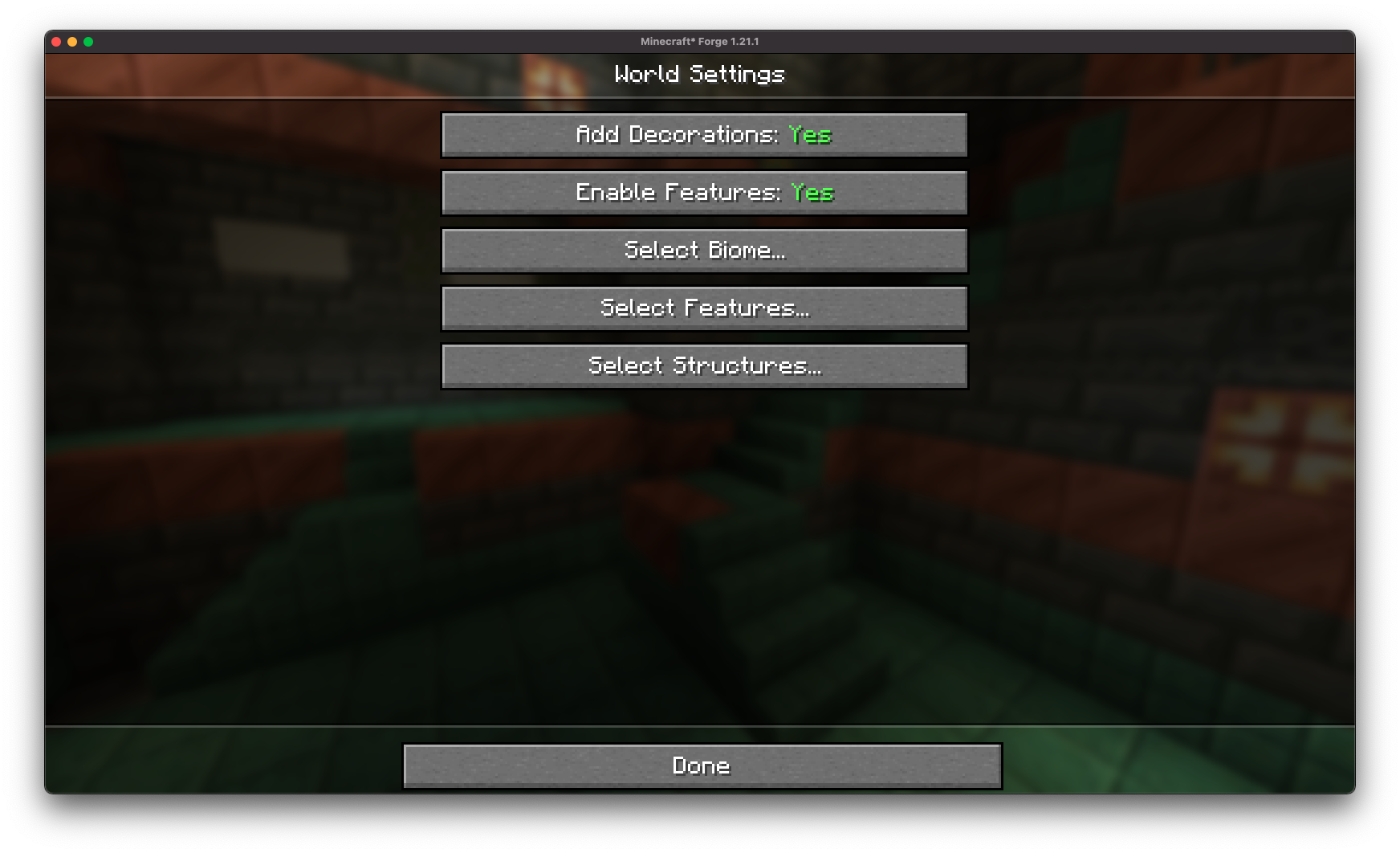 Detailed configuration of all superflat world parameters from the convenient creation screen.
Structure Management
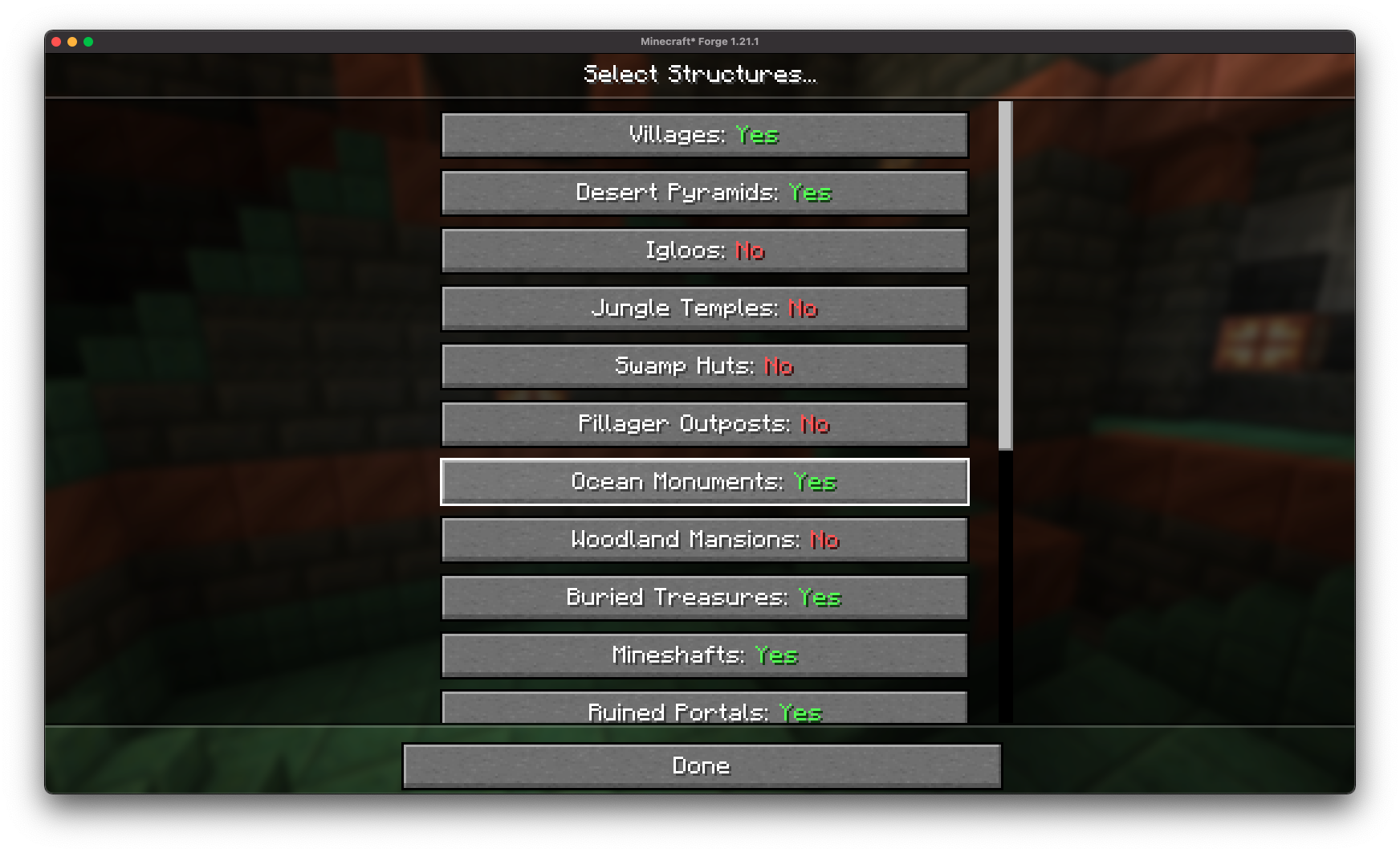 Enable or disable the generation of villages, mineshafts, strongholds, and other structures without the need for presets.
Decoration Customization
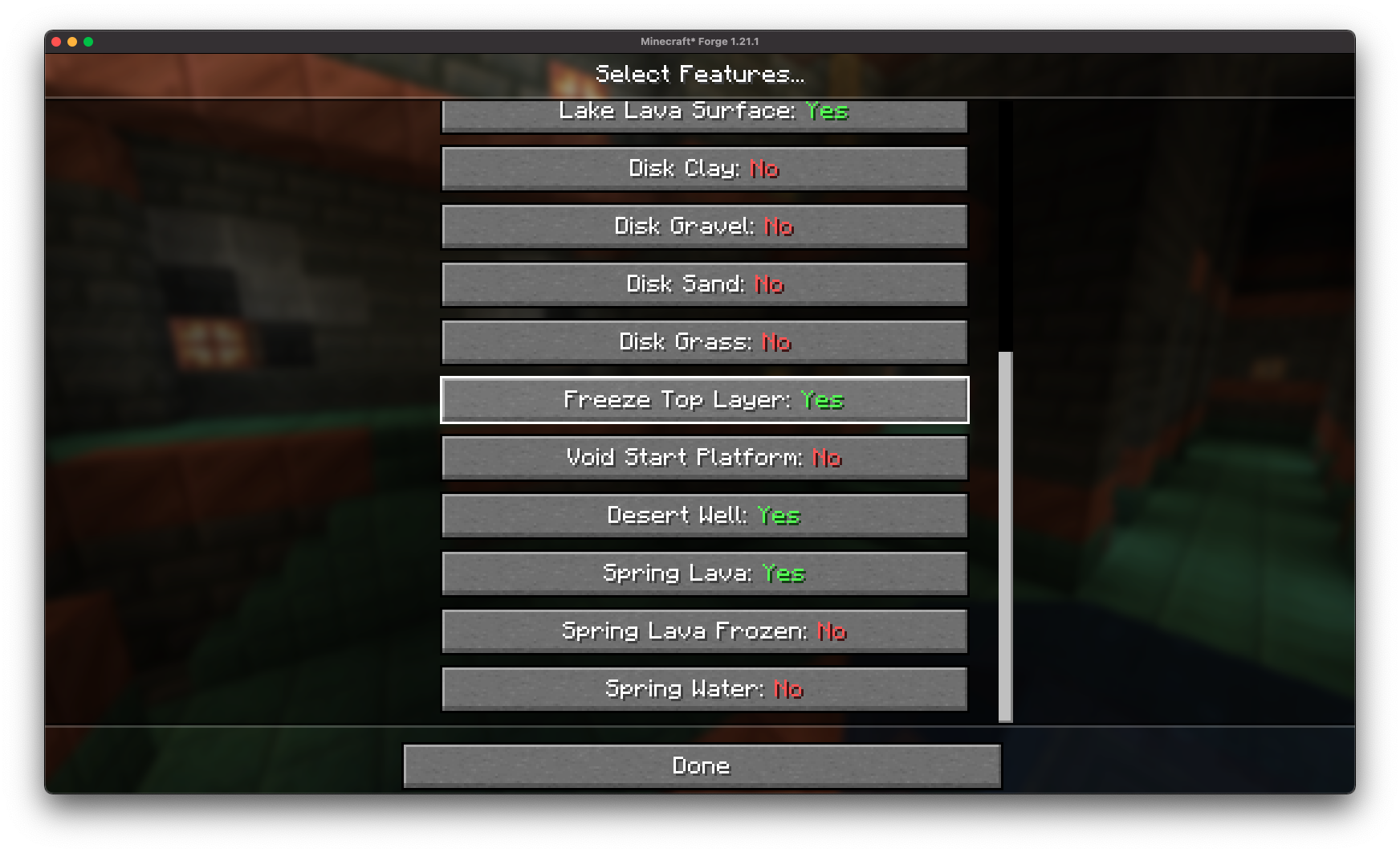 Control the appearance of lava lakes, frozen top layers, desert wells, and other landscape features.
Save and Share Presets
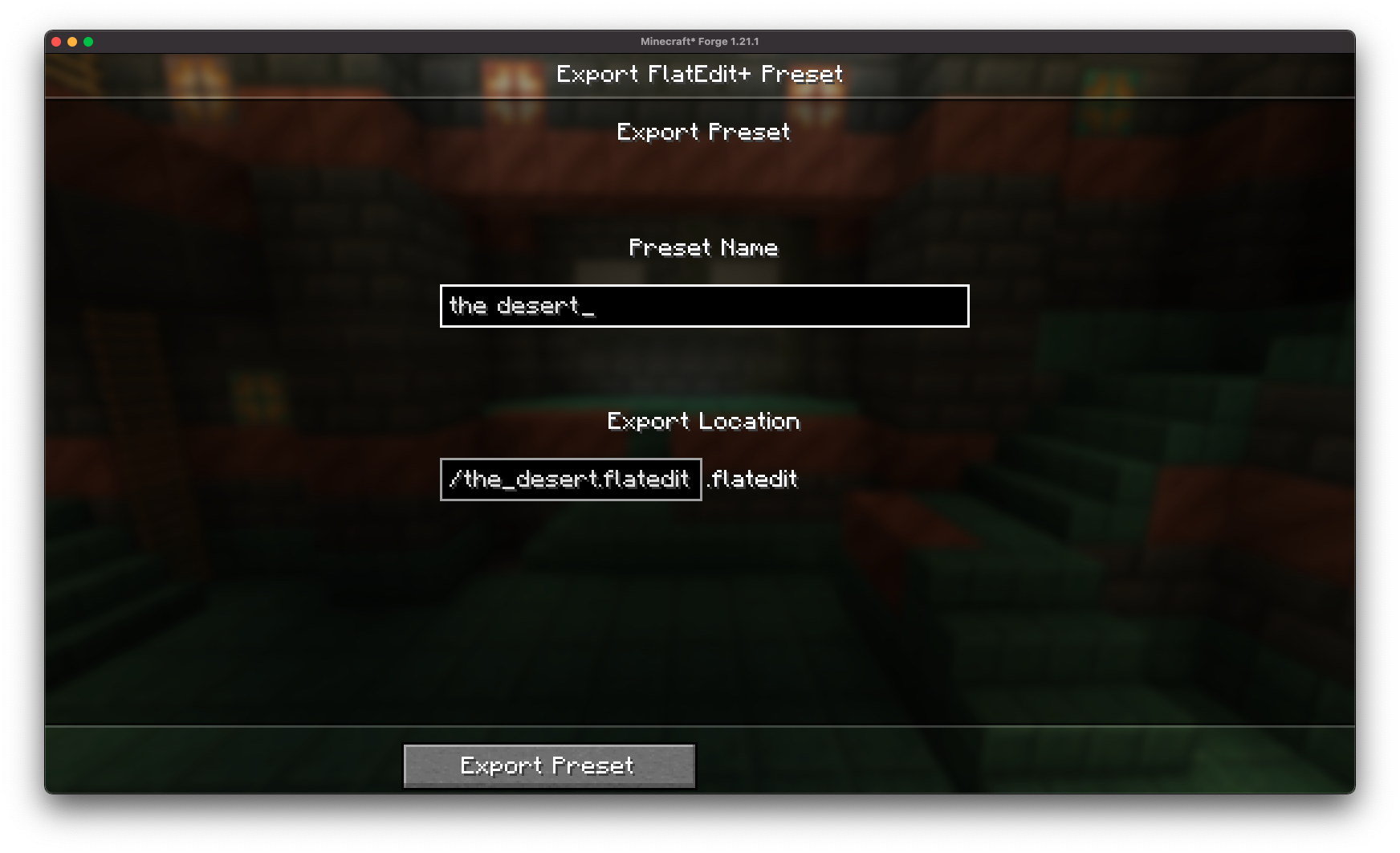
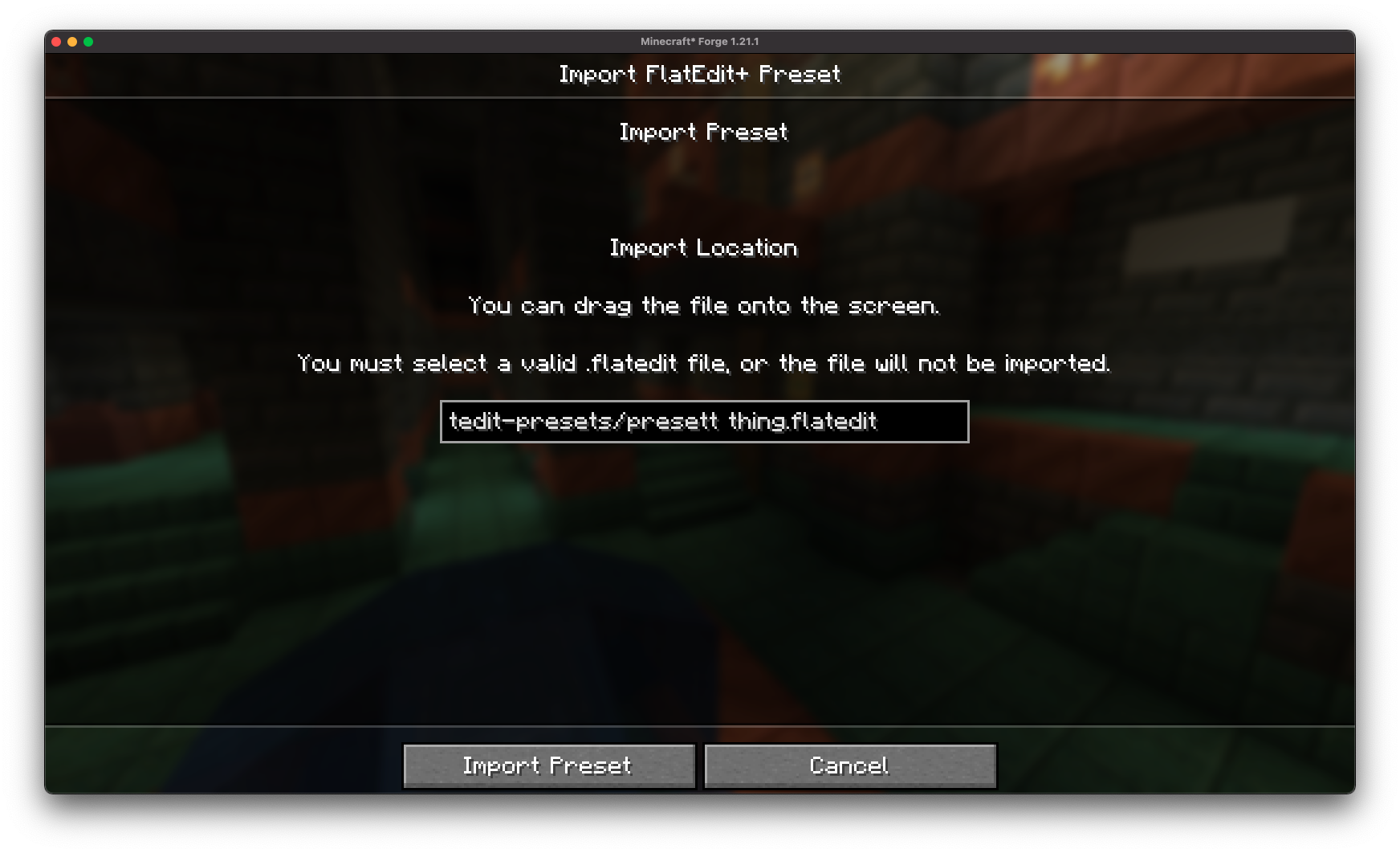
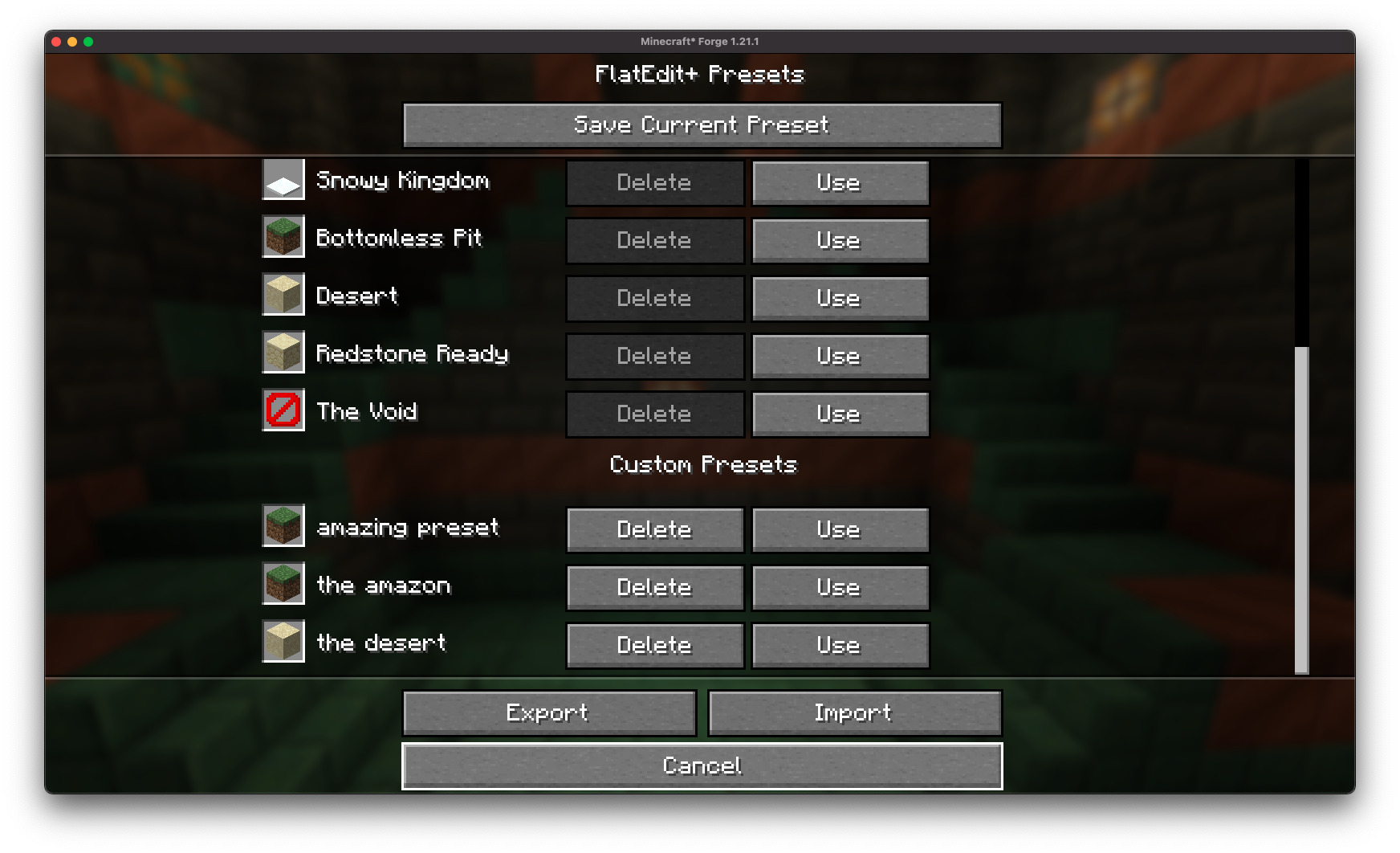 Save your favorite configurations and reuse them whenever needed. Export presets in .flatedit format files to share with friends.
Full Compatibility
 Worlds created with FlatEdit+ are fully compatible with vanilla Minecraft - the mod is no longer required after world generation.
Installation
The mod requires the BoxLib client-side library to function properly.
- Install Mod Loader: Download and install Minecraft Forge, Fabric, or Neoforge for your game version
- Download FlatEdit+: Get the latest version of the mod for your loader
- Install BoxLib: Add the BoxLib library to your mods folder
- Place Files: Put the downloaded .jar files into the mods folder of your Minecraft installation
FlatEdit+ is compatible with all modern mod loaders and features localized settings for personalized world creation interfaces.


