
Highlighter
Player Highlighting in Tab
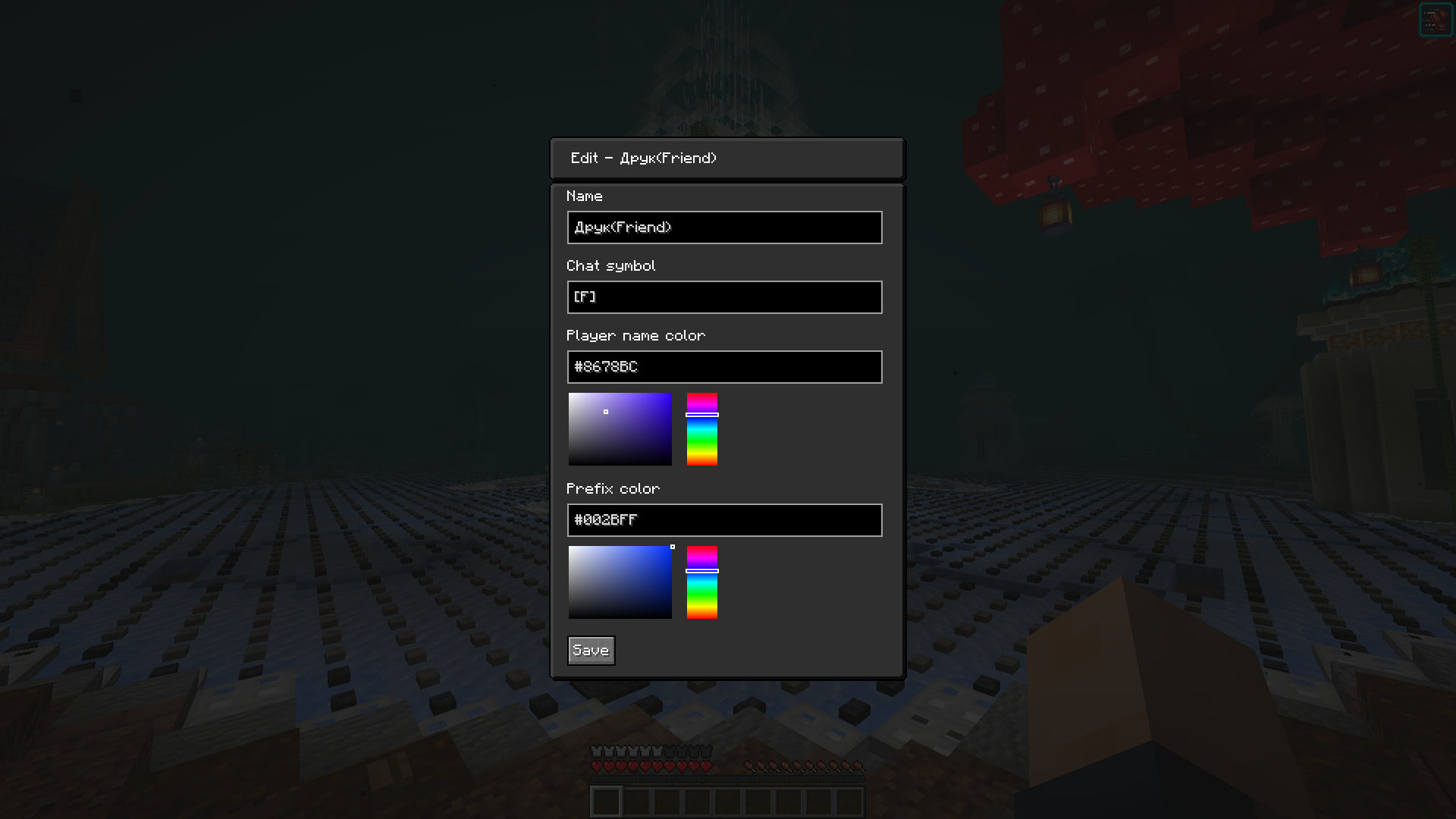
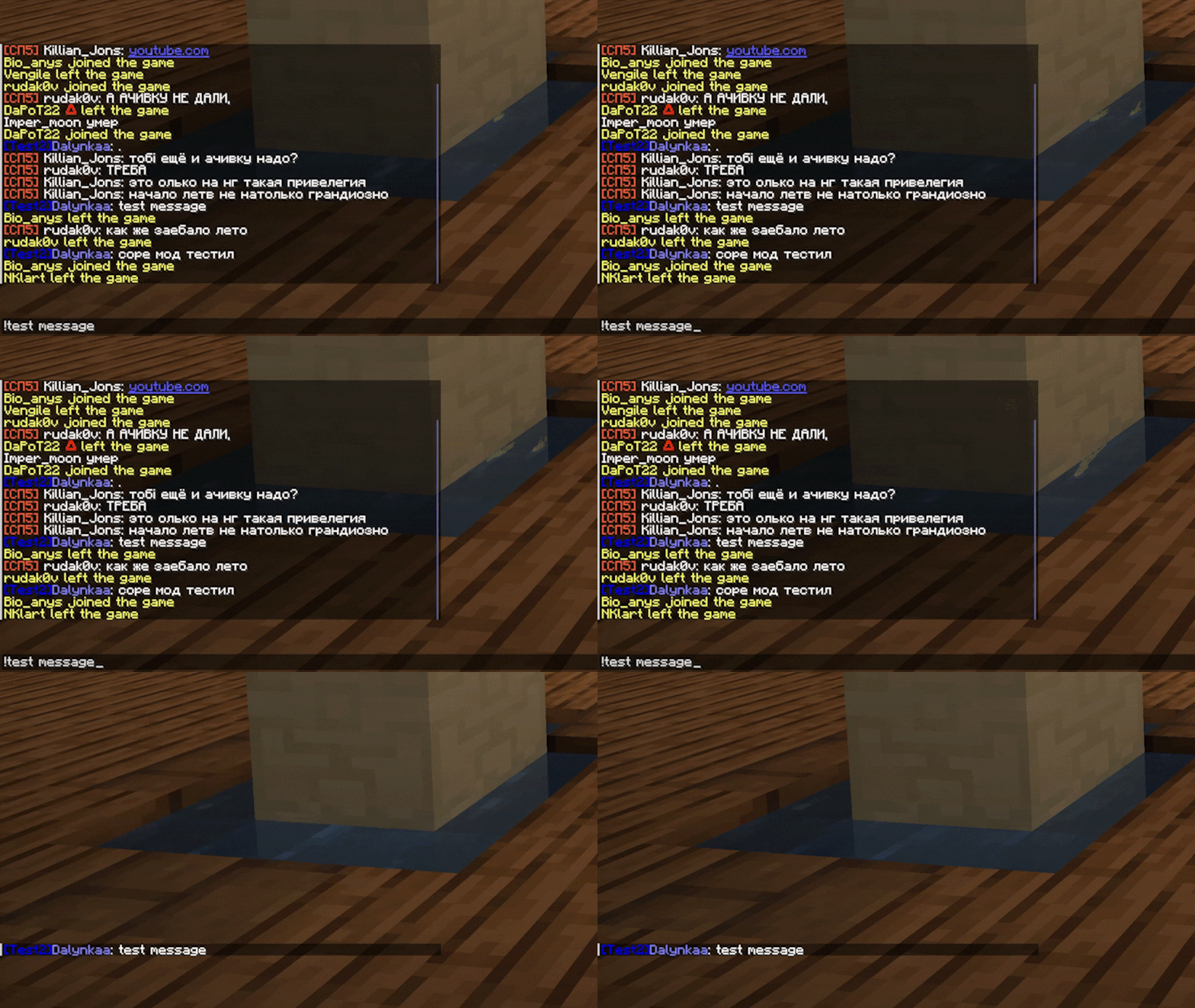
With this mod, you can easily mark important players directly in the participant list. To do this, simply open the selection menu (default key "K") and click on the player selection button. In the window that appears, you can create a unique prefix for highlighted participants.
Smart Player Hiding
One of the key features is the ability to temporarily hide non-highlighted players from the list. To do this, just hold the TAB key together with the J key (standard combination), and only those participants you previously marked as important will remain in the list.
Ease of Use
The mod is perfect for situations when you need to quickly find specific players in multiplayer games or focus on interacting with a particular group of participants.



