
MacroCraft
Automate Minecraft with Powerful Macros

MacroCraft is an innovative Minecraft mod that fundamentally transforms gameplay by enabling automation of routine tasks through recording and playback of macros. This advanced tool captures your keyboard and mouse actions and then precisely repeats them, freeing up time for more creative and engaging activities in the Minecraft world.
Compatibility
Versions 4.0.0 and above require installation of BoxLib - a client-side library developed by the mod's author.
Key Features
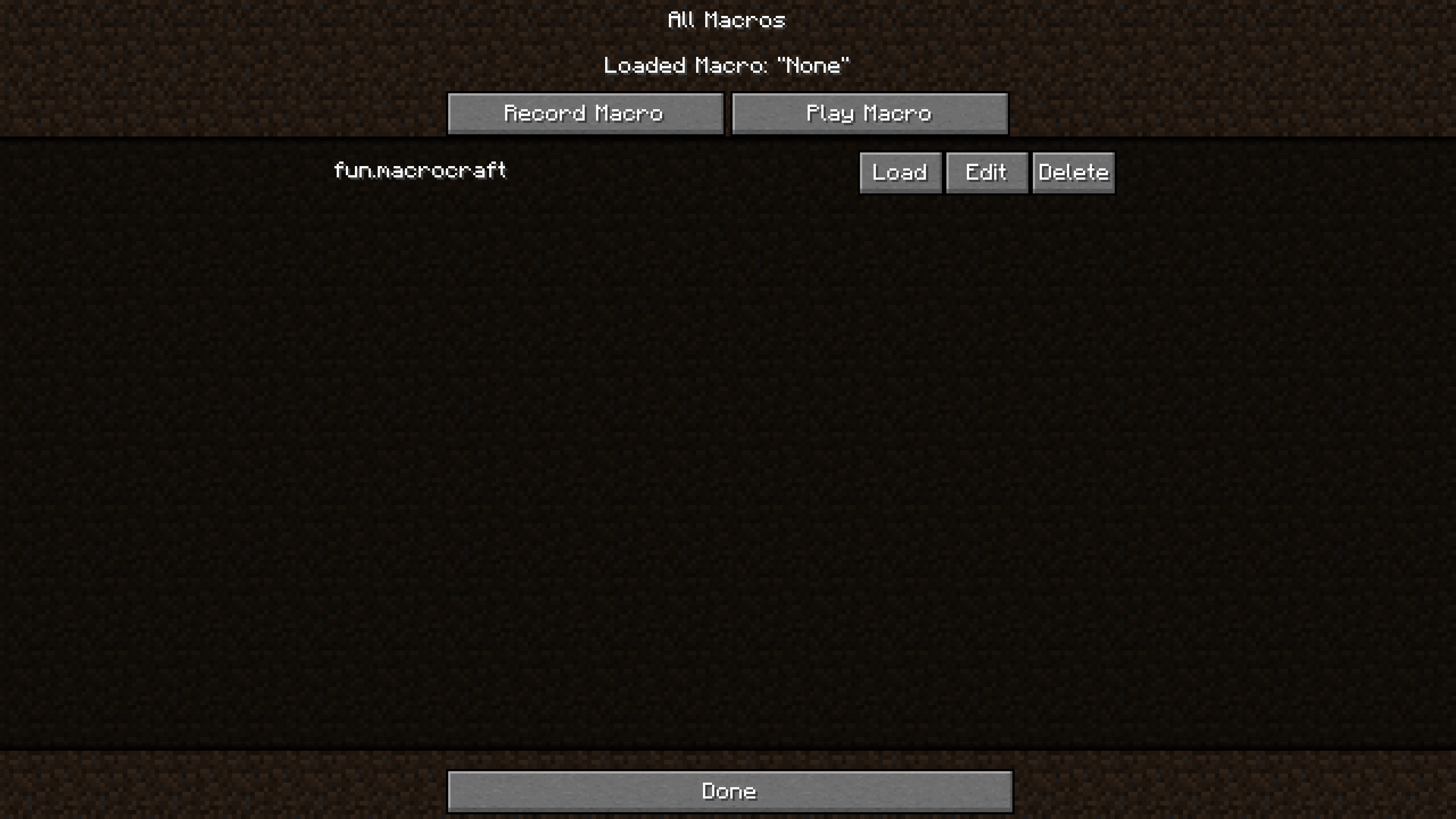
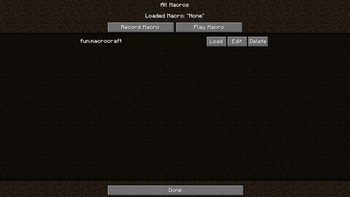
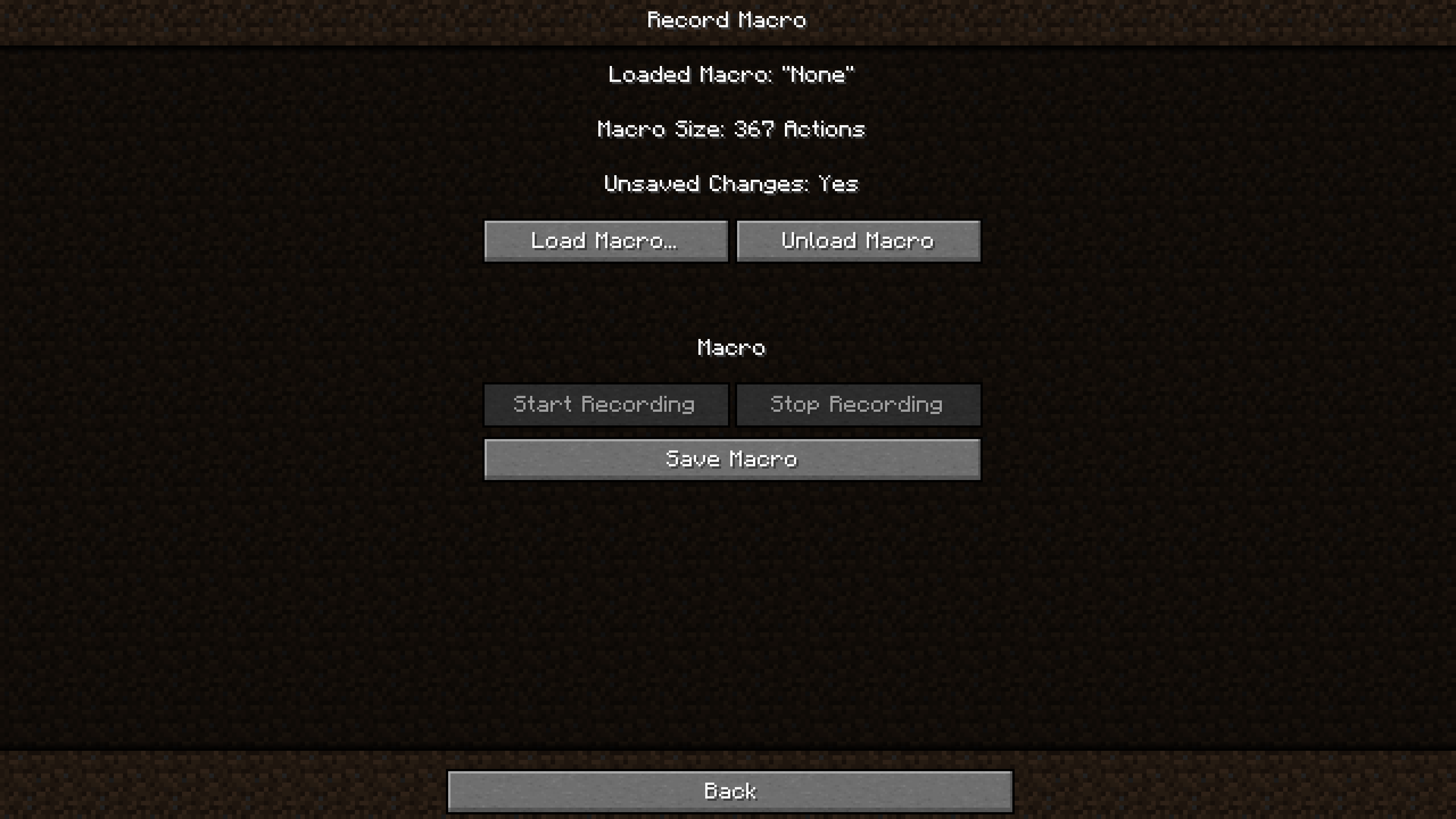
Intuitive Interface: MacroCraft features a user-friendly graphical interface that allows easy management of all aspects of macro creation and execution:
- Recording: Capture precise keyboard and mouse actions with a single click
- Playback: Automate in-game tasks using recorded macros
- Editing: Customize action sequences or add new operations
- Saving/Loading: Save macros for future use and load them as needed
- Deletion: Remove unnecessary macros from the list
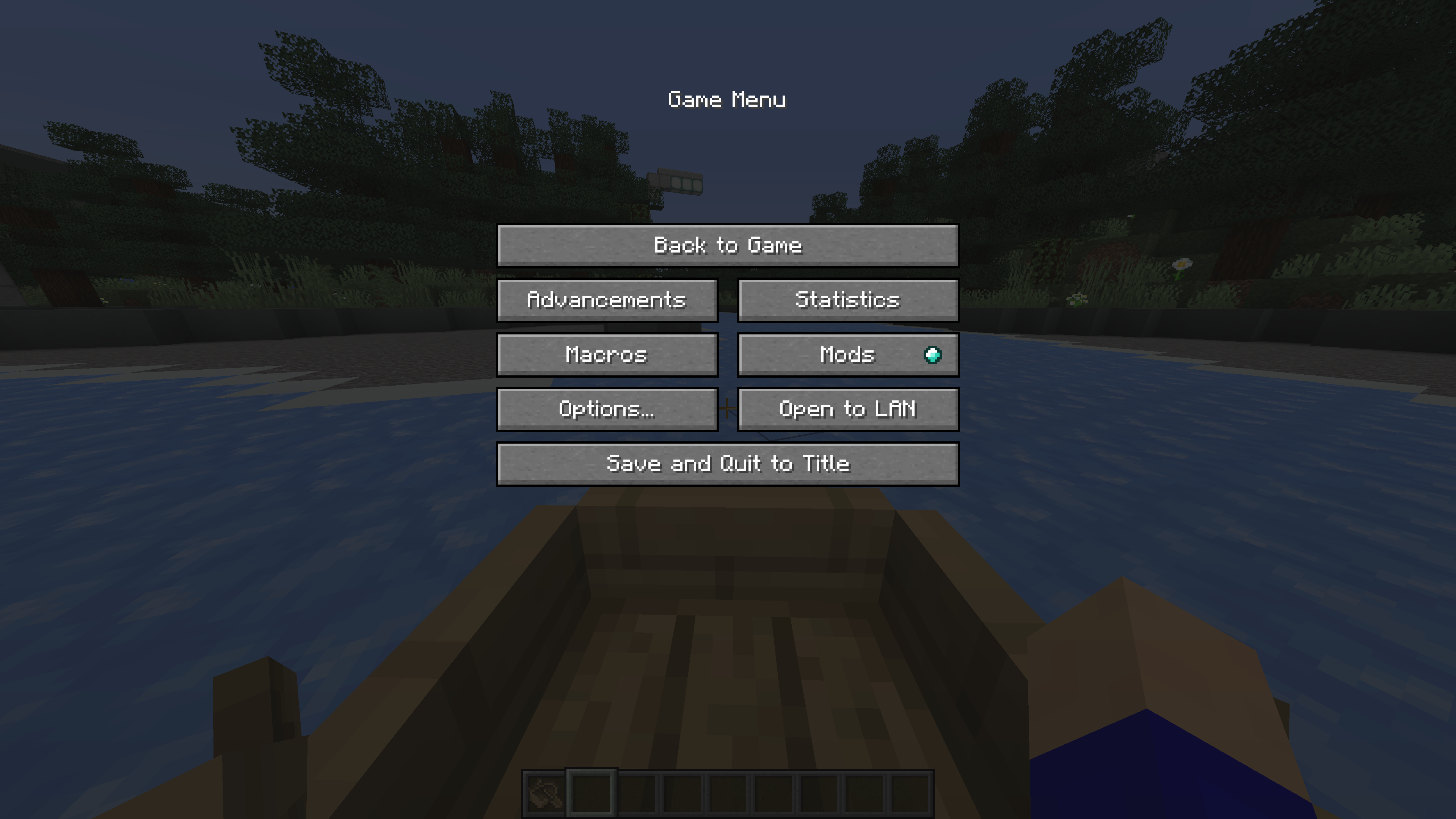
Flexible Access: Open the MacroCraft interface through various methods - via assigned hotkey, chat command, or convenient button on the pause screen.
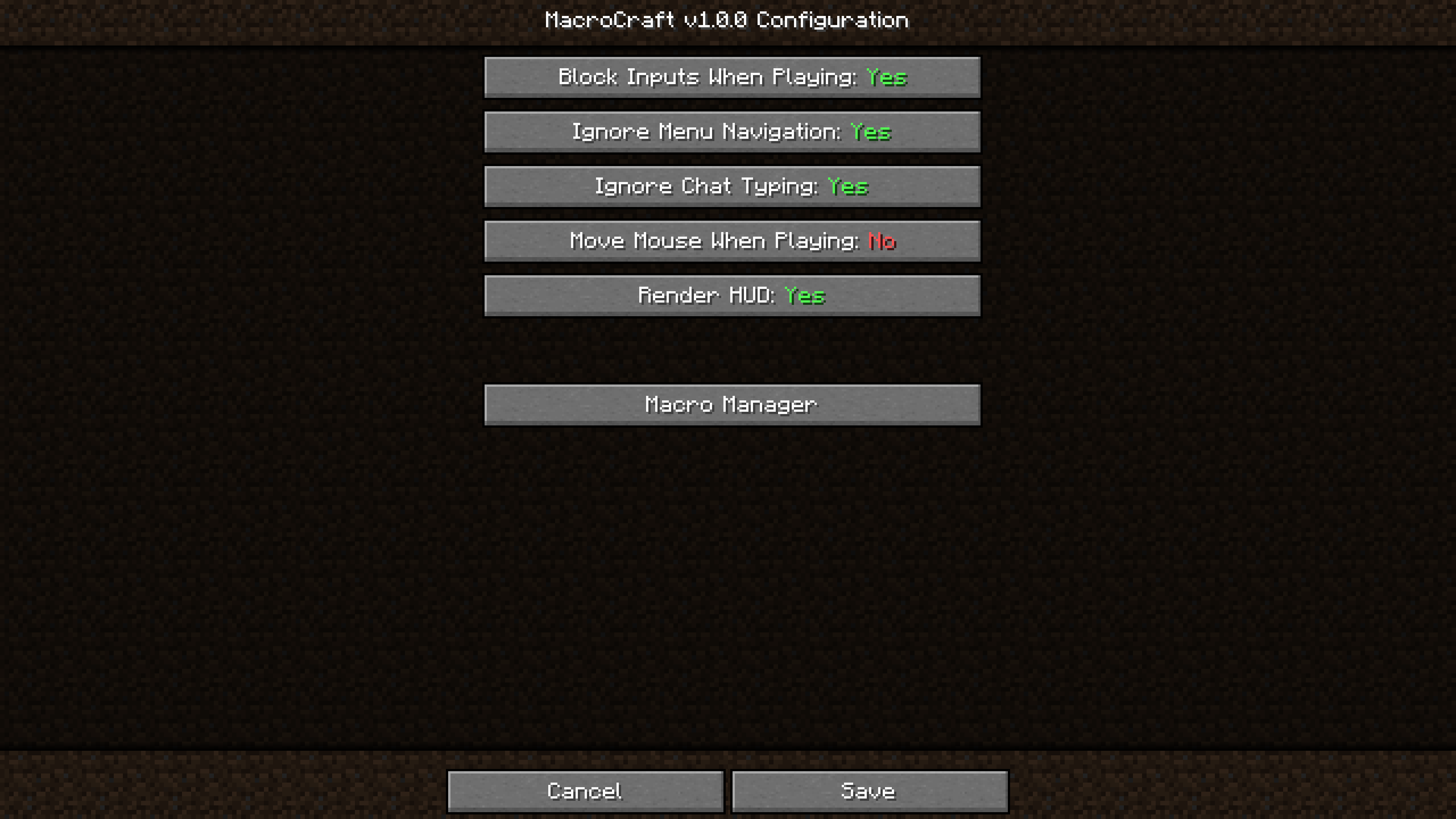
Advanced Settings: Configure parameters for each macro individually, including playback speed, number of repetitions, and activation conditions based on in-game events.
Compatibility and Performance: The mod is designed to work with most other Minecraft modifications and optimized for minimal impact on game performance.
How It Works
Getting Started
Download and install MacroCraft via Minecraft Forge or Fabric. After installation, configure your preferred access method to the interface and familiarize yourself with its capabilities.
Recording a Macro
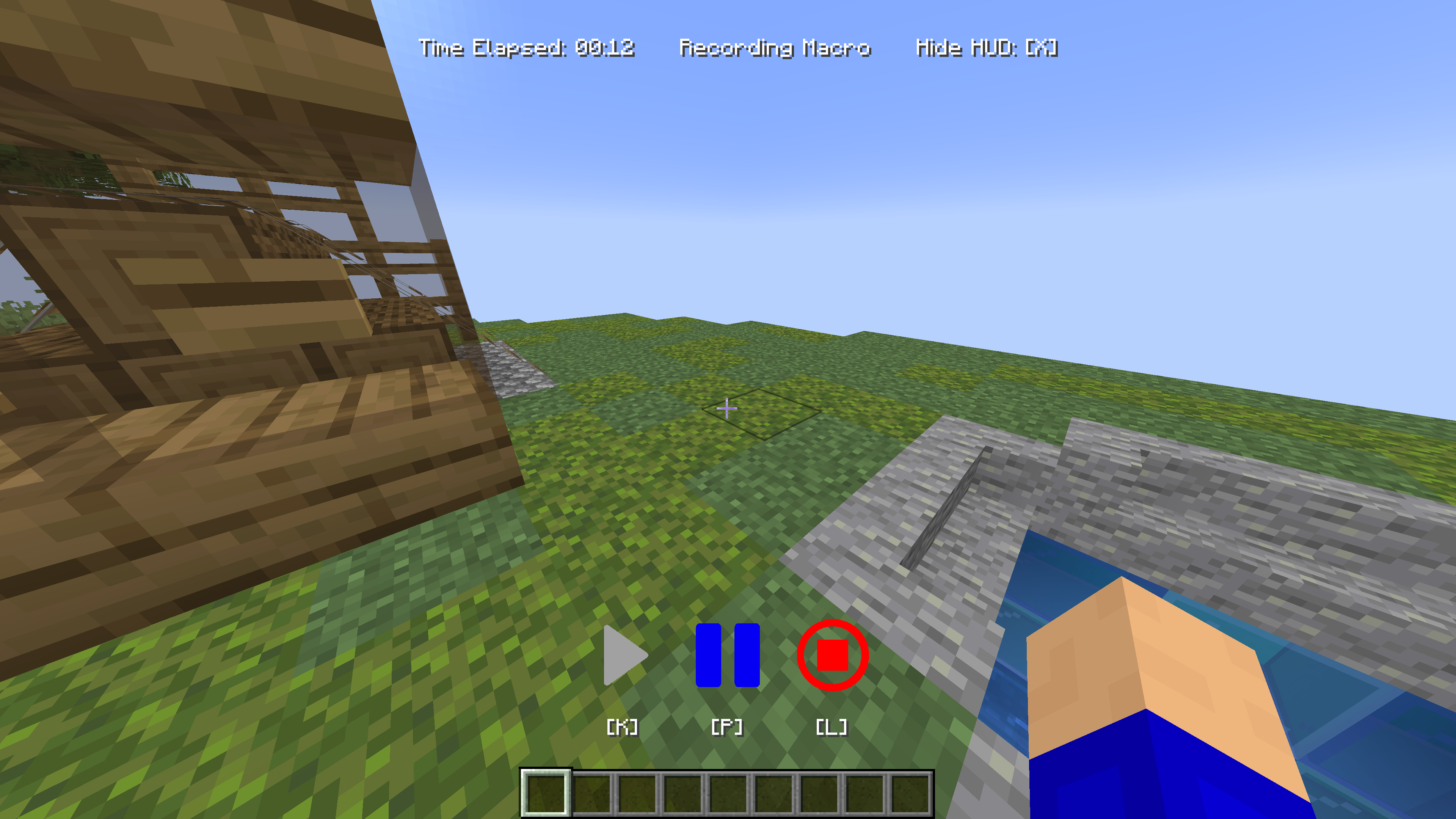
Activate the recording function using your chosen method (hotkey, pause menu, command). Perform the desired actions - building, resource gathering, farming. When finished, stop the recording.
Saving
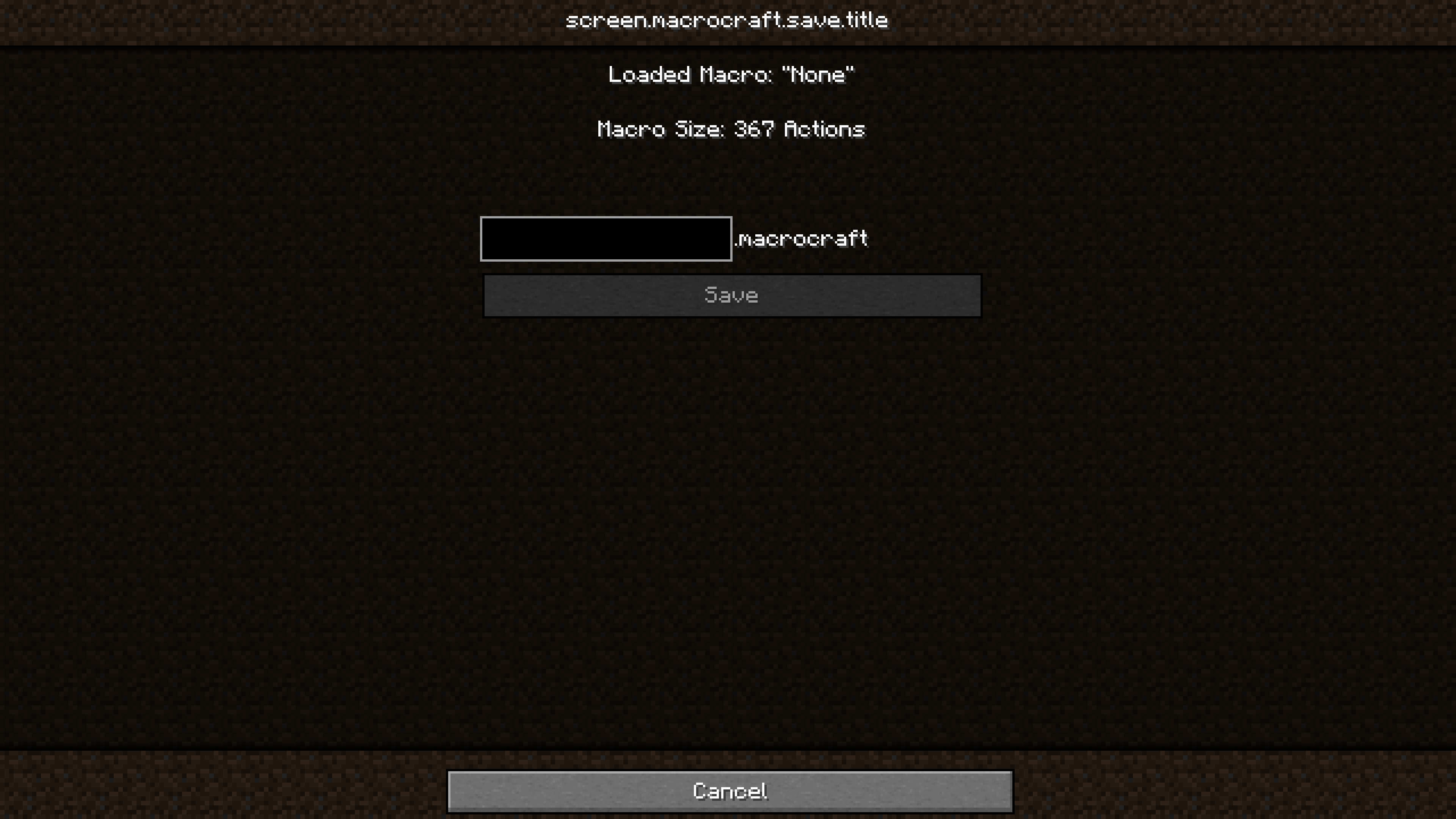
Navigate to the MacroCraft interface to save your recorded macro. Don't forget to give it a clear name!
Playback
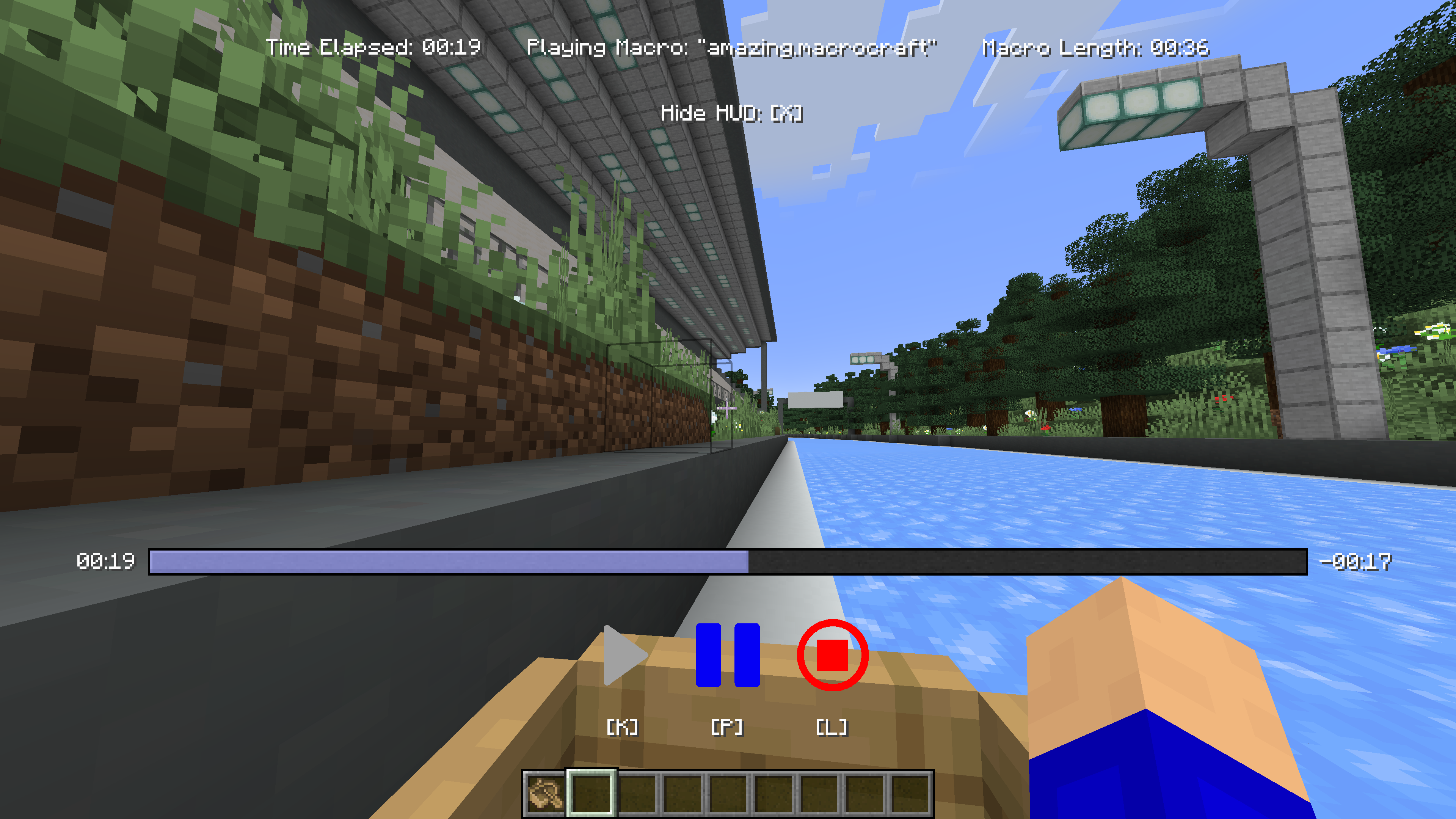
When you need to perform a saved task, simply select the desired macro and start it. You can adjust playback settings such as speed or number of repetitions based on current needs.
Installation Guide
- Install Minecraft Forge or Fabric: Ensure you have the latest version installed
- Download MacroCraft: Download the current version of the mod for your Minecraft version
- Place the mod file: Move the downloaded
.jarfile to your Minecraft 'mods' folder - Run Minecraft: Select the Forge or Fabric profile and start the game. MacroCraft will be ready to use
Building from Source Code
If you want to build the mod yourself, follow these steps:
- Download the source code from GitHub (Code → Download zip)
- Extract the archive on your local computer and open the folder
- Open a terminal in this folder
- Execute the command "gradlew build"
- The Fabric build will be located in "fabric/build/libs"
- The Forge build will be located in "forge/build/libs"


