MCShare - Simple Minecraft World Sharing
MCShare is a convenient Minecraft mod that transforms the process of sharing game worlds into a simple and secure procedure. With just a few clicks, you can package your world into a compact file, protect it with encryption, and share it with other players — no more digging through system folders or worrying about corrupted saves!
Main Features
Easy World Export
Convert your Minecraft worlds into neat files with just one command or through the menu.
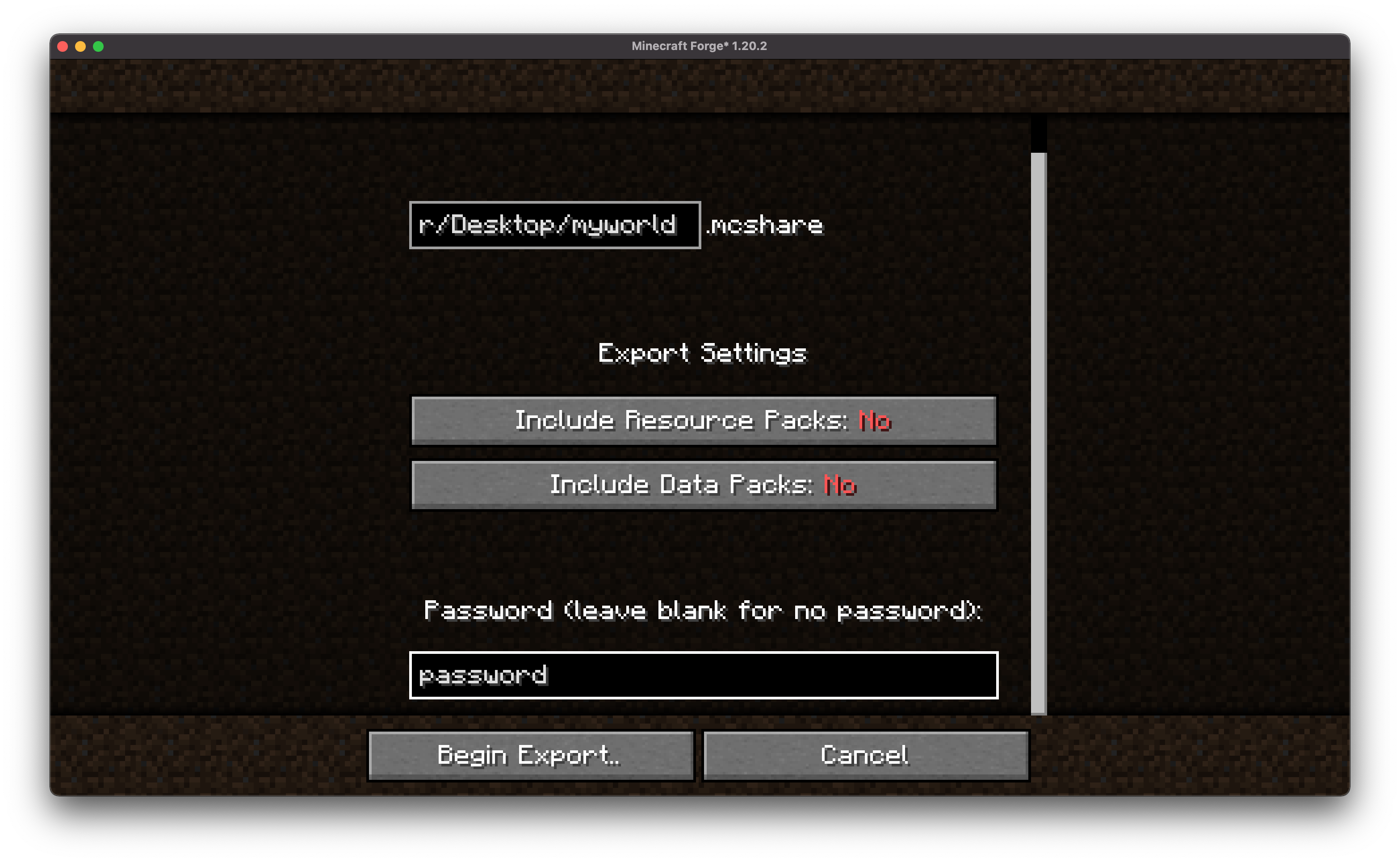
Encryption Protection
Ensure the security of world files from unauthorized access using built-in encryption options.
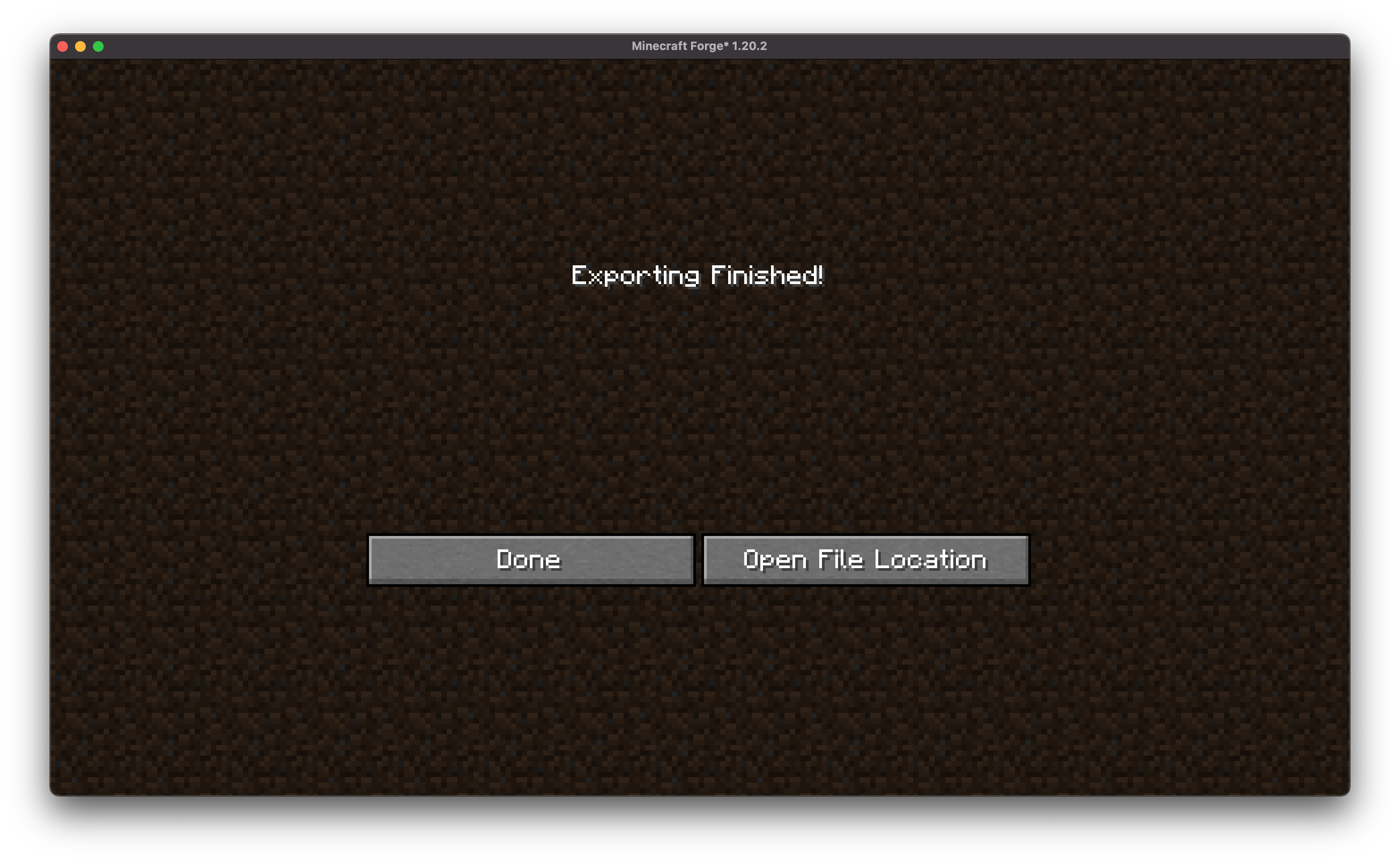
Simple Sharing
After export, you get a ready-to-use file that can be uploaded to cloud storage, sent via messengers, or emailed.
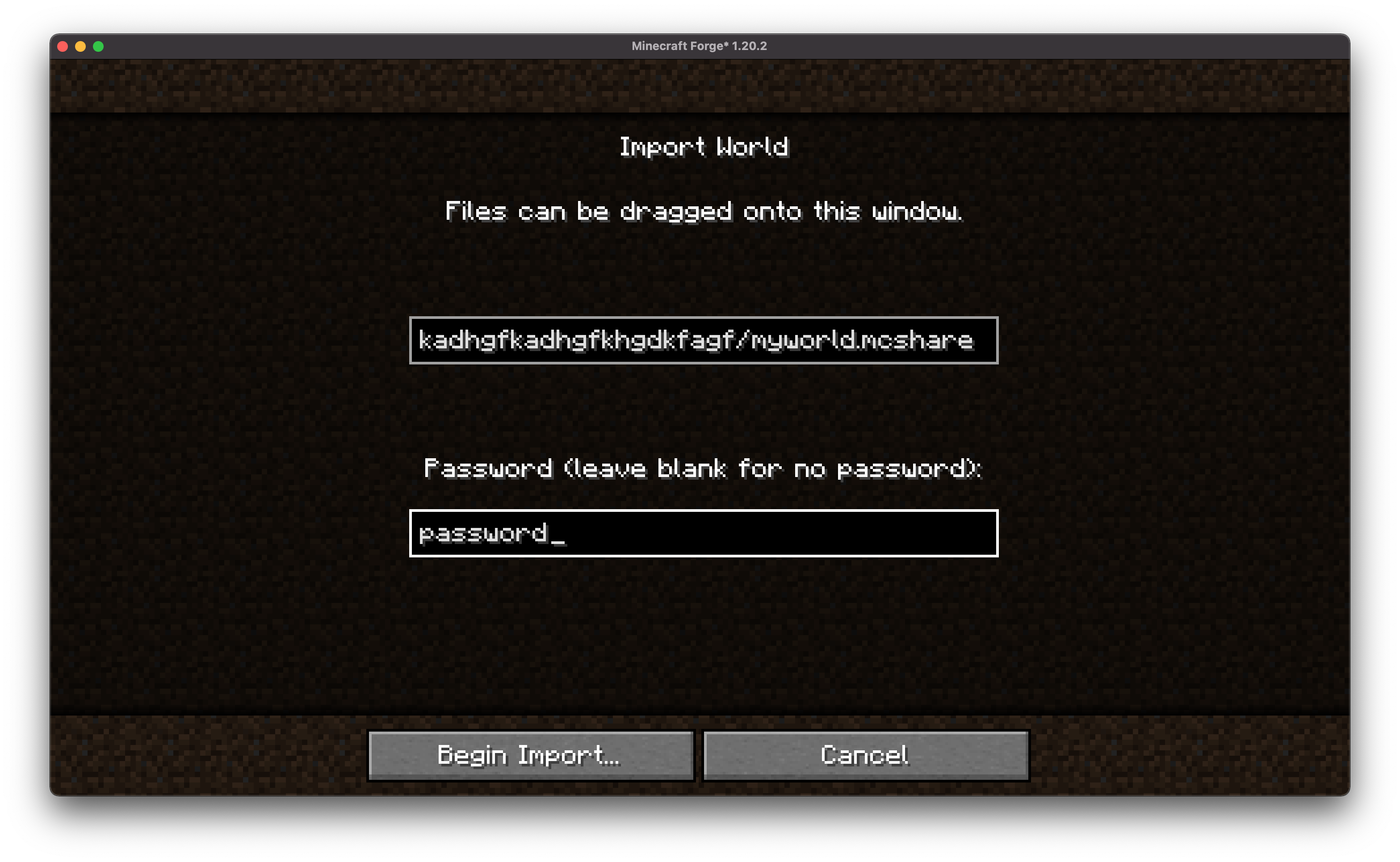
Quick Import
Any user with the mod installed can import a shared world by simply dragging and dropping the file or using a command.
Wide Compatibility
MCShare automatically finds world files in .zip archives, allowing you to import backups created by various programs!
How to Use
Exporting a World
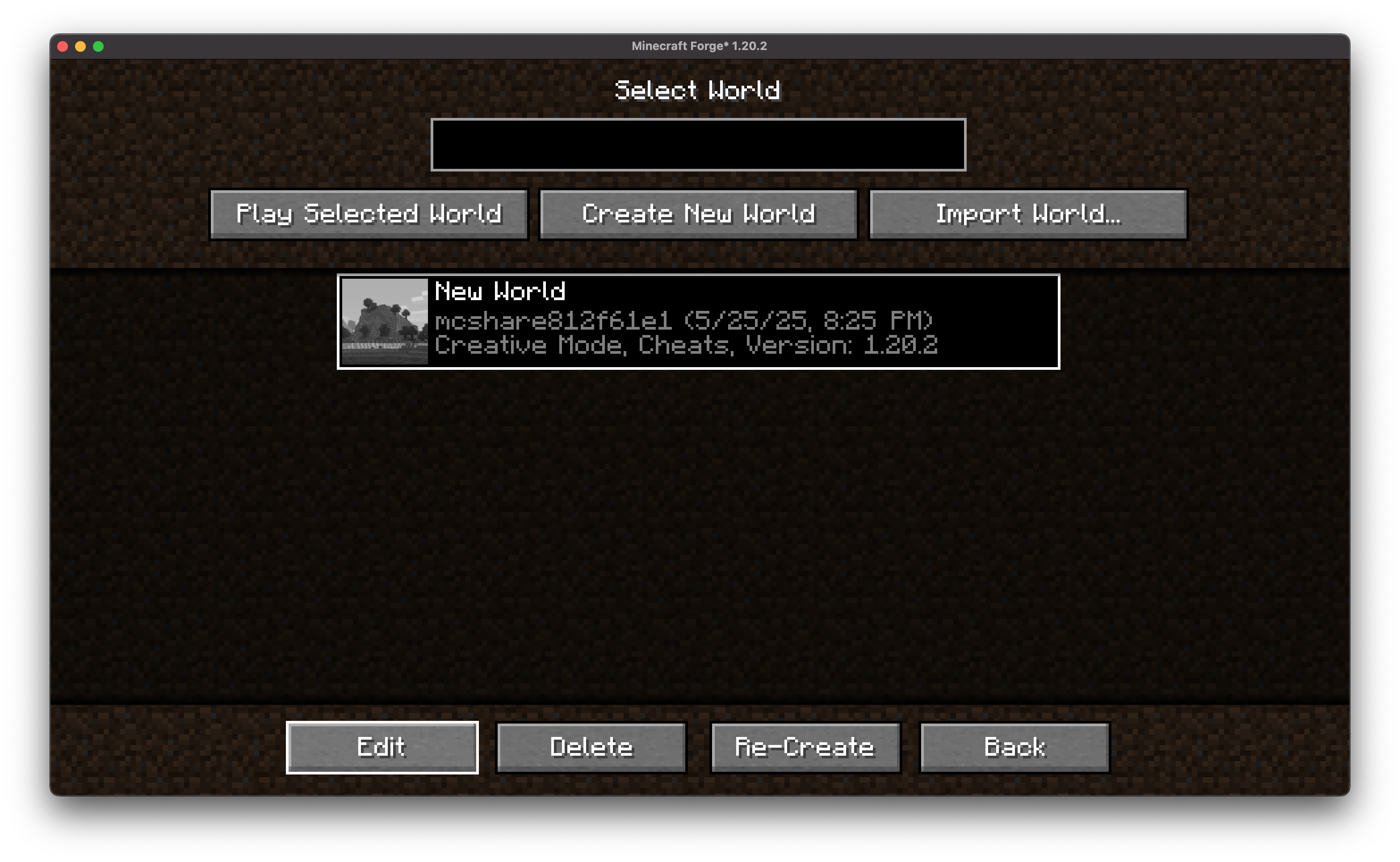
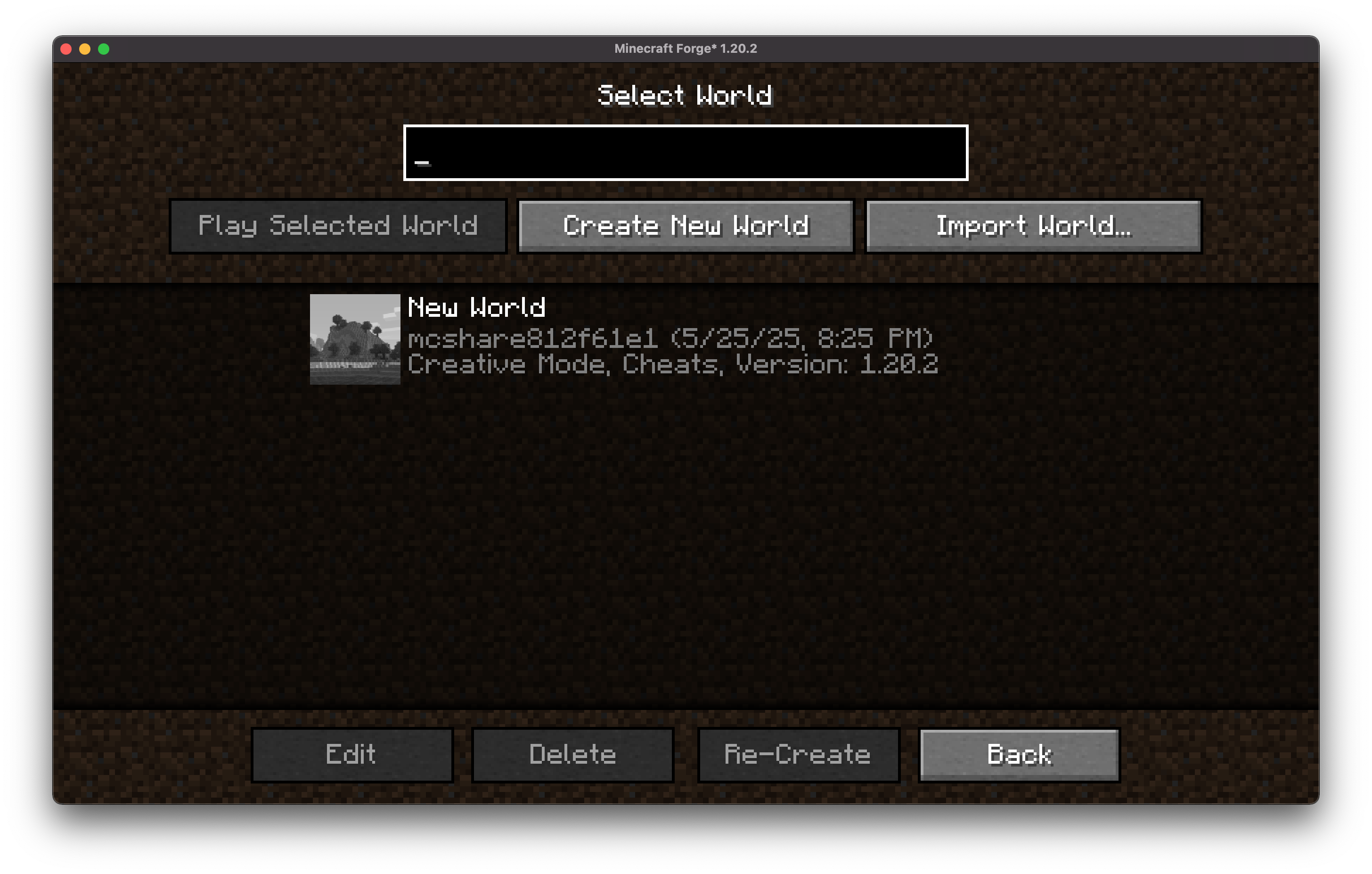
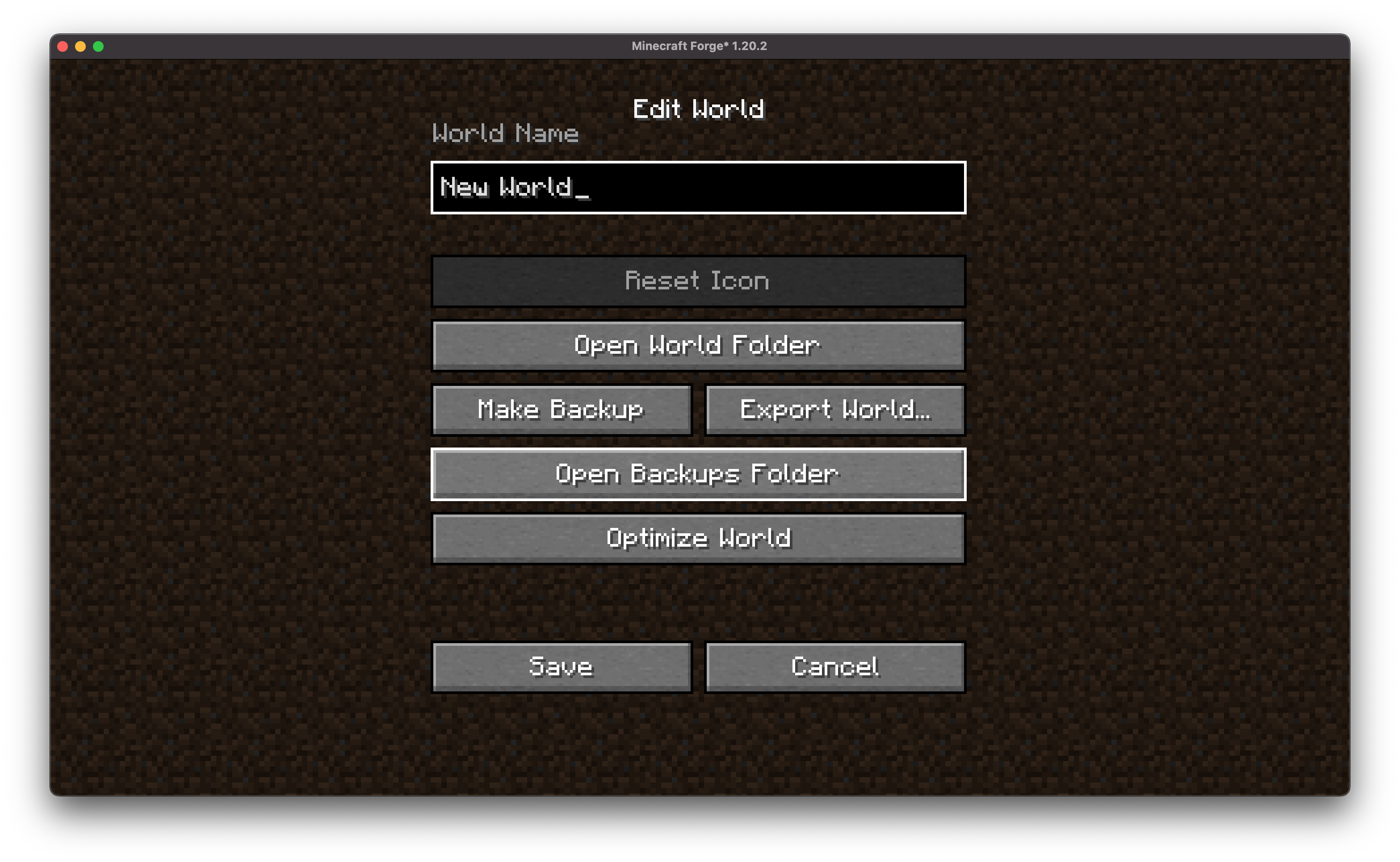
In the world selection menu, click "Edit" for the desired world
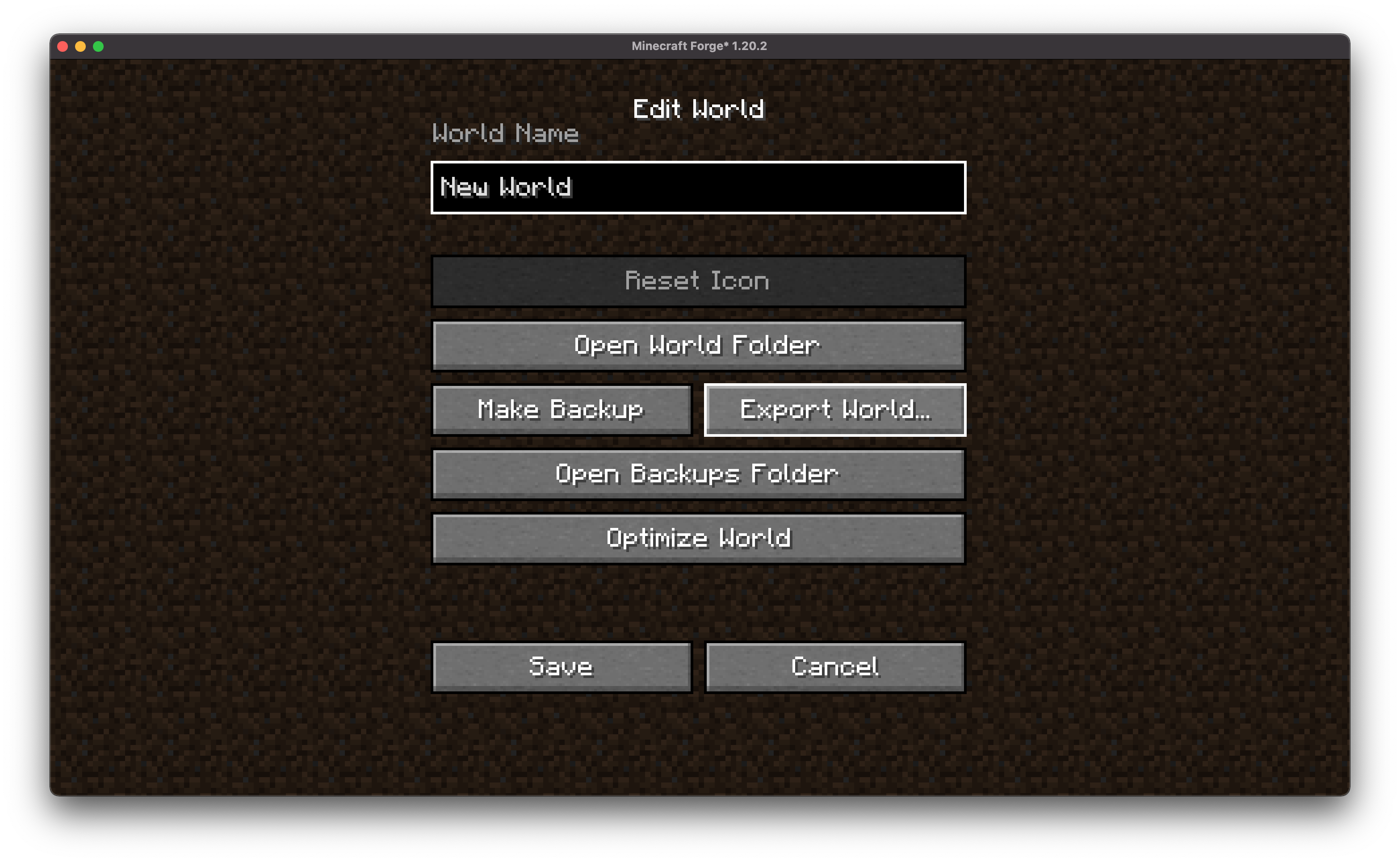
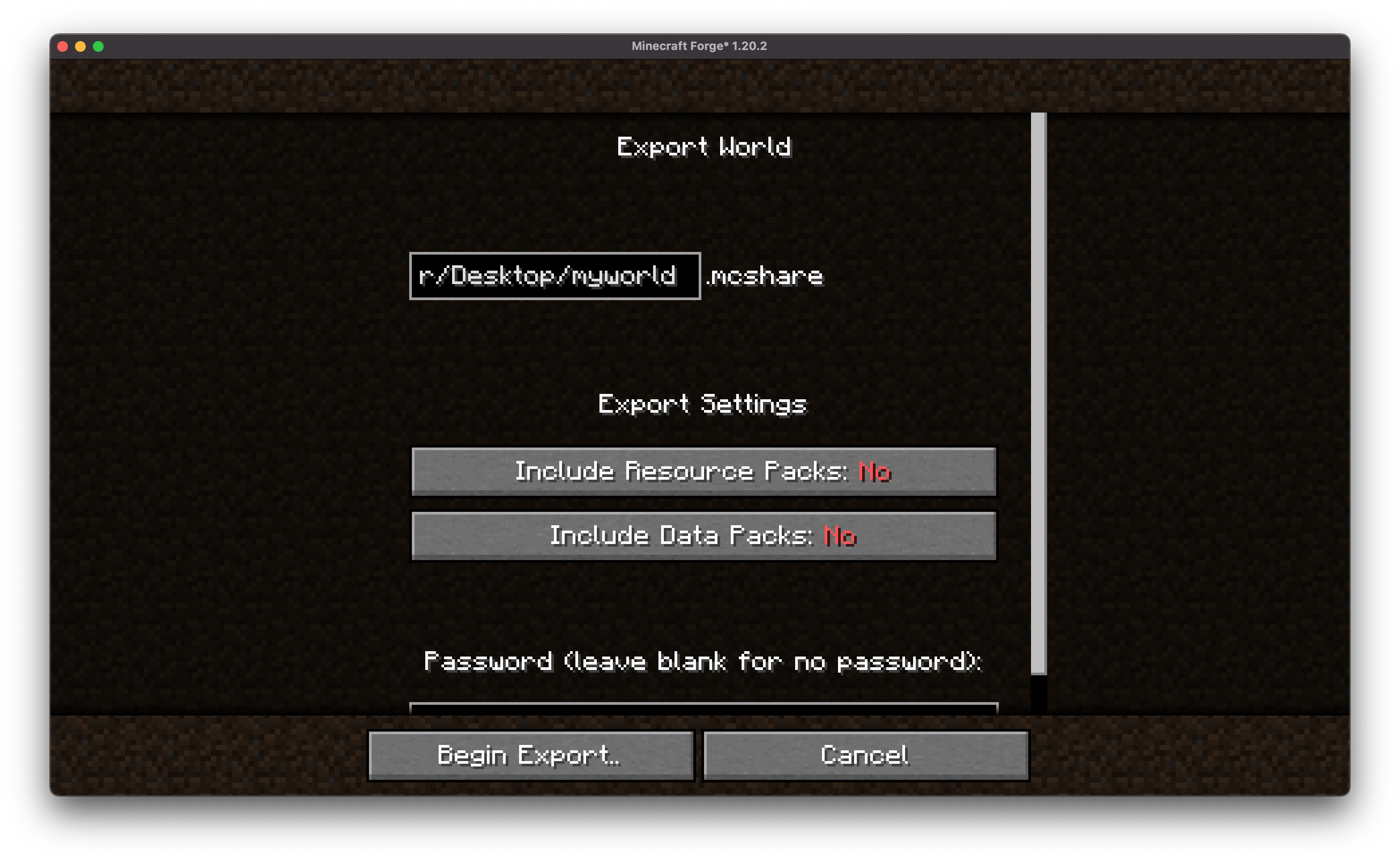
On the next screen, select "Export World"
Configure encryption settings and additional options (optional)
Specify the file save path
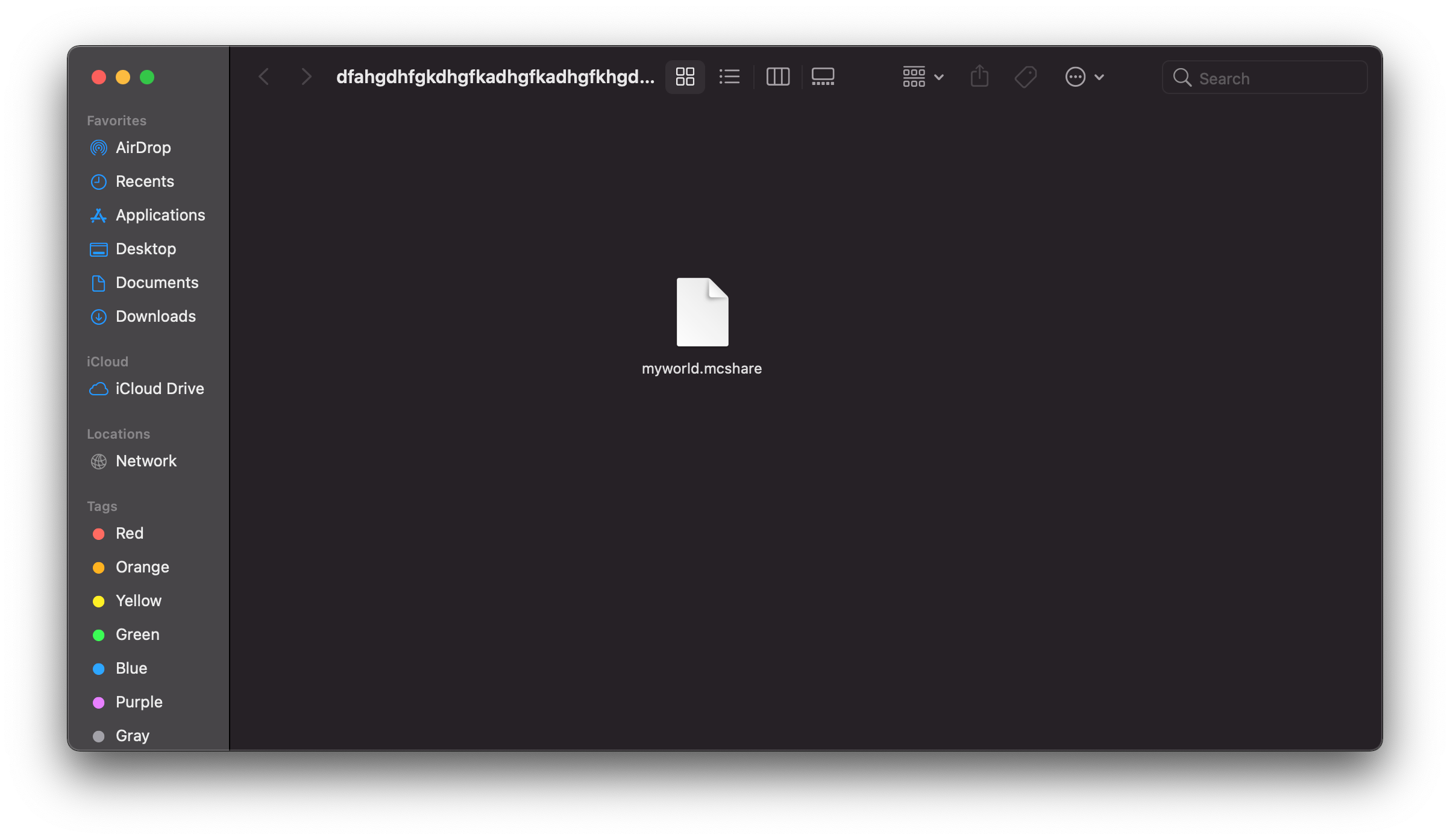
Click Export to create a file with the .mcshare extension
Importing a World
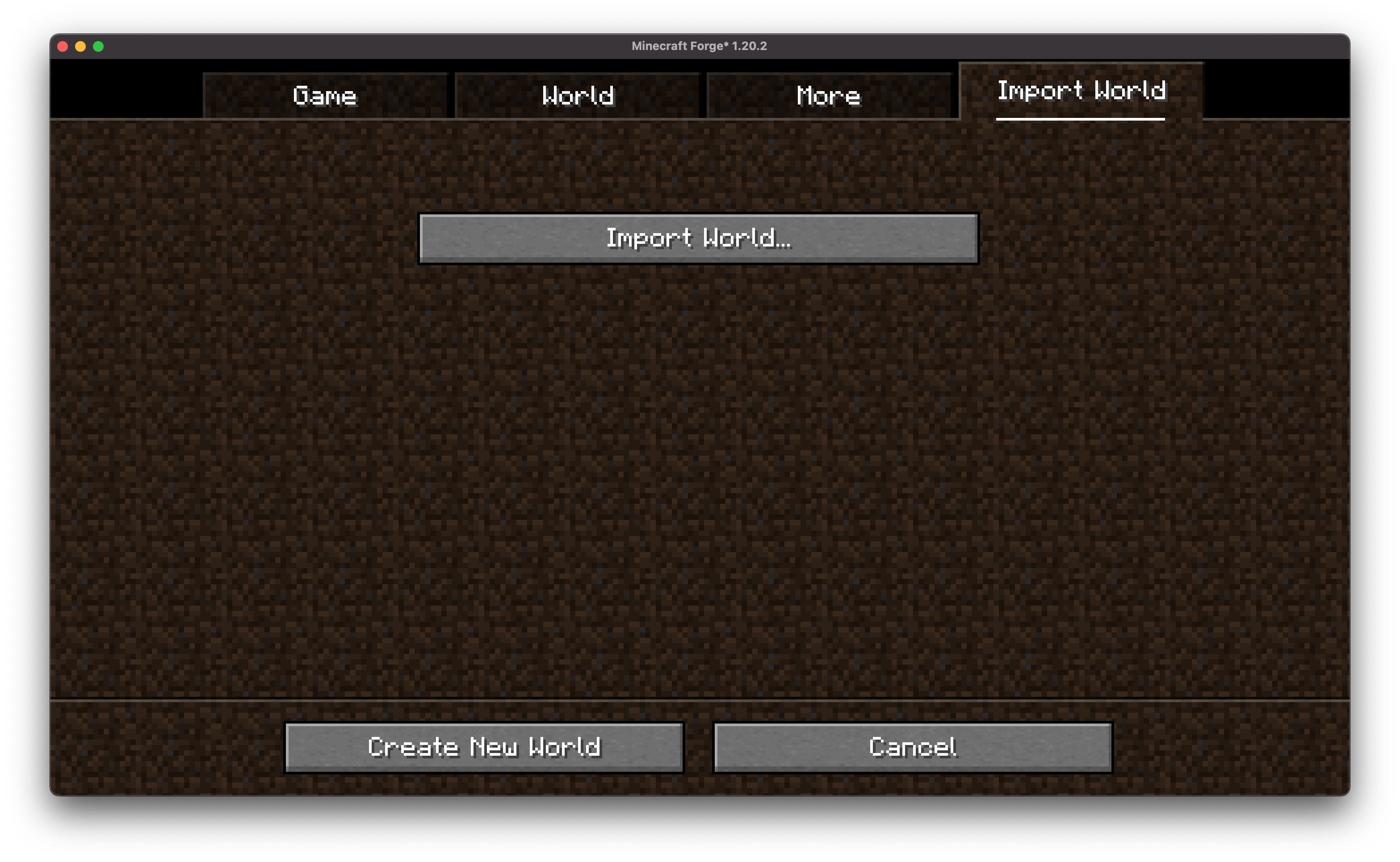
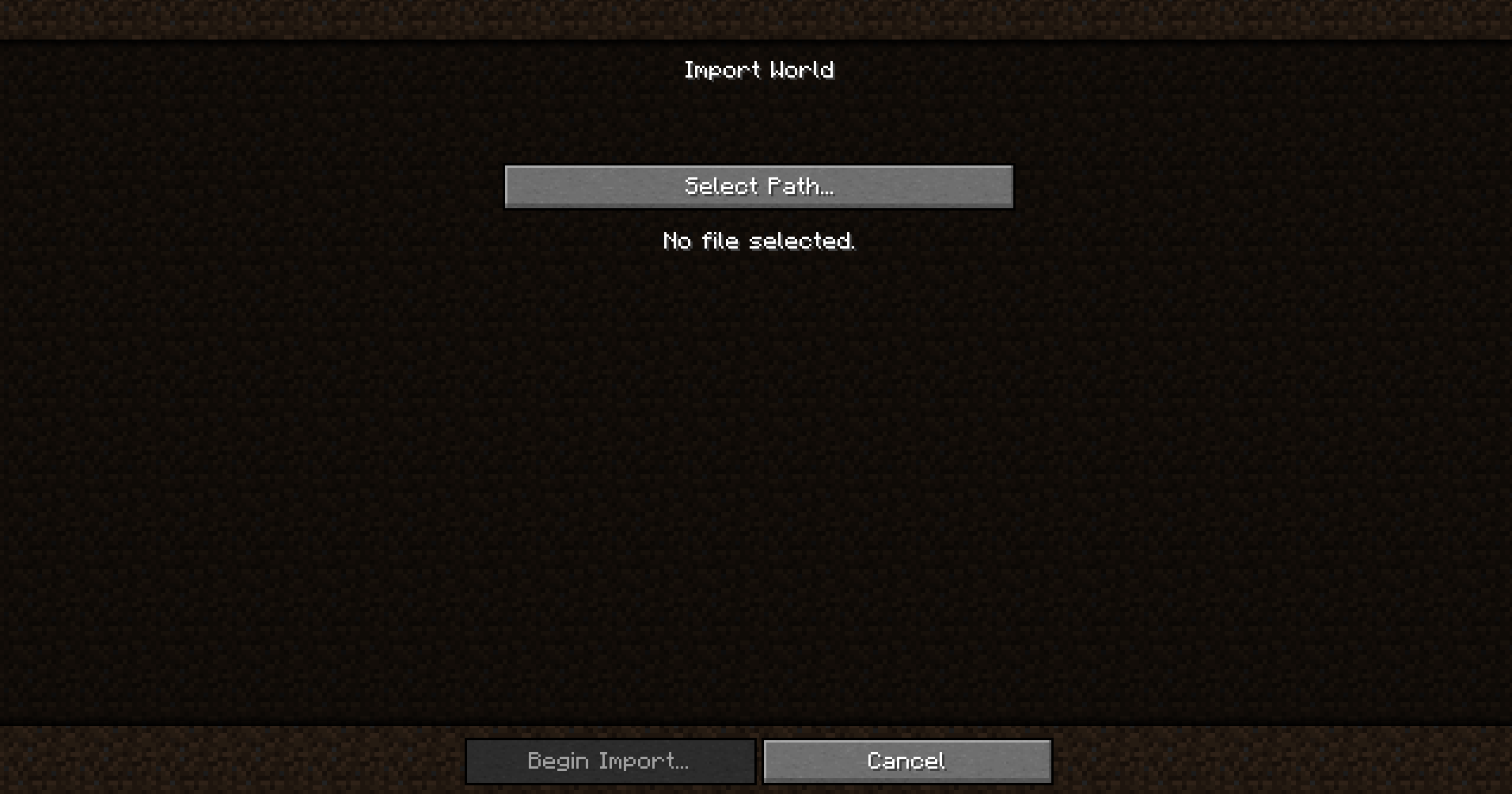
Open the MCShare import screen in the world selection or creation menu
Find the .mcshare file and click Import. .mcshare and .zip files can be dragged directly into the window
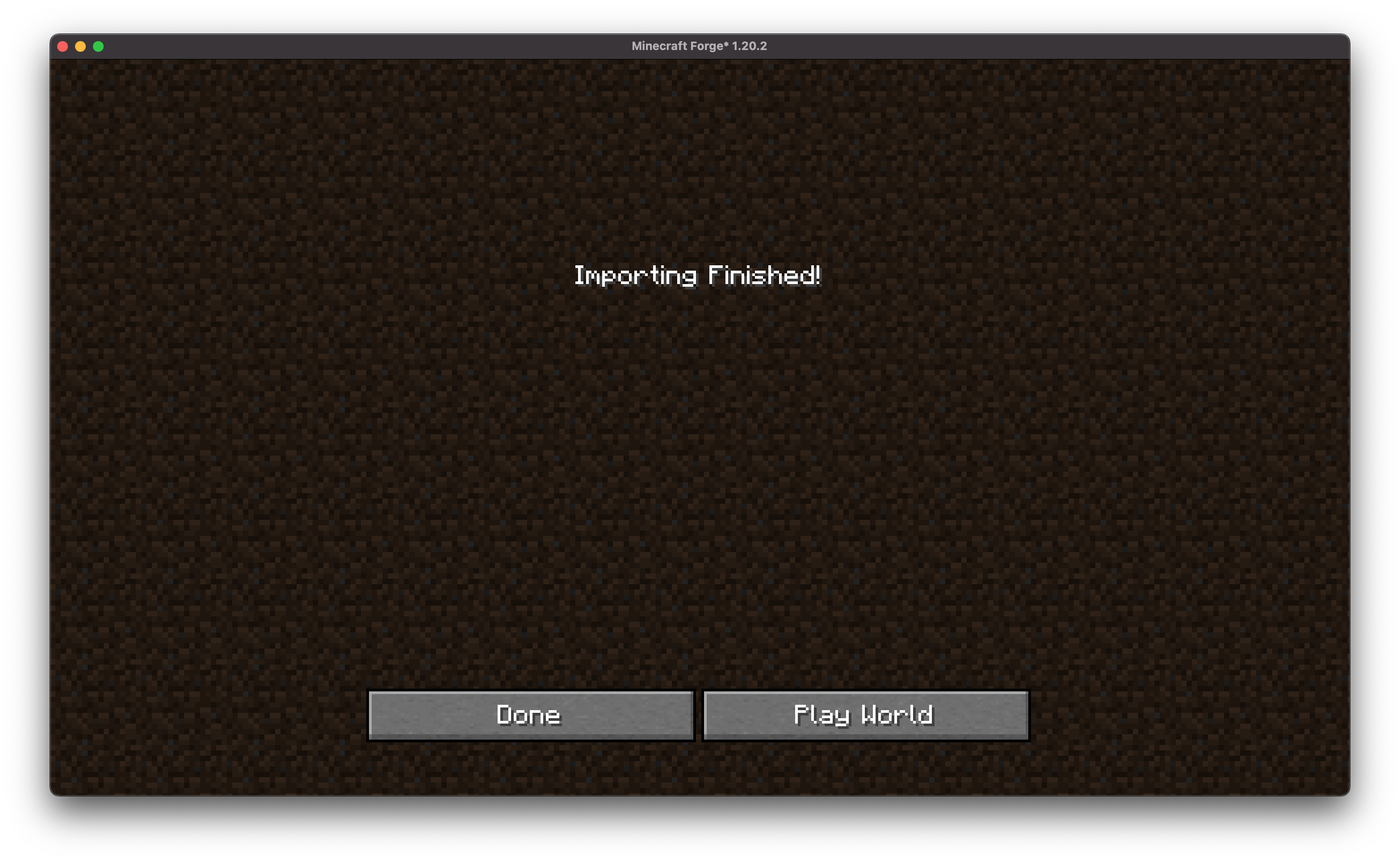
Enter the password (if required), after which the world will be decrypted and added to your saves
Security
• Optional password protection using AES-256 encryption
• Compatibility with other MCShare installations for easy decryption
• Important: Lost passwords cannot be recovered!
File Format
Exported files use the .mcshare extension and contain:
• Compressed world data
• Metadata (world name, creation date, author, version)
• Optional encryption manifest
Installation and Dependencies
The mod requires BoxLib — a client-side library developed by the author.
1. Install Minecraft Forge/Fabric/Neoforge: Download and install the appropriate mod loader for your Minecraft version
2. Download the mod: Download the latest version of MCShare for your mod loader and Minecraft version
3. Download BoxLib: Download the latest version of BoxLib for your mod loader and Minecraft version
4. Place mod files: Put the downloaded jar files into the Minecraft mods folder
Fabric Dependencies
Fabric API is required
Mod Menu is recommended for configuration purposes
Forge/NeoForge Dependencies
Requires BoxLib — a client-side library developed by the author


