Minihud - Community Updated
IMPORTANT: This mod requires the MaLiLib library to be installed separately.
What is it?
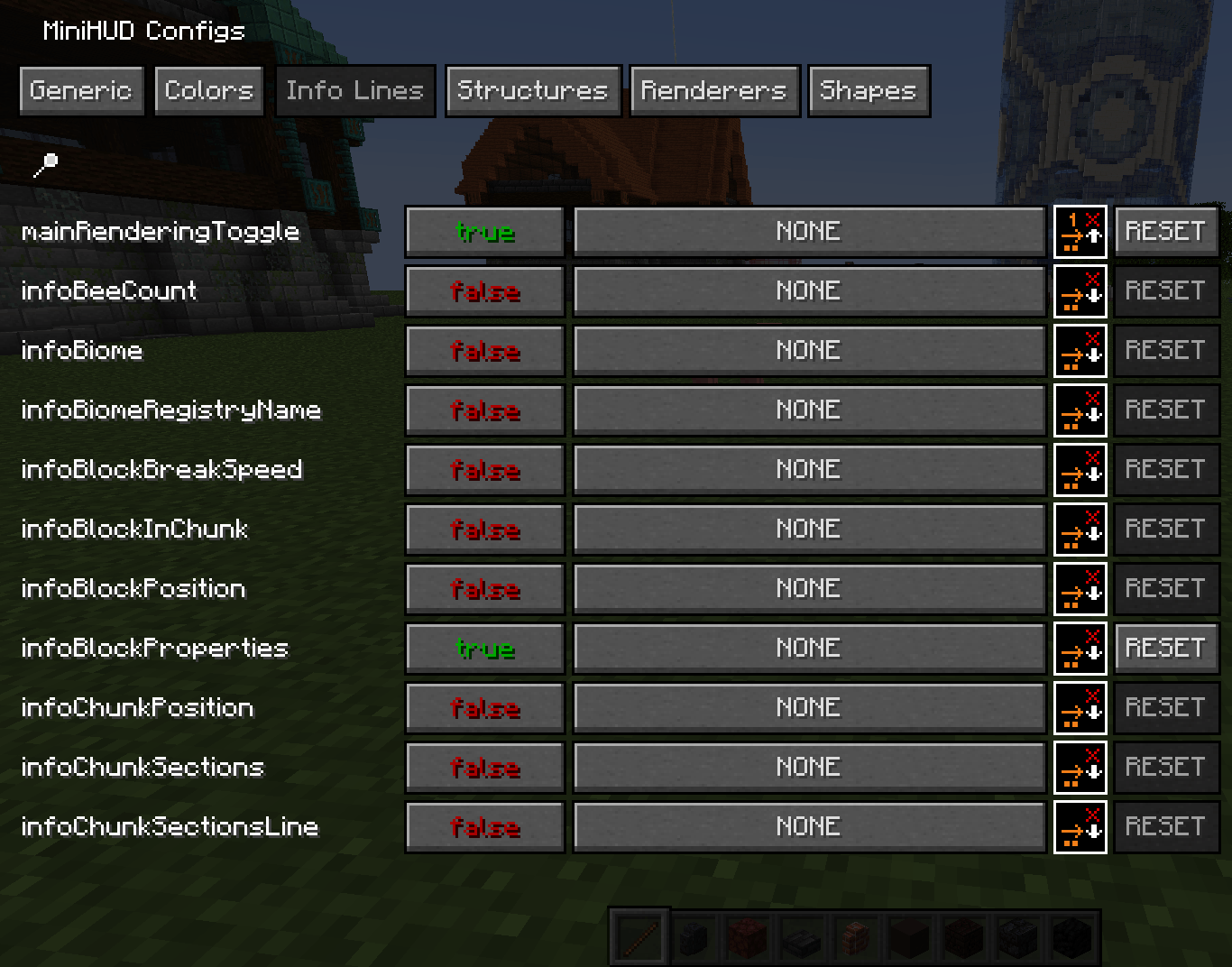
Minihud allows the player to display a real-time info panel on their screen. You can choose whether the text appears on the left or right — whatever fits your playstyle. There are separate settings for changing text and background colors, as well as for adding or removing text shadow.
Key Features
ℹ️ Note: This mod works exclusively on the Minecraft client – it cannot be placed on a server.
Additional graphical overlays:
- Structure bounding boxes (accessible in singe‑player mode only, without server‑side components required);
- Adjustment of visible mob spawning dimensions;
- An engaging light‑level indicator showing block‑by‑block illumination;
- Visibility of region file boundaries and naturally‑ticking chunk activity areas;
- World assistance graphics showing spheres of various types: predefined despawn and spawn fields, or any custom radius circle or cylinder.
Hotkey system – fast control.
The most important keyboard defaults include:
- Top‑level interaction: opens with H
- More detailed settings: accessible with H+C In older Forge‑specific versions carrying no MaLiLib dependency – bindings are established plain vanilla‑style within the Controls section.
Alternative quick‑toggle next state positions via setting temporary binding groups switches and toggling on/off.
Sample location display — customized.
d → yaml "X: %.1f Y:"\"Z: %.1f output recognized X: N.14 5 data.