
PiP Youtube
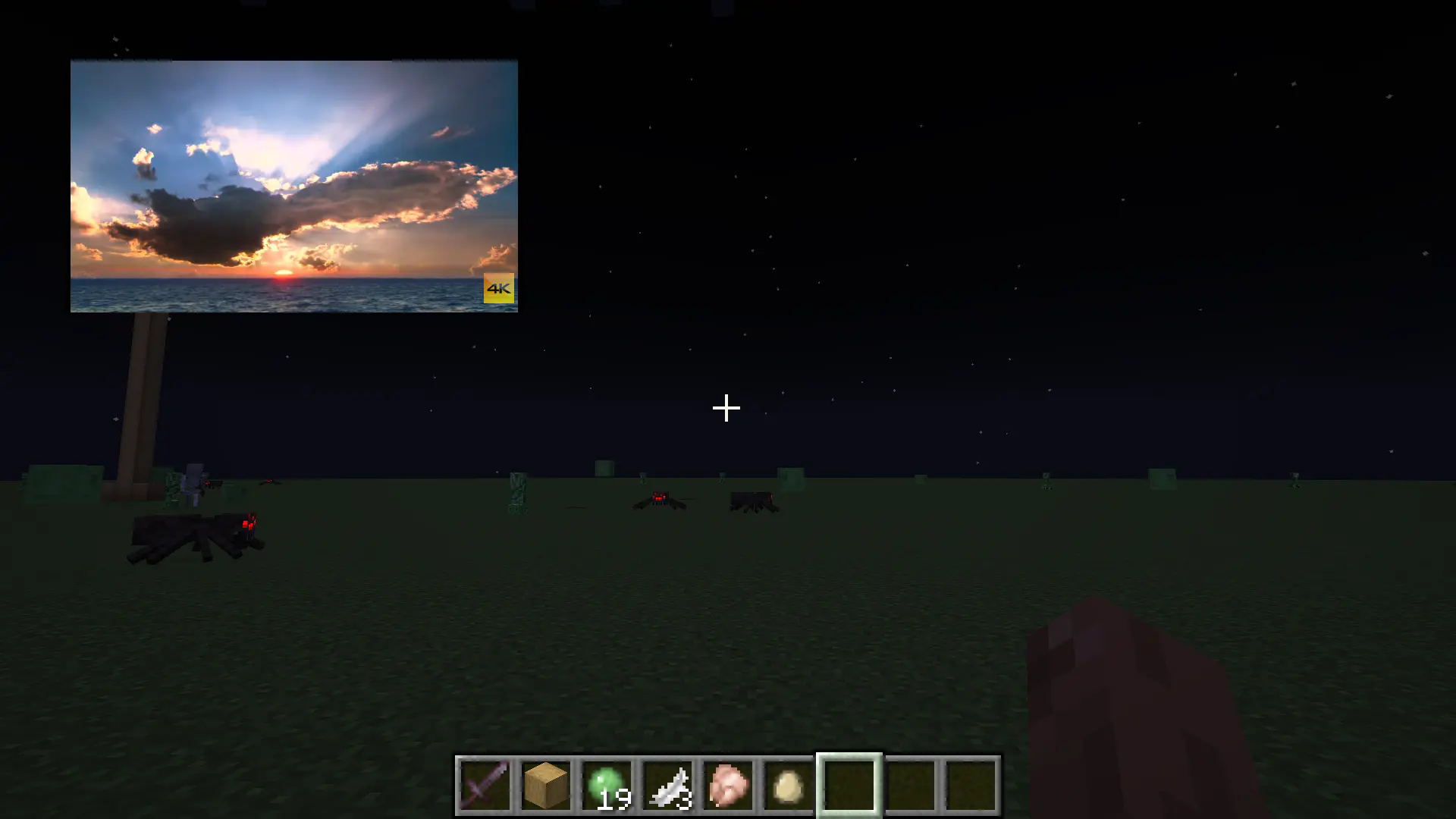
This modification adds a very useful feature to Minecraft - a Picture-in-Picture YouTube player! Thanks to this, you can watch your favorite videos directly during gameplay without interrupting the main process.
One of the main features is the flexible player configuration. You can change the size of the video window and its position on the screen according to your preferences. Simply drag the borders to change the scale and move the window to the desired area of the screen.
By default, the H key is assigned to open the player menu. This can be easily changed in the game's control settings.
Important note: sometimes after opening the menu, there may be an issue with the mouse cursor. If you encounter such a situation, simply open and close the chat (T key) to restore normal cursor operation.