Randomizer Race
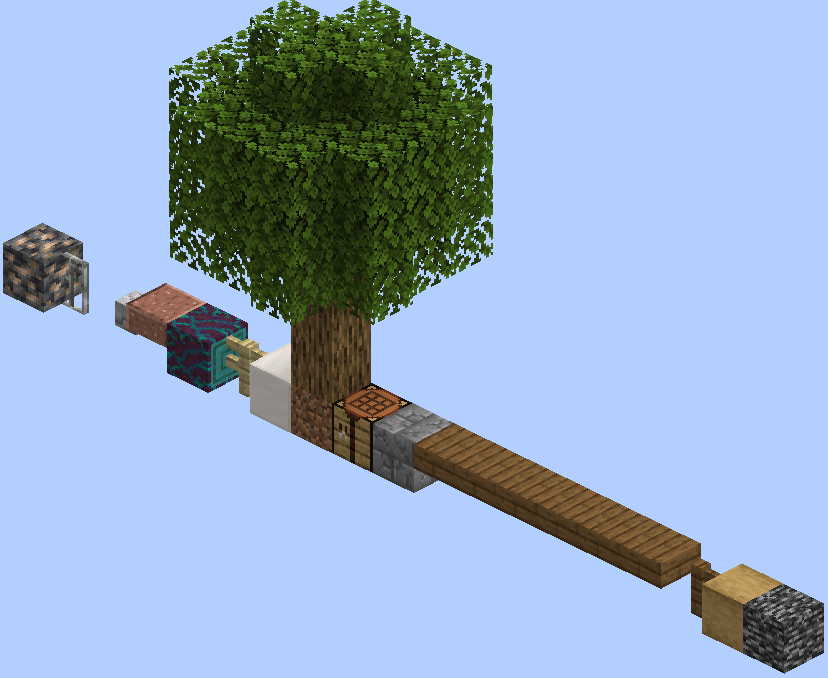
This Minecraft plugin features a minigame called Randomizer Race, also known as OneBlockRace. The competition's essence is that players must build a bridge as far as possible within a given time limit using randomly dropped items and blocks.
Installation and Setup
To use the plugin, follow these steps:
- Download the plugin
- Prepare a Paper server version 1.20.4
- Place the plugin file in the plugins folder
- Start the server and wait for full loading
- Add the following code to the
Bukkit.ymlfile:
worlds:
  world:
generator: Randomizer- Restart the server to apply changes
World Generation
The plugin automatically creates a special world where for each player in a separate chunk, a platform with one bedrock block is generated as a starting point.
Game Preparation
Each participant spawns on their starting platform. Before the game begins, characters cannot move in survival mode, ensuring equal conditions for all.
Game Settings
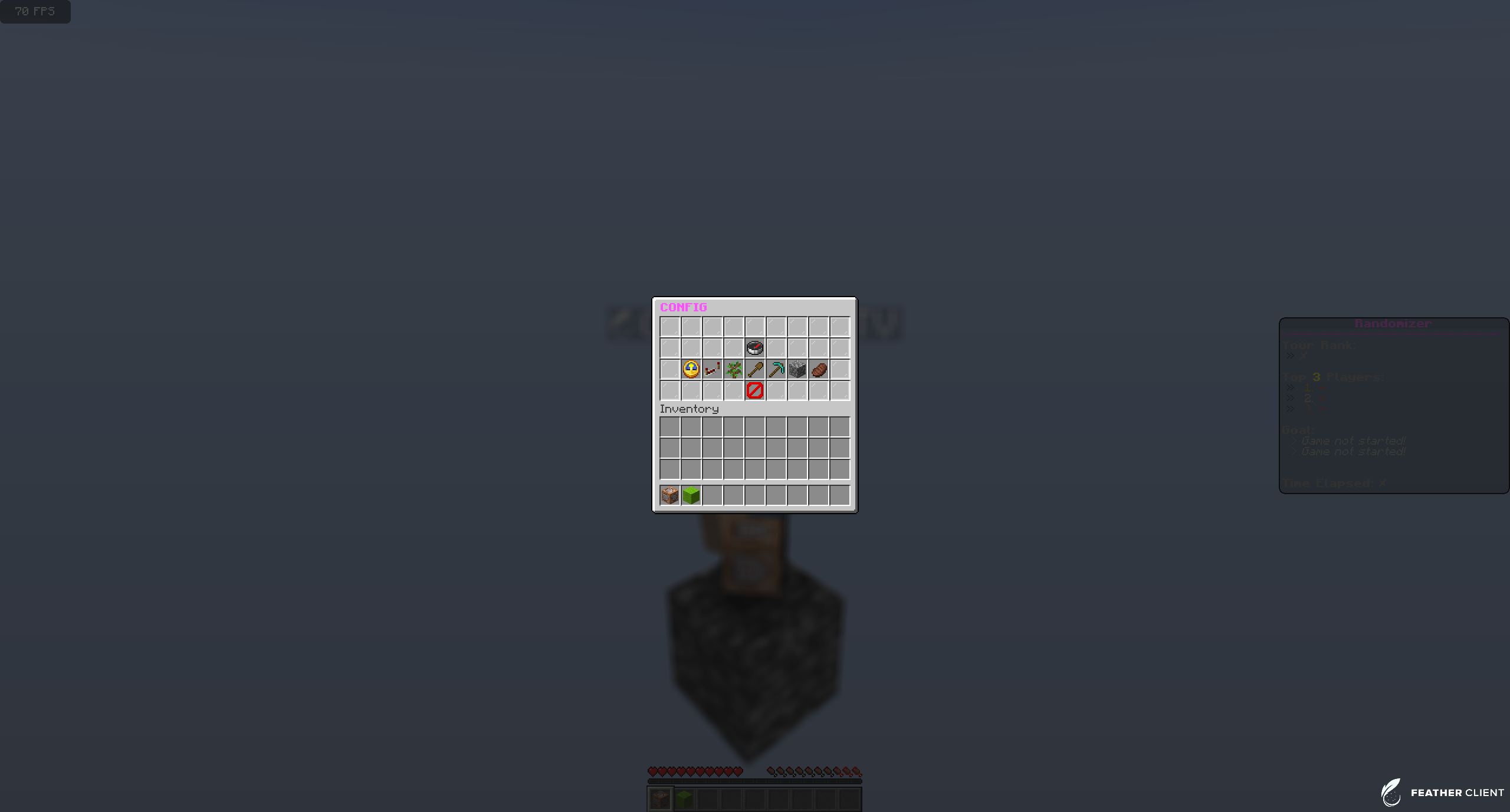
Server operators or players with the randomizer.game permission can modify game parameters. Various settings are available for customizing the gameplay.
IMPORTANT: Simultaneous editing of settings by multiple players is not recommended
Gameplay
To start the competition, execute the /game start command. At regular intervals, random items appear on each platform. Participants' task is to achieve the set goal using the obtained resources.
Game End
The game ends when one of the players reaches the goal or the /game stop command is executed. The system announces the winner, after which the server automatically shuts down and deletes the generated world.


