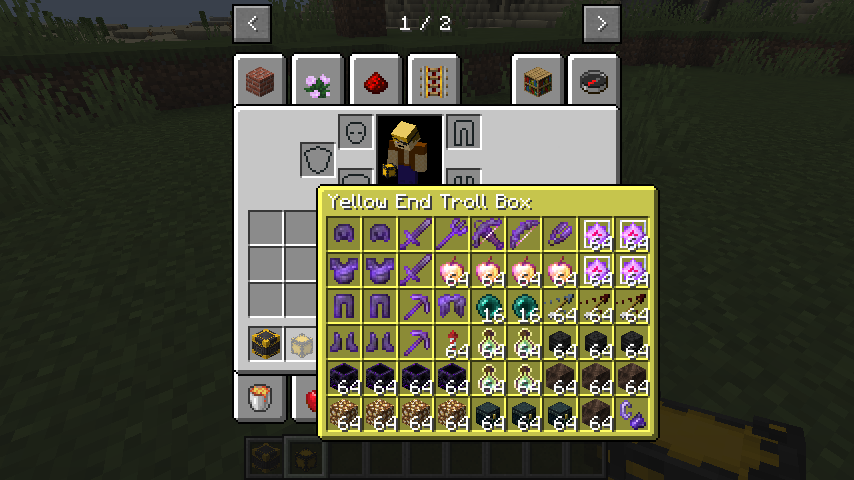
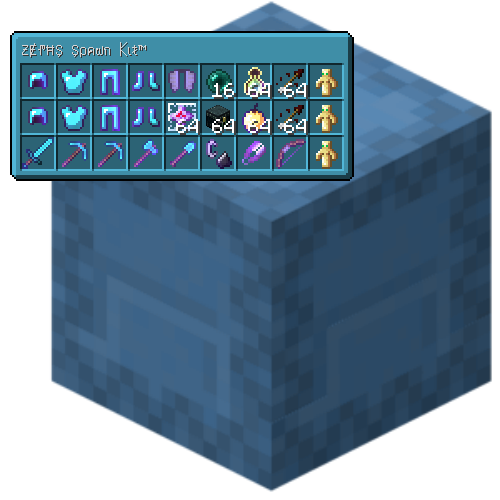
Shulker Tooltip
Tired of constantly placing shulker boxes just to check their contents? The Shulker Tooltip mod changes the game rules! Simply hover your cursor over any shulker box in your inventory, and you'll instantly see a complete list of its contents in a pop-up tooltip.
Controls and Settings
The mod provides several convenient keys and customization options:
- Left Alt — activate tooltip. Hold this key to see the shulker box contents.
- Key V — mode toggle. Press to enable or disable the content display function.
- Key N — content demonstration. Opens an experimental interface for viewing shulker box content.
Important Information
This mod is intended exclusively for the client side of the game. Do not install it on servers.
The developer has stated that they do not plan to create a version for Fabric and never will.


