
SimpleMusic
The SimpleMusic modification is a minimalist music player for Minecraft that supports MP3 and MIDI formats with the ability to display song lyrics directly in the game.
Getting Started
For proper operation, you need to install the dependent mod:\nFabric Language Kotlin or Kotlin for Forge (depending on the mod loader used).
After installation, a music folder will appear in the game directory, containing midi and mp3 subfolders. Simply move audio files of the corresponding formats to the appropriate folders.
Music Control in Game
Start the game and use the commands:
- Enter
/simplemusic(or abbreviated/sm) + the music file name to start playback - Use
/simplemusic stopor/sm stopto stop the music - If there are issues with lyric display, simply stop the current composition
Song Lyrics Functionality
To add support for displaying song lyrics, place a file with the .lrc extension in the same folder as the music file, with an identical name. When time formats match, the musical text will appear at the bottom of the game screen.
Example of the lyrics file structure:
[00:00.000] Lyricist : Southern Poet
[00:01.03] Composer : Northern Musician
[00:19]That wave that washed over us
[00:24]Returns to the heart again
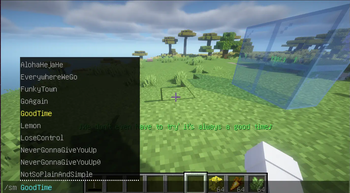
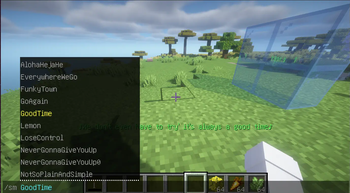
What it looks like in the game: