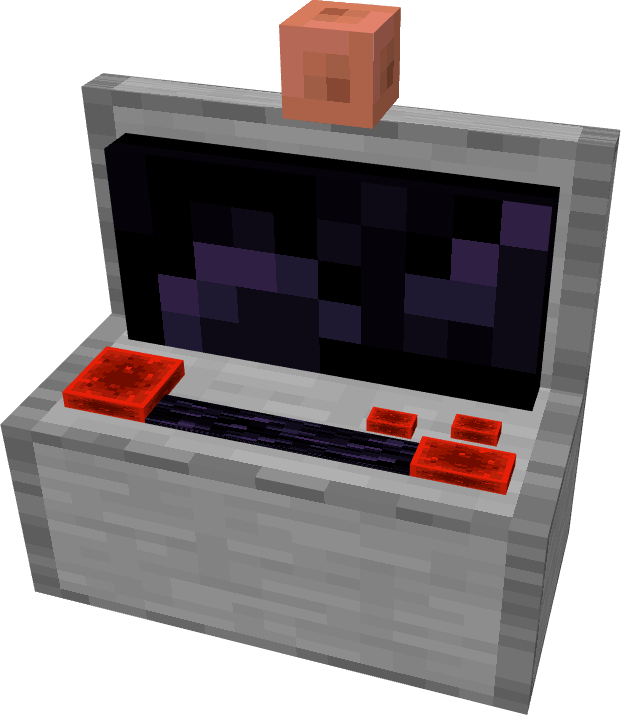
Weather Controller DataPack
Crafting the Weather Controller
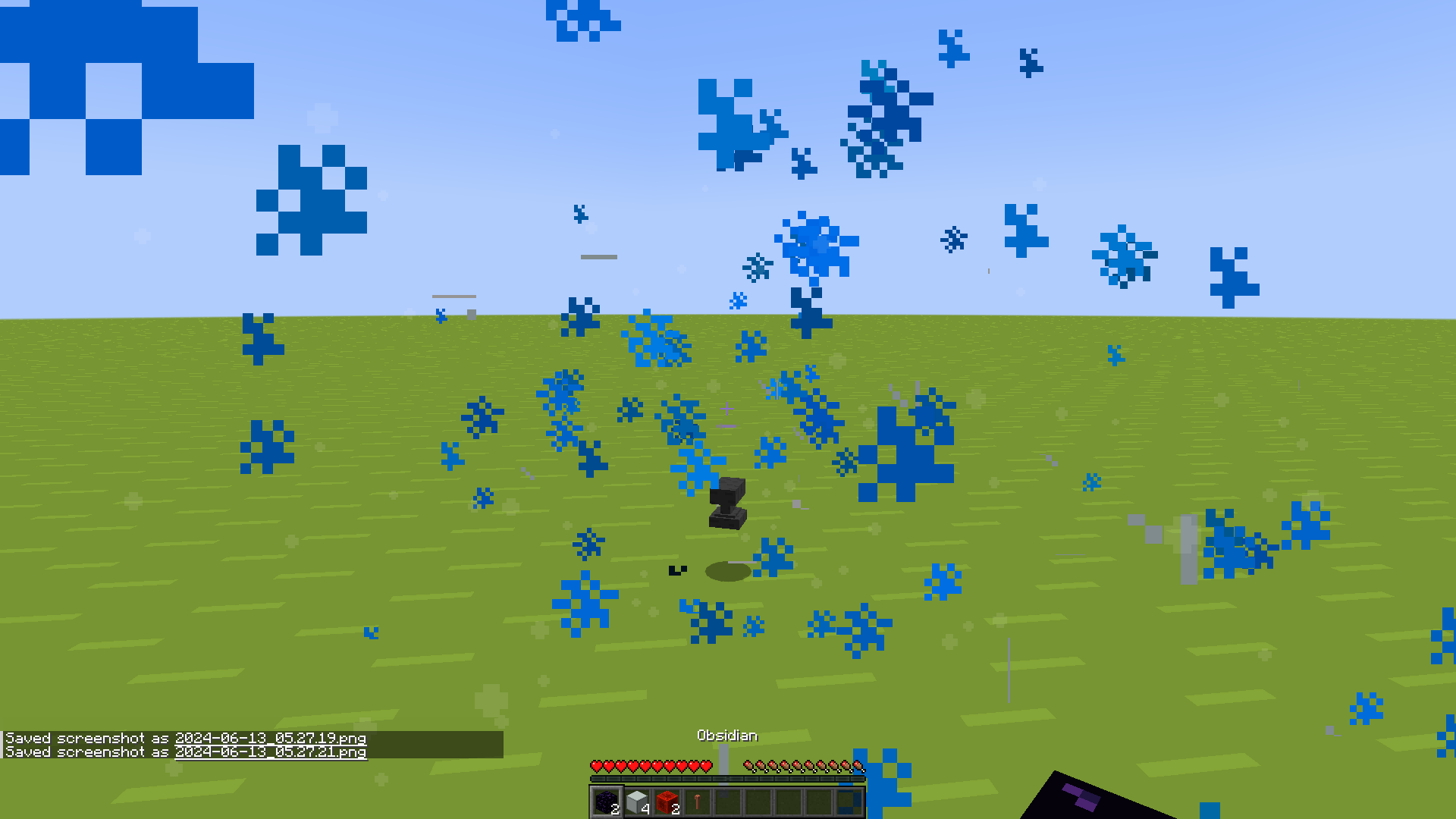
To acquire the weather controller, you need to build a special device using the following components: two obsidian blocks, four smooth stones, two redstone blocks, and one lightning rod.
The crafting process is quite unusual - simply drop all the items on the ground next to each other, and the weather controller will automatically appear.
Using the Weather Controller
To control the weather, you must stand at least two blocks away from the controller. Select the 7th, 8th, or 9th slot of your inventory and crouch (sneak) to open the weather selection menu.
After choosing the desired weather, the controller will take a few seconds to change the current weather conditions. The control interface is intuitive and easy to use.
Additional Functions
The data pack includes the following commands:
- weather_controller:give/recipe_items - provides components for creating the controller
- weather_controller:destory_all - destroys all created weather controllers
This modification is perfect for players who require precise control over weather conditions in survival mode.