Better High Contrast
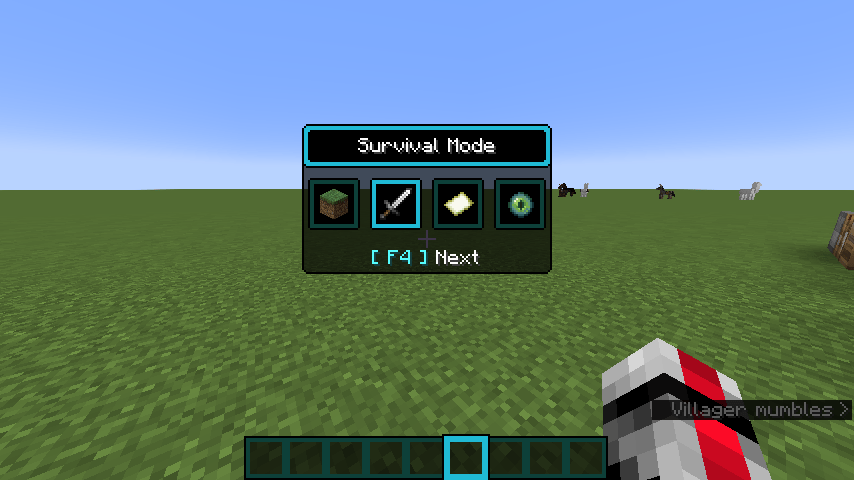
Every graphical interface element and user interface component has been completely redesigned to closely match the High Contrast resource pack style. This applies exclusively to interface elements - blocks and items remain unchanged.
Development Status: The project is actively under development. Plans include adaptation for previous game versions.
Installation:
- Go to Minecraft game
- Navigate to Settings → Resource Packs → Open Pack Folder
- Move the file to the "resourcepacks" folder
- Return to the game, find the "Better High Contrast" resource pack
- Activate it by clicking the arrow
- Click "Done" and enjoy the updated interface!
Note: Work is underway to create versions for all Minecraft releases. All files are temporarily archived but will return soon in an updated and improved version.

