Control Panel
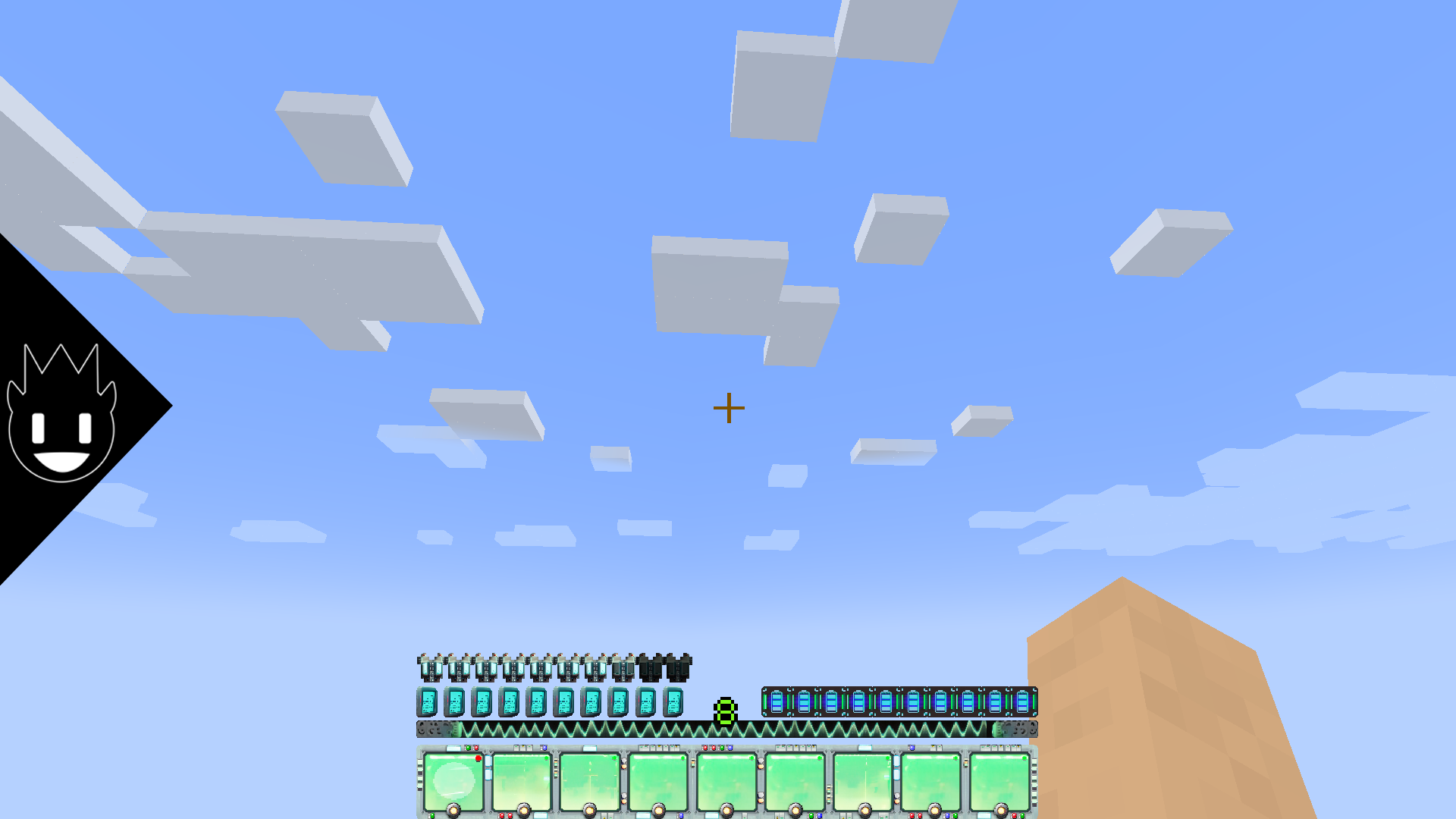
This unique resource pack completely transforms the interface of your Minecraft Java Edition game, offering numerous new customization options and improved user experience.
🎥 Feature Demonstration
✨ Core Features
The pack modifies various game interface elements, including:
- Updated experience bar — new visual design for level indicators
- Offhand slot — improved display for items in the secondary hand
- Cooldown indicators — precise timing for ability recovery
- Armor display — convenient information about your equipment status
- Main menu — redesigned launch screen
- System buttons — modern design for all control elements
- Hotbar — upgraded quick access panel
🖼 Interface Examples
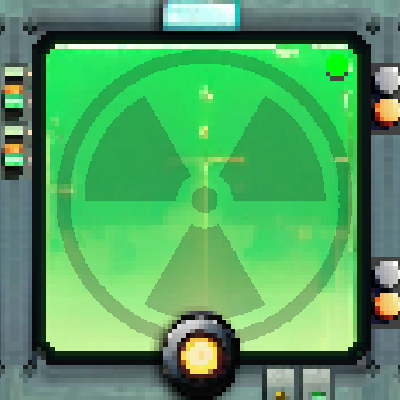
The quick access panel demonstrates smooth animations and modern design:
HOTBAR

🎮 Compatibility
The resource pack is fully compatible with the standard Minecraft version and also adapted to work with Fabric. For proper operation, the mod requires:
- Minecraft Java Edition (standard version)
- Fabric Loader versions from 0.15.11 to 1.21
- Latest Java version no lower than version 21
🔧 Installation
Important: before installation, ensure the resource pack version is compatible with your game version.
Standard installation method:
- Launch Minecraft and open game options
- Navigate to the "Resource Packs" section
- Locate the "resourcepacks" folder in the Minecraft directory
- Move the downloaded ZIP file to this folder
- Select the pack in the list and apply changes
- Start a new game or load a save file
For installation via Fabric: the latest version of Fabric Loader compatible with your specific game version is required.
👥 Community
We invite you to join our community where you can exchange ideas, get help, and participate in the development of future updates.