Mace 3D RP
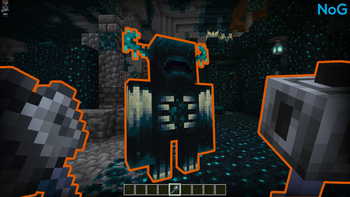
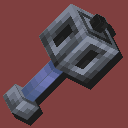
This resource pack radically transforms the mace's appearance by adding a three-dimensional model to it! The mace is a new weapon introduced in Minecraft Java Snapshot 24W11A. The developers at Mojang decided to keep it as a classic 2D texture to maintain consistency with other items. However, many players have expressed a desire to see the mace in a full 3D format. This is exactly why this resource pack was created, available for both game versions — Java and Bedrock!
What is the mace?
The mace is a true high-risk, high-reward weapon. It can deal colossal damage, but only under specific ideal conditions. For example, to defeat the Warden in one hit, you need to fall from a height of 100 blocks. And that's not all: if you manage to hit a mob before landing, you will completely avoid fall damage. Sounds incredible? Then imagine being able to instantly destroy the Wither and Ender Dragon in the same way! Although, for unsuccessful attempts, it's wise to stock up on totems of undying.
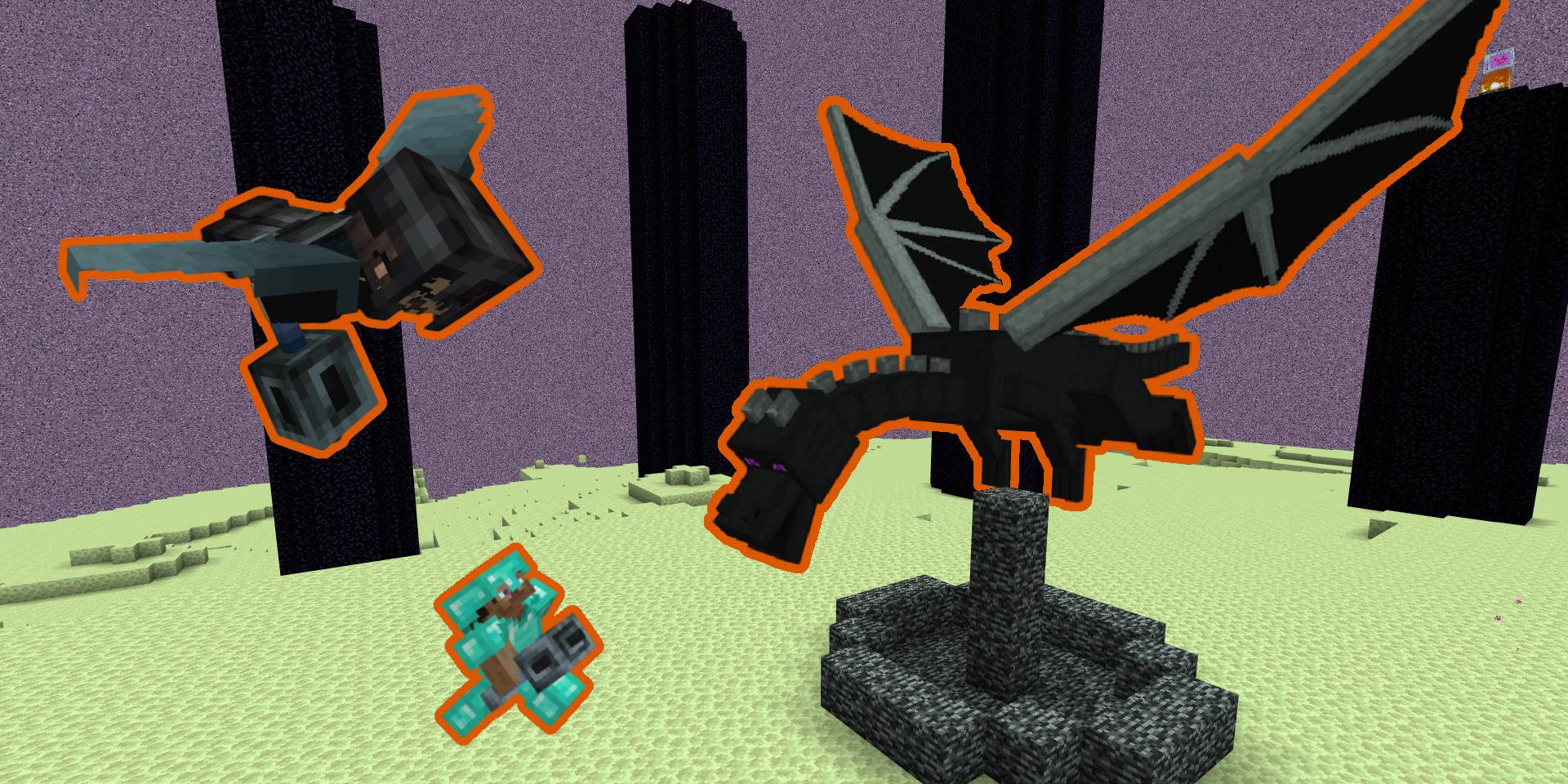
The mace was added to Minecraft Java in Snapshot 24W11A and to Bedrock in Beta & Preview 1.20.80.22 — both versions were released on March 14, 2024. Accordingly, the resource pack requires one of these or newer versions. Don't forget to enable experimental features when creating a world: in Java Edition, this is done in the "More" tab → "Experiments" → enable "Update 1.21".
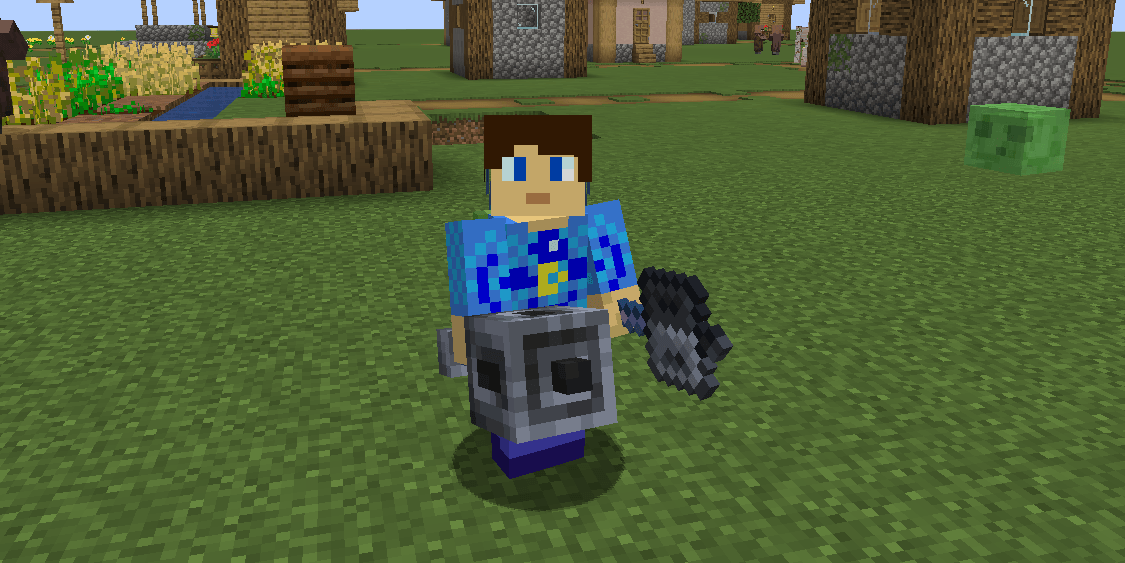
Why is there no 3D model by default?
Most likely, Mojang had technical reasons for creating the mace in 2D format. For example, in Bedrock Edition, it's challenging to adapt the weapon swing animation for a three-dimensional model. There are also difficulties with enchantment layering and rendering attachable objects. Additionally, all existing weapons in the game have always been flat, so the developers decided to maintain a unified style. On one hand, this is logical, but on the other — the three-dimensional mace looks much more impressive, and many players will confirm this.
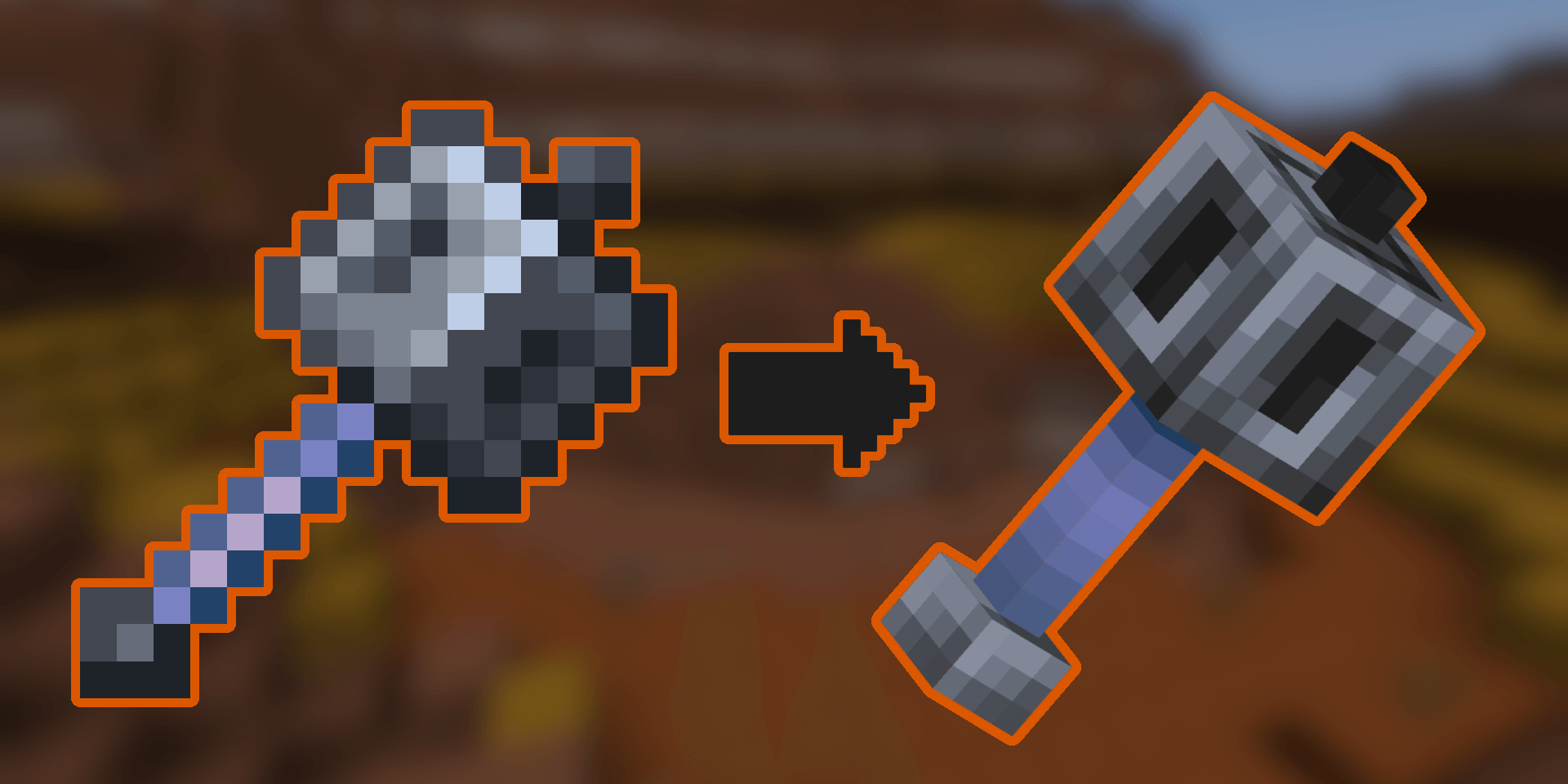
For Java Edition, two versions of the resource pack are available. The first (recommended) simply adds a 3D model to the standard mace, so it's only compatible with Snapshot 24W11A and newer. The second version is intended for players on older versions: it implements the mace through custom model data of the stone sword while maintaining the three-dimensional appearance. Note that this is only a visual change — the mace's functionality will not work on versions older than 24W11A.
Working with custom model data
If you chose the second version of the resource pack, use the following commands to obtain the mace in the game.
Data structure
item_name
override_item: custom_model_data_number
command: give_command
new_command: give_command (for Snapshot 24w12a and higher)
Item list
mace_2d (vanilla)
stone_sword: 1
command: /give @s stone_sword{CustomModelData:1}
new_command: /give @s stone_sword[custom_model_data=1]

mace_3d (custom)
stone_sword: 2
command: /give @s stone_sword{CustomModelData:2}
new_command: /give @s stone_sword[custom_model_data=2]
Installation
- Download the resource pack archive in
.zipformat. - Place it in the
.minecraft/resourcepacksfolder. - Activate
Mace_3D_RP.zipin the world or global settings. - Enjoy! (You can also extract the archive instead of using
.zip.)