
Night Mode (Blue light filter)
Overview
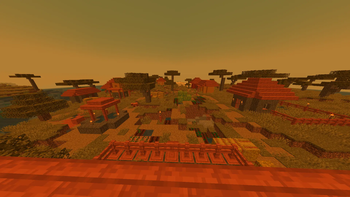
Adds a customizable orange filter to the game that affects only the game world - blocks, mobs and environment, but does not affect the interface and items in the inventory. You can adjust the filter intensity using a special slider in the Accessibility Settings section.
IMPORTANT: The filter only works with graphics settings set to Fabulous! and when the slider is set above 0%.
Configuration Features
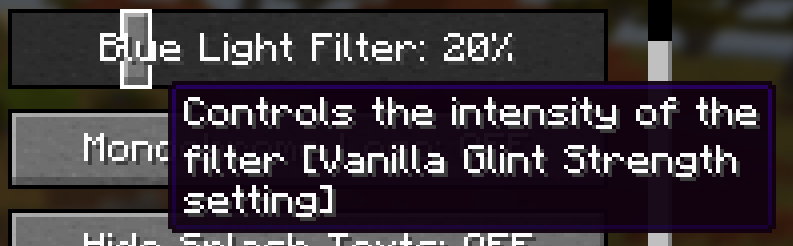
The filter slider replaces the enchantment glint strength setting. The value is preserved when disabling or re-enabling the pack. When the resource pack is active, the glint strength is set to the default value (75%).
Compatibility
Works with Minecraft Java Edition 1.21.5. Compatibility with other versions is possible.
Incompatible with packs that edit the transparency effect shader (including displaying custom shaders), as well as with some specific shaders and custom settings. Possible conflicts with any other usage of the glint strength slider in accessibility settings, including changing its name in the en_us language file.
Important Information
According to some studies, blue light filters may not have any real positive effect. It is recommended to research information yourself to understand what is best for you. This project was primarily created as practice in shader creation. Each user decides for themselves whether using this pack provides them with benefits.