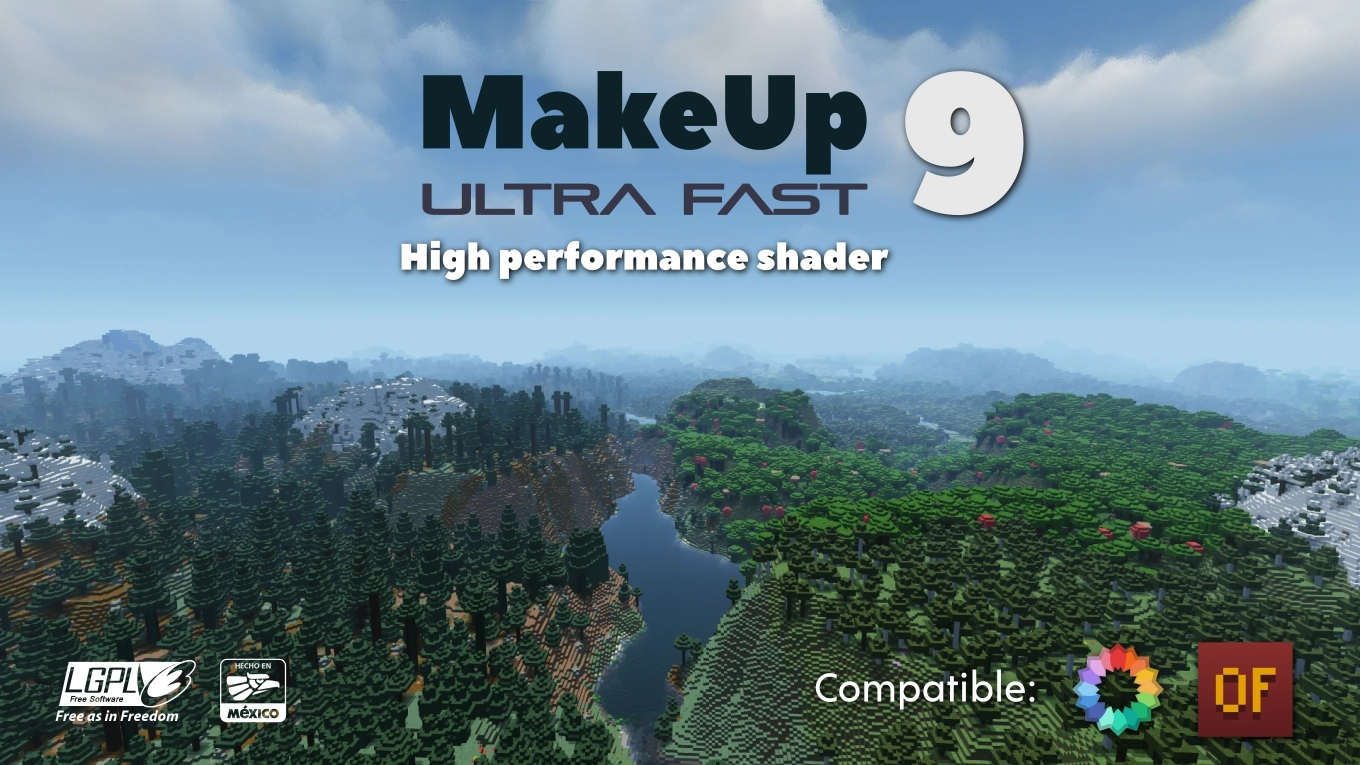

MakeUp - Ultra Fast | Shaders
Operating Systems: Windows ✅ - Linux ✅ - MacOS ❓
GPUs: Intel ✅ - Nvidia ✅ - AMD ❓
Important Notice
MakeUp version 8.7 or higher requires Iris version 1.5.1 or newer to work!
We constantly work on resolving potential issues and bugs, but creating a shader that works perfectly on absolutely any combination of hardware and software is practically impossible. Unfortunately, I don't have the ability to test the shader on every possible device.
If I cannot reproduce an error due to specifics of your particular hardware or software, solving the problem will most likely not be possible. Thank you for your understanding.
About MakeUp Shaderpack
MakeUp is created with the goal of achieving the perfect balance between graphics quality and performance. This shader can be adapted to any computer's capabilities. Create a shader according to your taste! All effects are optional — you use exactly the resources you need.
Customizable Options:
- Dynamic Shadows
- Depth of Field
- Temporal Anti-Aliasing
- Enhanced Ambient Occlusion
- Chromatic Aberration
- Motion Blur
- Volumetric Clouds
- Volumetric Lighting
- Reflections
- Waving Plants
- ... and much more
Color Schemes
Tired of the game always looking the same? Choose a color scheme according to your taste and change it at any time.
Usage Recommendations
- It's recommended to leave the default shader settings in Optifine unchanged, otherwise graphics quality may decrease. All settings are best done only through the shader's own options.
- Shadows and depth of field require significant resources. If you need maximum performance, these effects can be turned off — the game will still look great.
Bug Reports
- Clearly specify which mod is causing the problem (if applicable)
- Make sure the problem isn't caused by a resource pack (in any case, specify which particular pack you're using)
- IMPORTANT: Describe in detail the steps to reproduce the error. A screenshot alone is not enough.
Please be understanding. Shader development takes a lot of time, and finding errors takes even more. If the specified requirements are not met, the error report will not be considered.
An error report does not guarantee its fix.
Installation
- Optifine or Iris is required to use the shader:
- Place the downloaded shaderpack in the .minecraft\shaderpacks folder
- Launch Minecraft
- Go to Options → Video Settings → Shaders
- Select MakeUp-UltraFast

