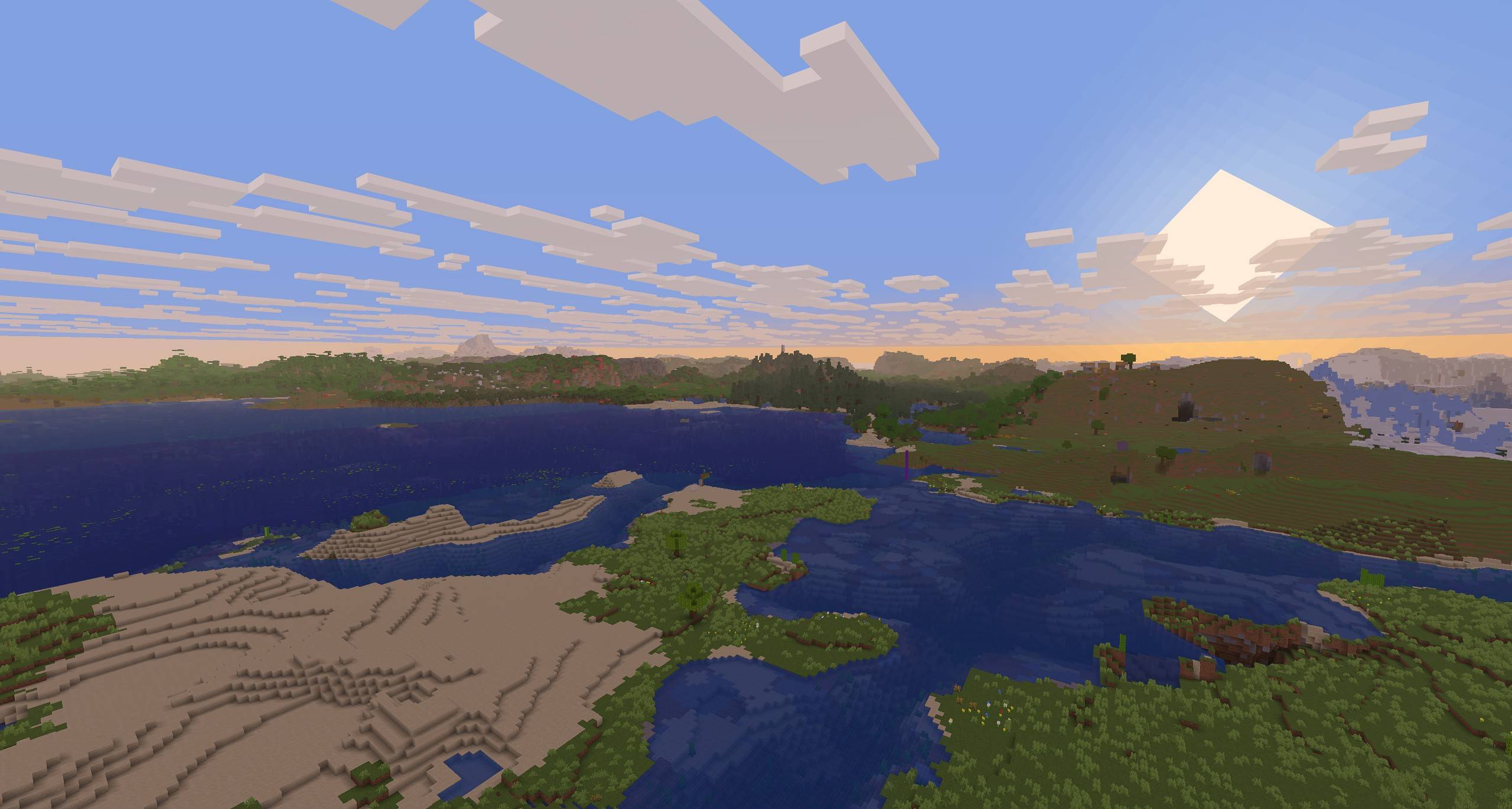
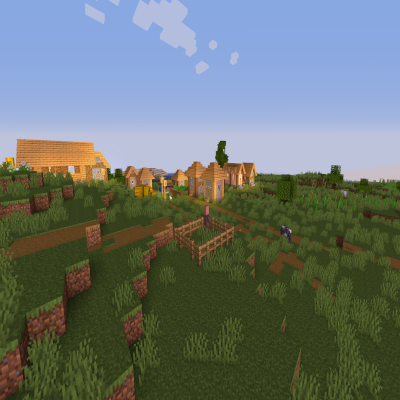
Sildur's Basic Shaders

The return of time-tested basic shaders! First appearing back in 2013, these shaders offer an excellent balance between performance and visual quality.
Features and capabilities
This pack stands out for its lightweight nature and high operating speed while providing extensive customization options. Among the available features:
- Anti-aliasing (TAA) and complementary sharpening option
- Object lighting (SSAO) for deeper graphics
- Cel shading for anime-style creation
- Color enhancement settings and color filters
- Custom emissive light maps
- Control of sun and moon position
- Dynamic image toning
- Motion blur and depth of field effects
- Additional texture mapping
- Wavy environment elements
Built-in presets: Game settings include 5 pre-configured modes: Very Fast, Fast, Fast+Motion Blur, Fast+Depth of Field, and Fancy.
Compatibility
Supports Minecraft versions from 1.7.10 to 1.21. Works with Distant Horizons mod starting from version 2.5.
Installation via Iris
- Preparation: Ensure you have the latest version of Minecraft and Java installed
- Installing Iris: Download the Iris.jar file and run it
- Configuration: In the installer, select "Iris and Sodium", specify the required Minecraft version, and uncheck "Install as Fabric mod"
- Launch: In the launcher, select the created profile
- Activation: In graphics settings, navigate to the shaders section, open the pack folder
- Adding: Download Sildur's Basic shaders and place the files in the opened folder
- Selection: In-game, choose the desired shader from the list
Alternatively: Iris+Sodium can be installed as a Fabric mod
Installation via OptiFine
- Basic setup: Install Minecraft and Java
- OptiFine: Download the OptiFine.jar file and run it to create a profile
- Launch: Select the OptiFine profile in the launcher
- Connection: In video settings, find the shaders section, open the corresponding folder
- Adding: Place the shader files in the opened directory
- Activation: In-game, select Sildur's Basic Shaders from the list
Stay updated: Follow the developer for information about new releases and changes

