Sildur's Enhanced Default

Supported Minecraft versions: 1.7.10 - 1.21.9 Distant Horizons support: available starting from version 2.5
About the Shaderpack
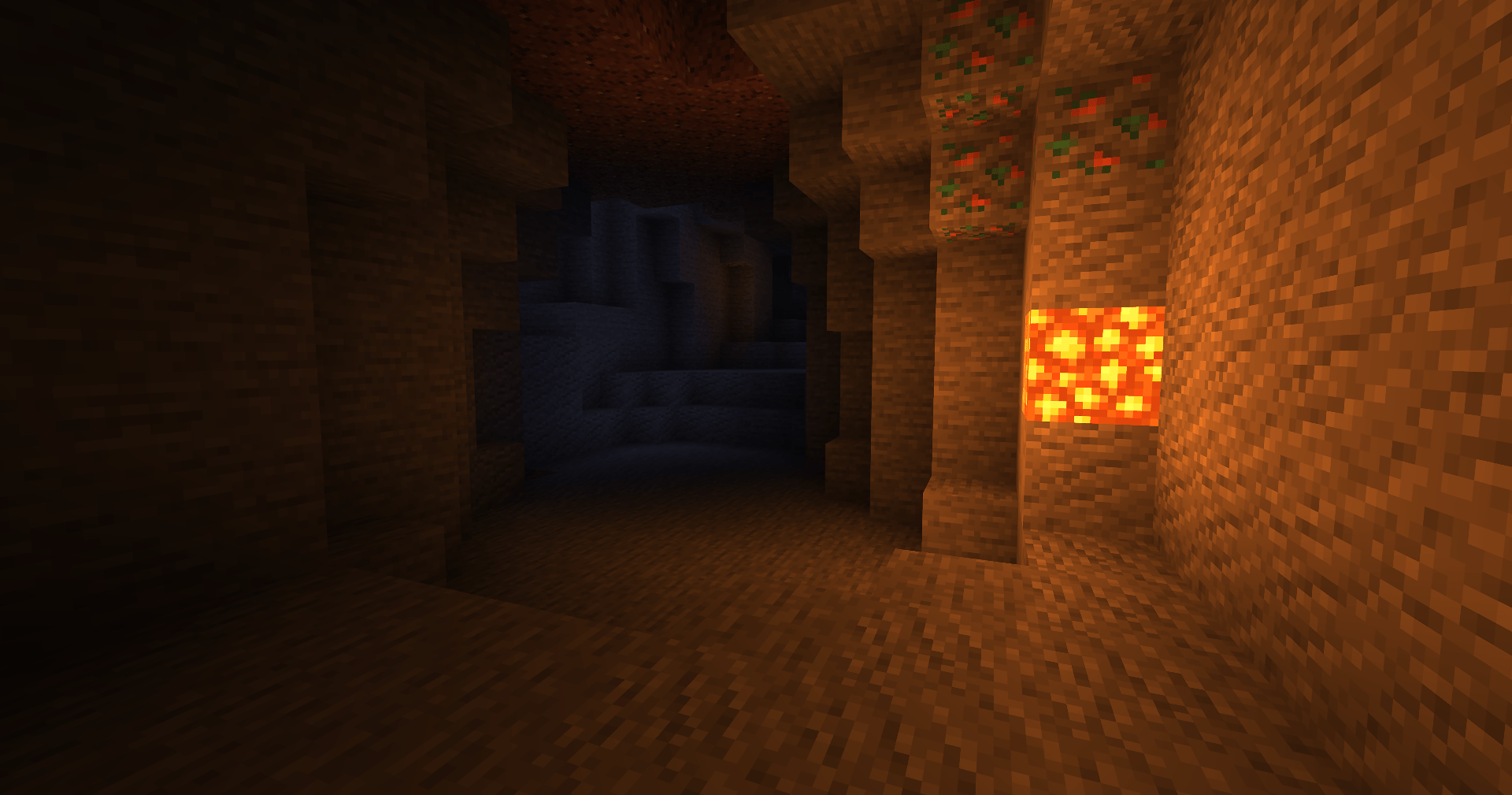
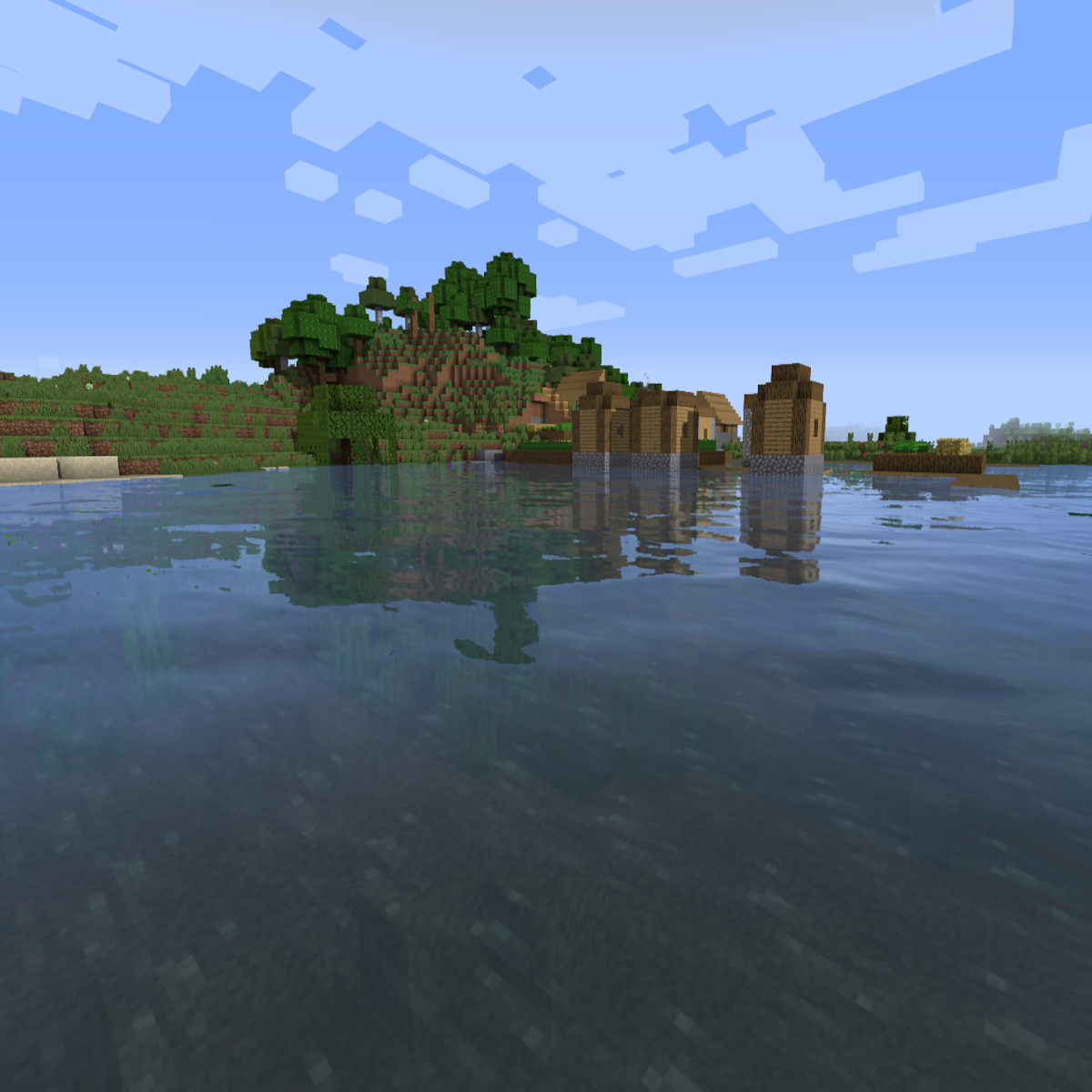
This shaderpack does exactly what its name suggests - it doesn't completely overhaul the game's style but maintains the classic vanilla look while adding shadows, reflections, TAA anti-aliasing, and even godrays effects. It's optimized to run on any computer and offers extensive customization options, allowing every player to find the perfect balance between visual quality and performance.
Inside the game's shader settings, there are two main profiles available: "Fast" and "Fancy". The "Fast" profile provides significantly better performance, so if FPS is important to you - choose this option!
Installation via Iris
- Download and install Minecraft, set up a game profile for the desired version
- Download and run the Iris file using Java
- In the installer, select "Iris and Sodium", choose your Minecraft version, uncheck "install as fabric mod", then click install
- Run the Minecraft launcher and select the newly created profile
- Start the game
- Go to options → video settings → shader packs and click the "Open Shader Pack folder" button
- Download the shaderpacks and place them in the opened folder
- Select the desired shaderpack from the list in the game and enjoy the new visual effects!
Iris+Sodium can also be installed as a fabric mod.
Installation via Optifine
- Download and install Minecraft, set up a game profile for the desired version
- Download and run the Optifine file using Java. A new Optifine profile will be created
- Run the Minecraft launcher and select the newly created Optifine profile
- Start the game
- Go to options → video settings → shaders and press the "Shaders folder" button at the bottom of the screen
- Download the shaderpacks and place them in the opened folder
- Select the desired shaderpack from the list in the game and enjoy the new visual effects!

