Sildur's Vibrant shaders

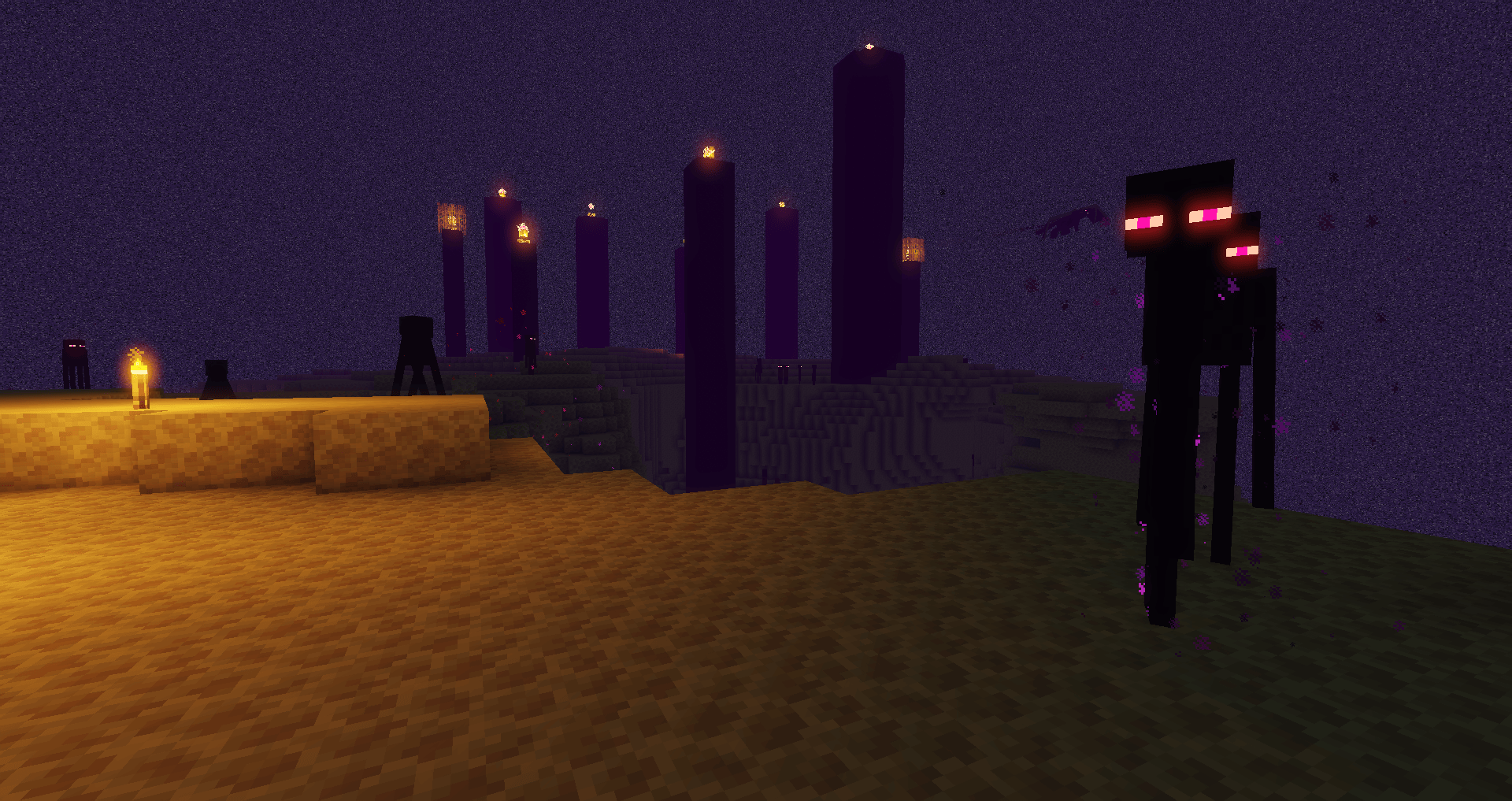
Complete lighting transformation in Minecraft - that's what this shader pack offers. It fundamentally changes the game's lighting system, adding numerous advanced visual effects that make the game world truly alive and atmospheric.
What You Get
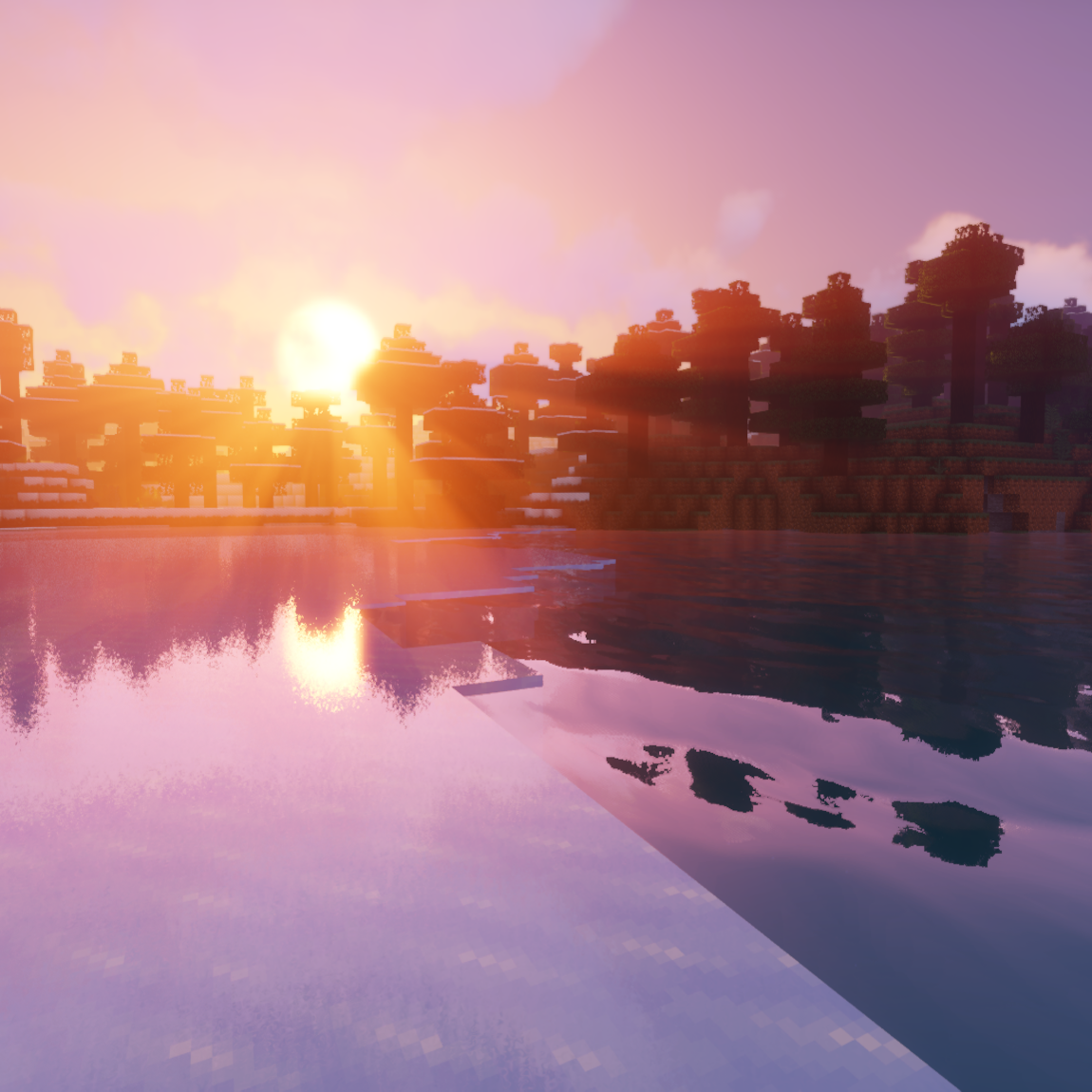
Among key improvements are volumetric lighting that creates realistic light rays passing through clouds and foliage. The bloom effect adds soft glow around bright light sources, and ambient occlusion provides natural shadows in corners and recesses. Also present are quality reflections on water and other glossy surfaces.
Compatibility and Performance
The shader supports Minecraft versions from 1.7.10 to 1.21.9, including compatibility with the Distant Horizons mod starting from version 1.54. Developers ensured high optimization - the pack works excellently even on not the most powerful systems, including computers with Intel graphics cards and Macs.
Various quality presets are available. For comfortable gaming on cards like GTX 960, Medium or High modes will work well.
How to Install
Installation via Iris
- Install the standard Minecraft version and create a profile for the desired game version
- Download the Iris installer file and run it through Java
- In the installer, select "Iris and Sodium", specify the Minecraft version, and uncheck "install as Fabric mod", then click "Install"
- Launch the Minecraft launcher and select the created profile (or create a new one if it didn't appear automatically)
- Enter the game and go to Settings → Video → Shader Packs
- Press the "Open Shader Pack folder" button
- Download Sildur's shader packs and move them to the opened folder
- Select the desired shader from the list in the game and enjoy the transformed graphics!
It's also possible to install Iris as a Fabric mod.
Installation via Optifine
- Install Minecraft and set up a game profile for the desired version
- Download Optifine and run the jar file through Java, a new Optifine profile will be created
- In the launcher, select the created Optifine profile
- Launch the game and go to Settings → Video → Shaders
- Press the "Shaders folder" button at the bottom of the screen
- Download Sildur's packs and move them to the opened folder
- Select the shader from the list in the game and appreciate the new visual effects
Important: Editing, copying code, or distributing the shaderpack under a different name and claiming authorship is not permitted.

