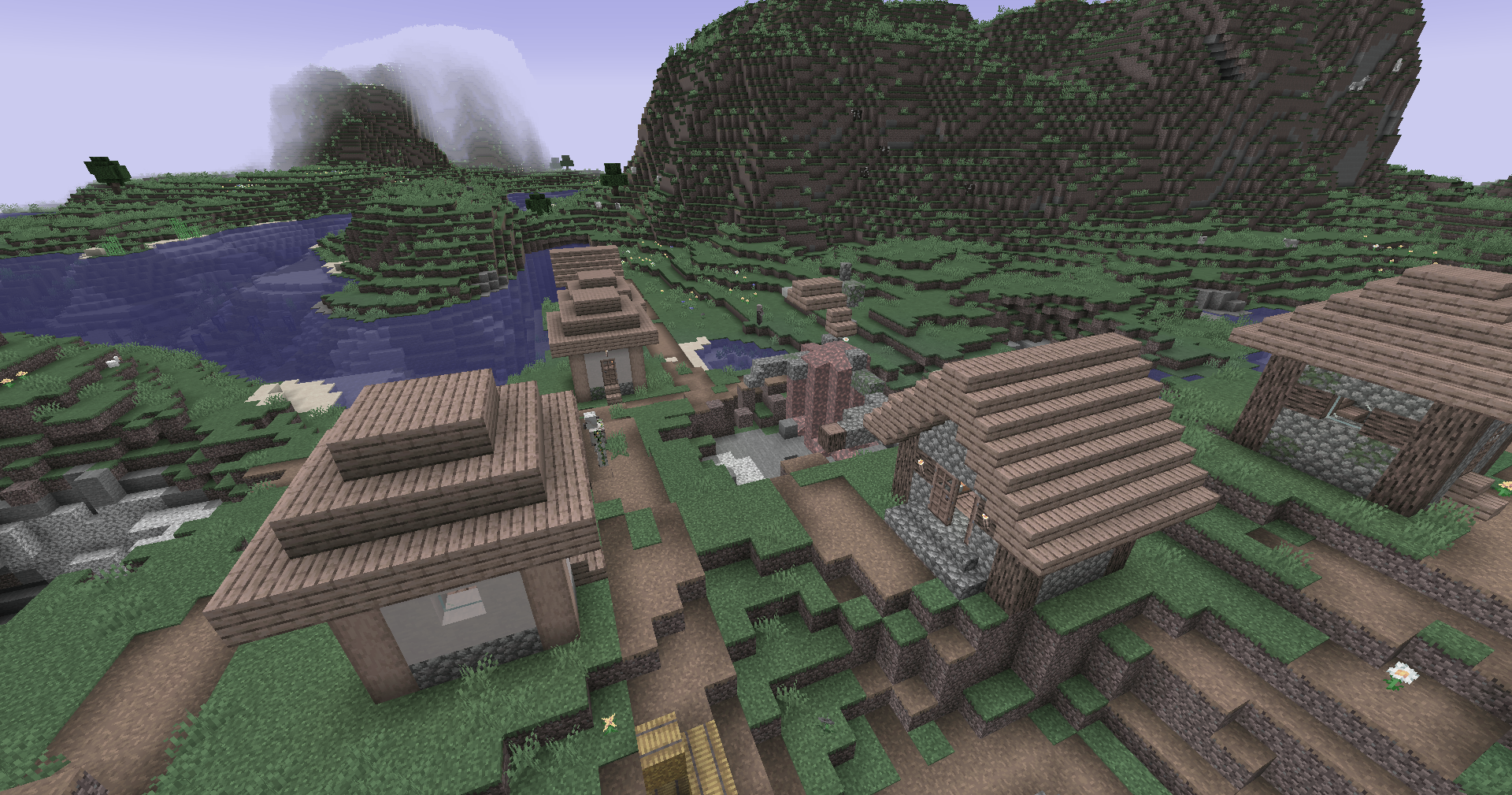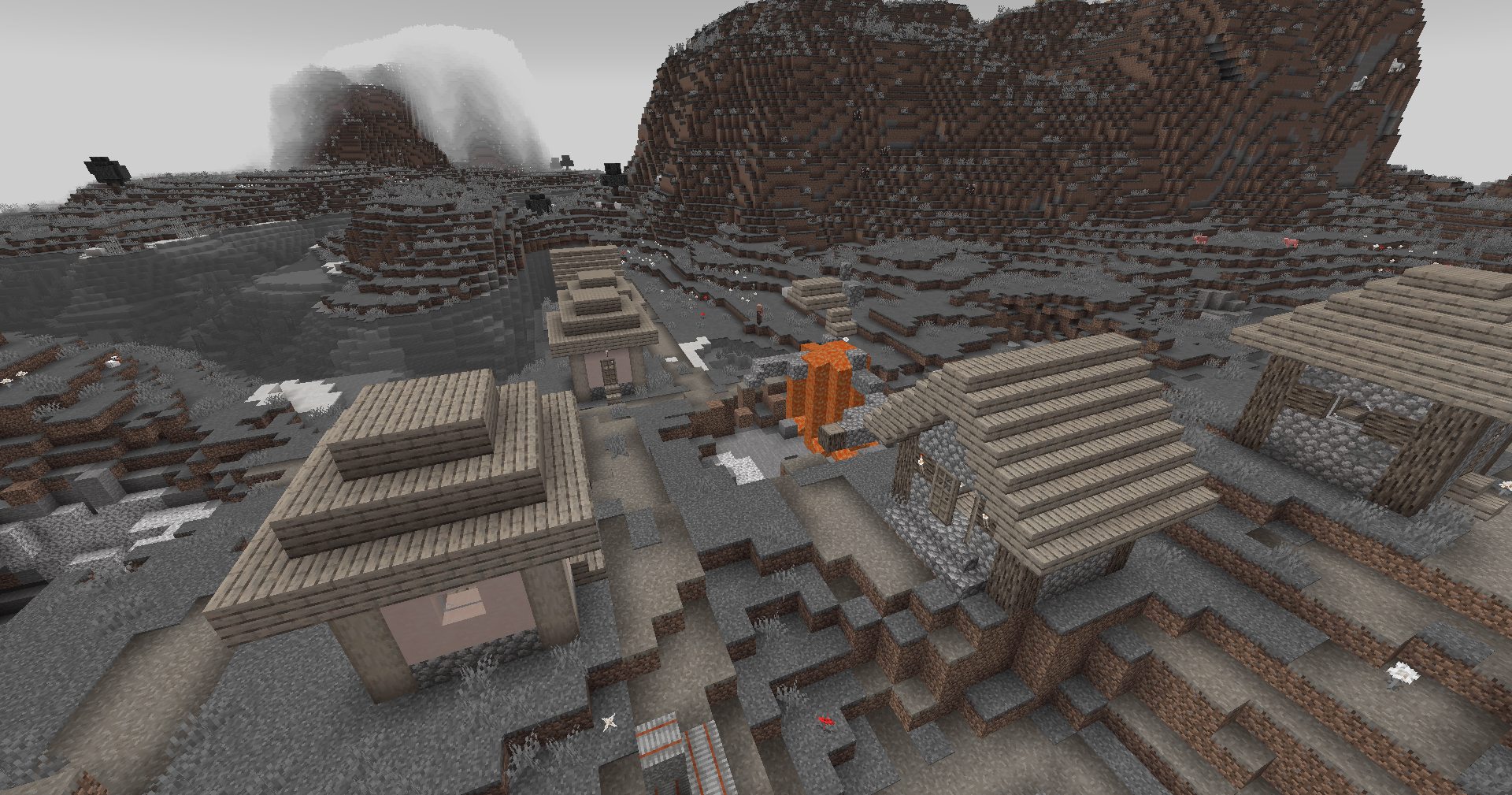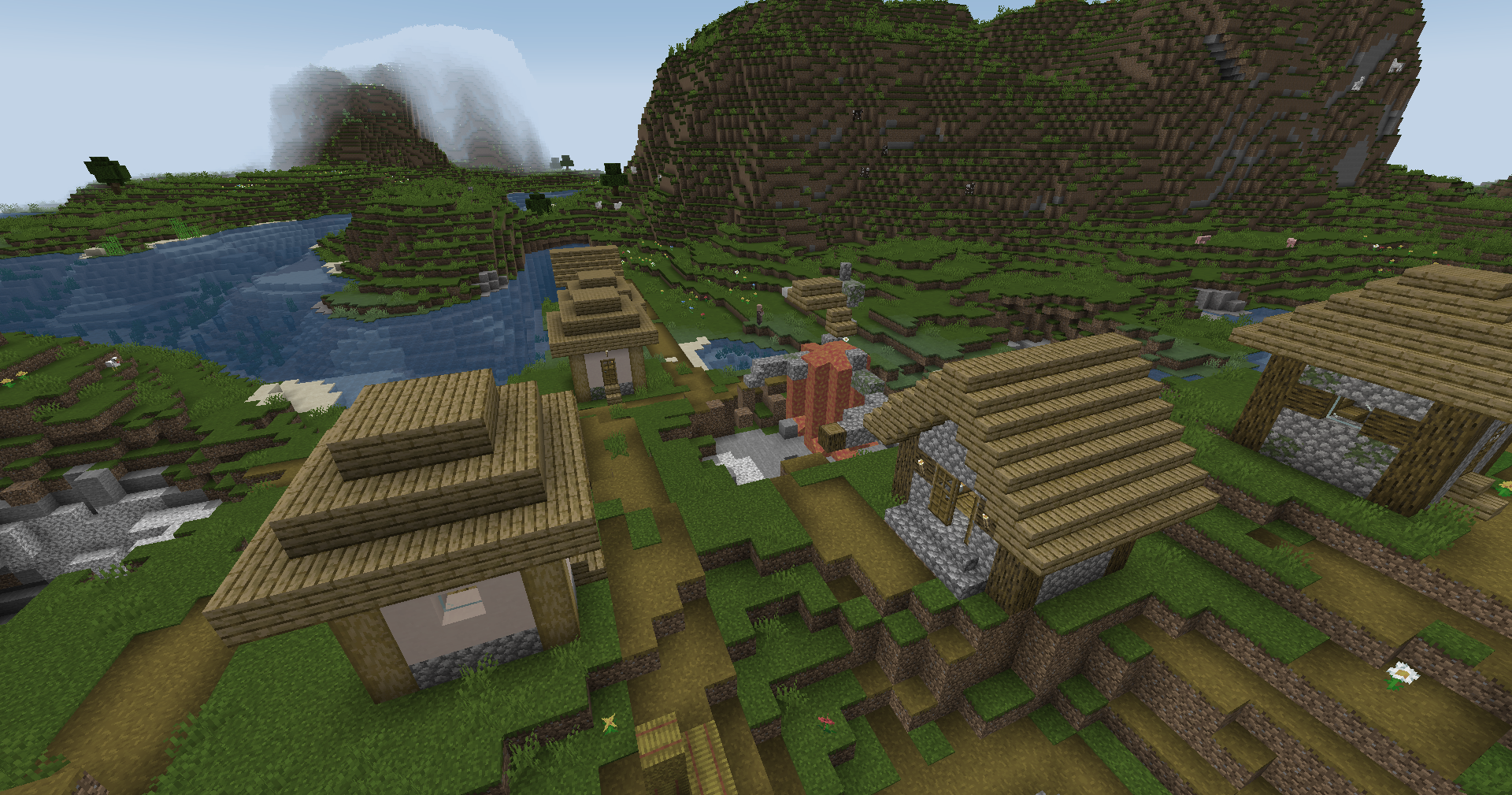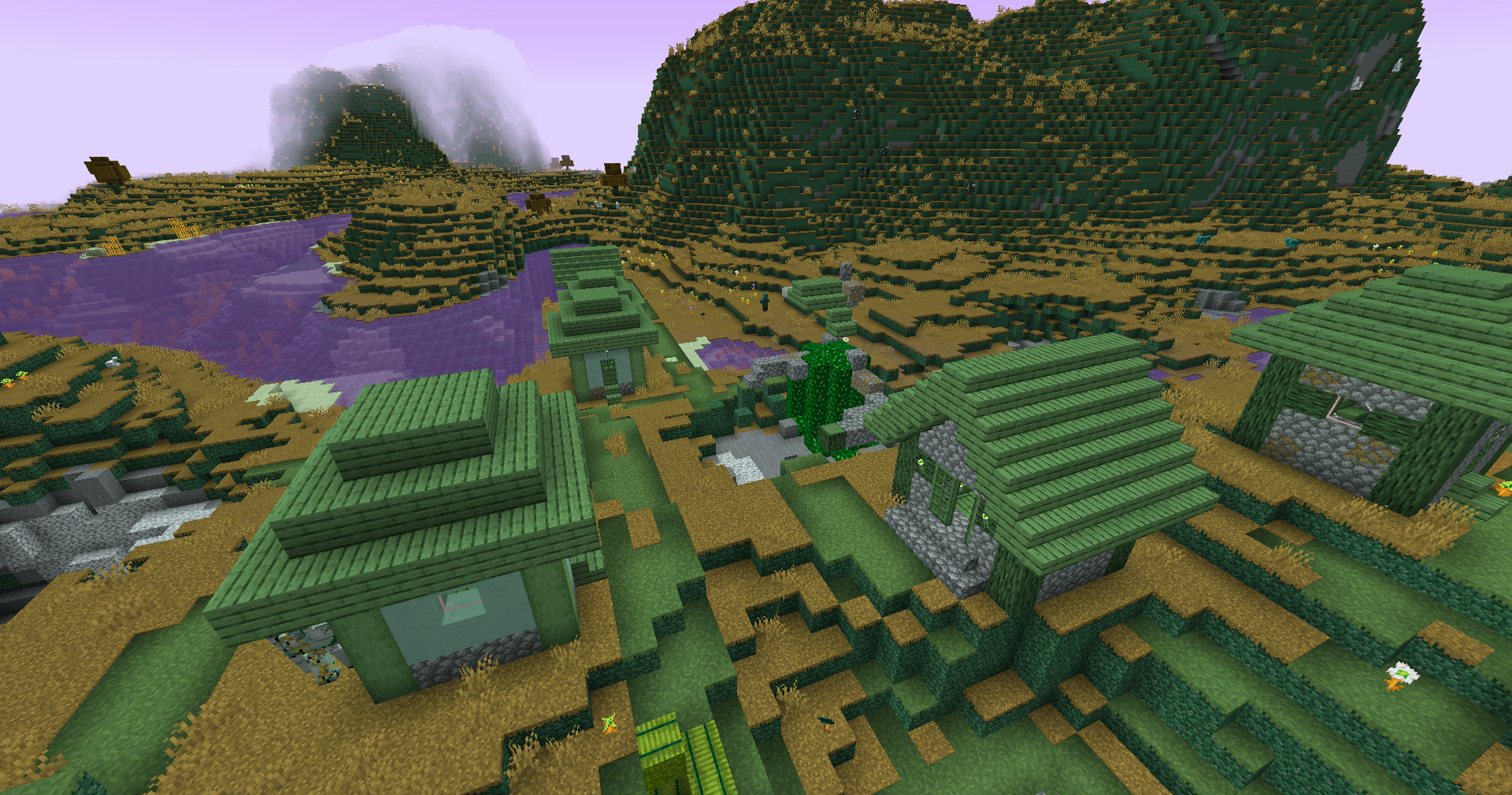
Zenith's LUT Shader
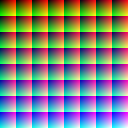
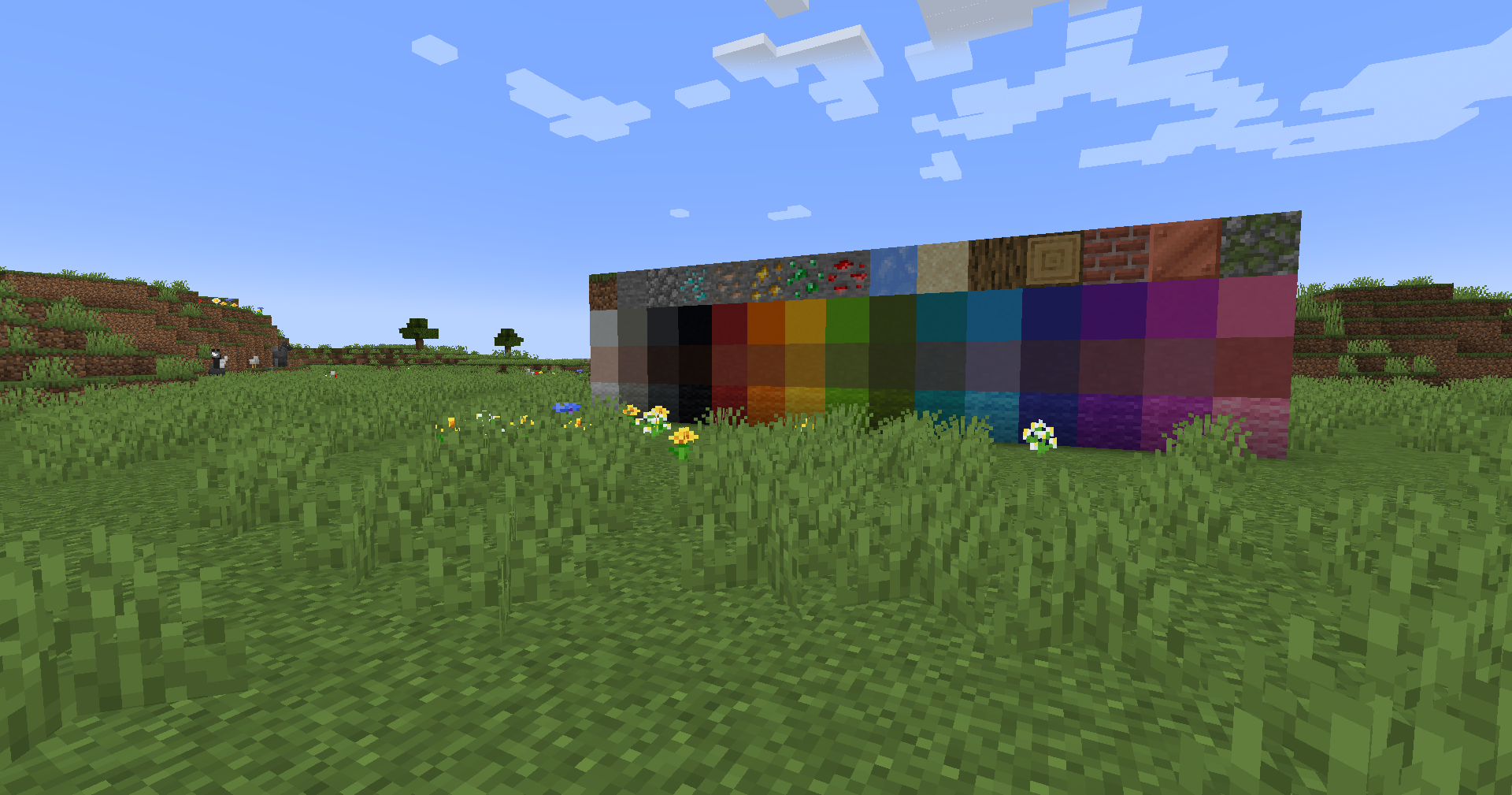
This straightforward vanilla shader enables customization of in-game color palette through color lookup table (LUT) technology.
| Default Colors | Custom LUT |
|---|---|
 |
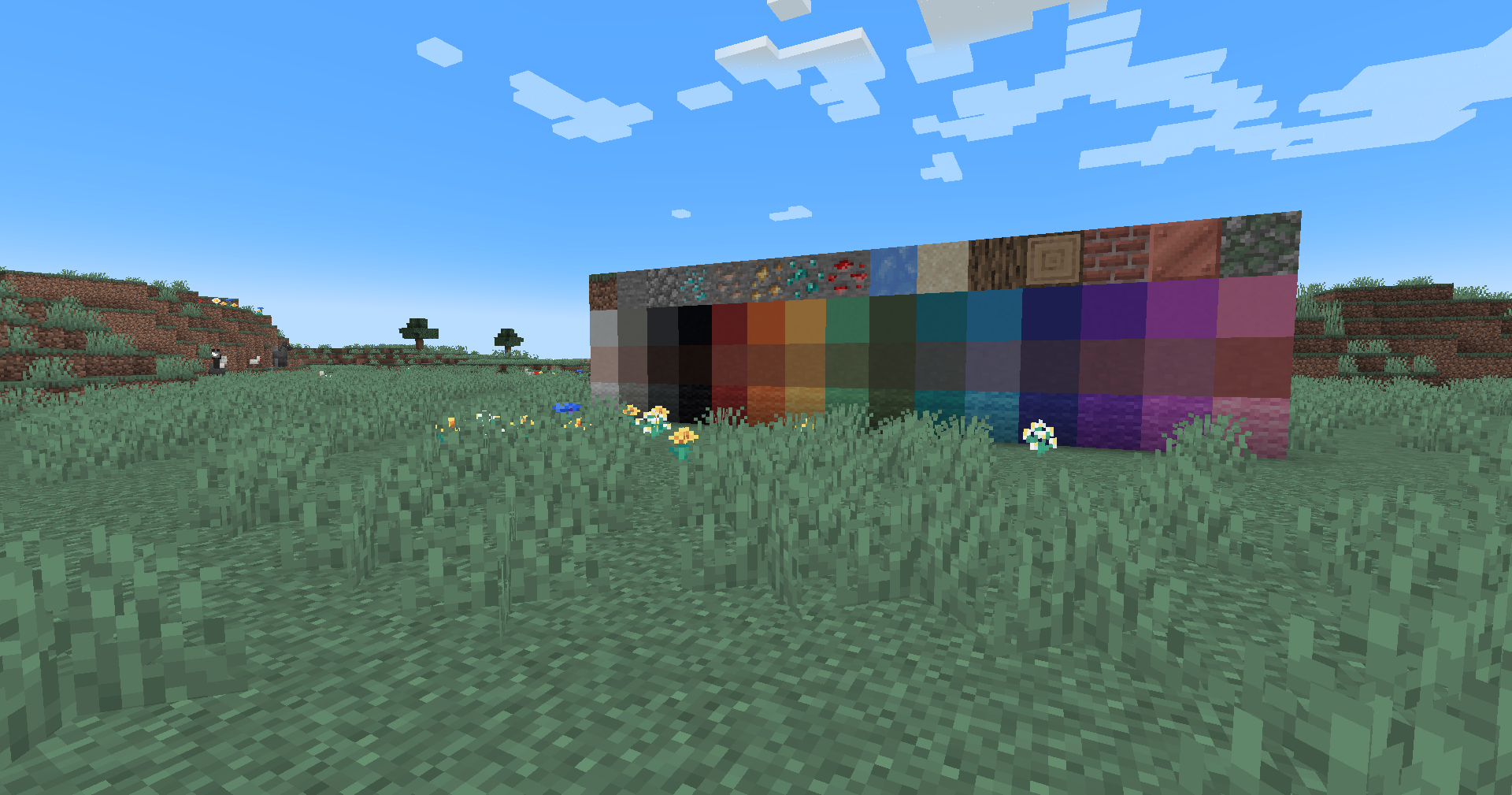 |
Installation
Vanilla Version
- Download the vanilla version of this shader
- Place the archive in the
.minecraft/resourcepacksfolder- No extraction needed
- Set graphics quality to
Fabulous - Activate the resource pack
OptiFine/Iris Version
- Download the version for Iris/OptiFine
- Move to the
.minecraft/shaderpacksdirectory- Do not unpack the archive
- Select the shader in the shaders menu
Visual Customization
The archive includes an init_LUT.psd file that allows adapting the shader's visual appearance to personal preferences.
How to Customize
- Open
init_LUT.psdin your preferred graphics editor- A basic
init_LUT.pngversion is available for simpler editing
- A basic
- Apply adjustment layers or modify existing parameters
- Hide the color preview layer before exporting
- Save the result as
assets\minecraft\textures\effect\lut.png(vanilla version) orshaders\lut.png(Iris/OptiFine)
Preconfigured Examples
Save one of the suggested options to the appropriate directory:
Reduced Reds
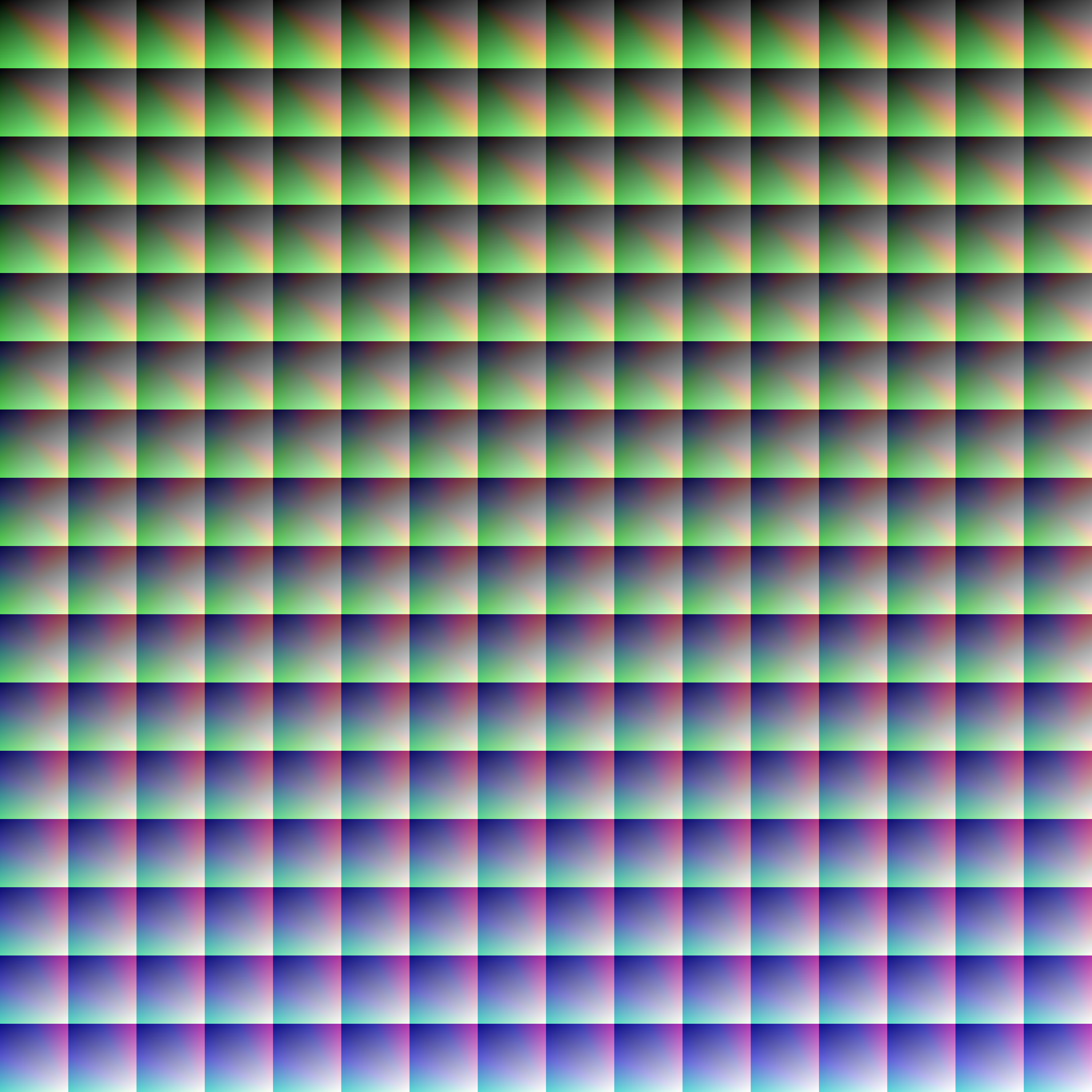
Thumbnail: https://cdn.modrinth.com/data/cKZlPuDG/images/c05eb23099f5a9e9705f1a4691cbcedbb192a609.png
Isolated Reds
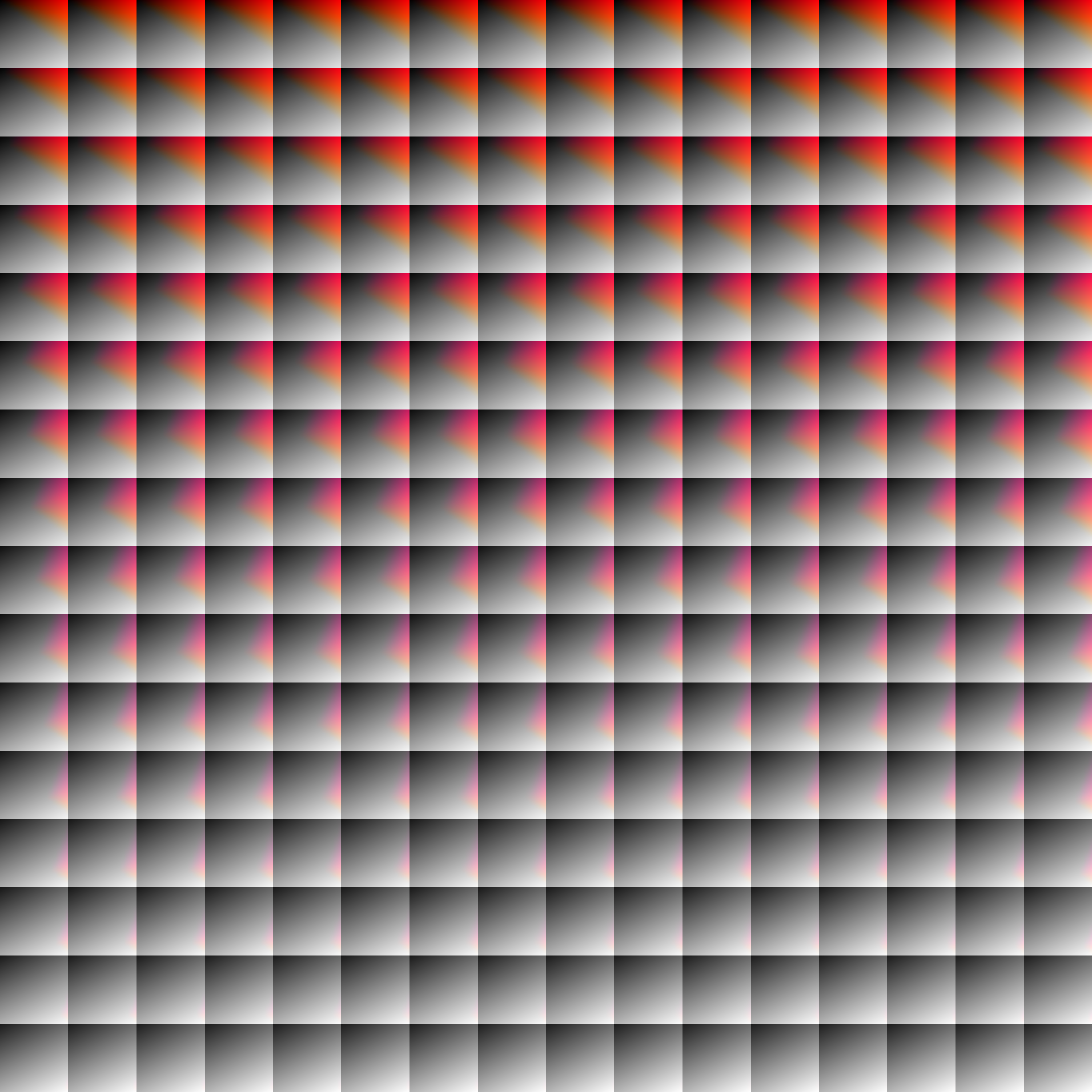
Thumbnail: https://cdn.modrinth.com/data/cKZlPuDG/images/8d3605013e2843175725346fd0111ab25e544503.png
Darkened World
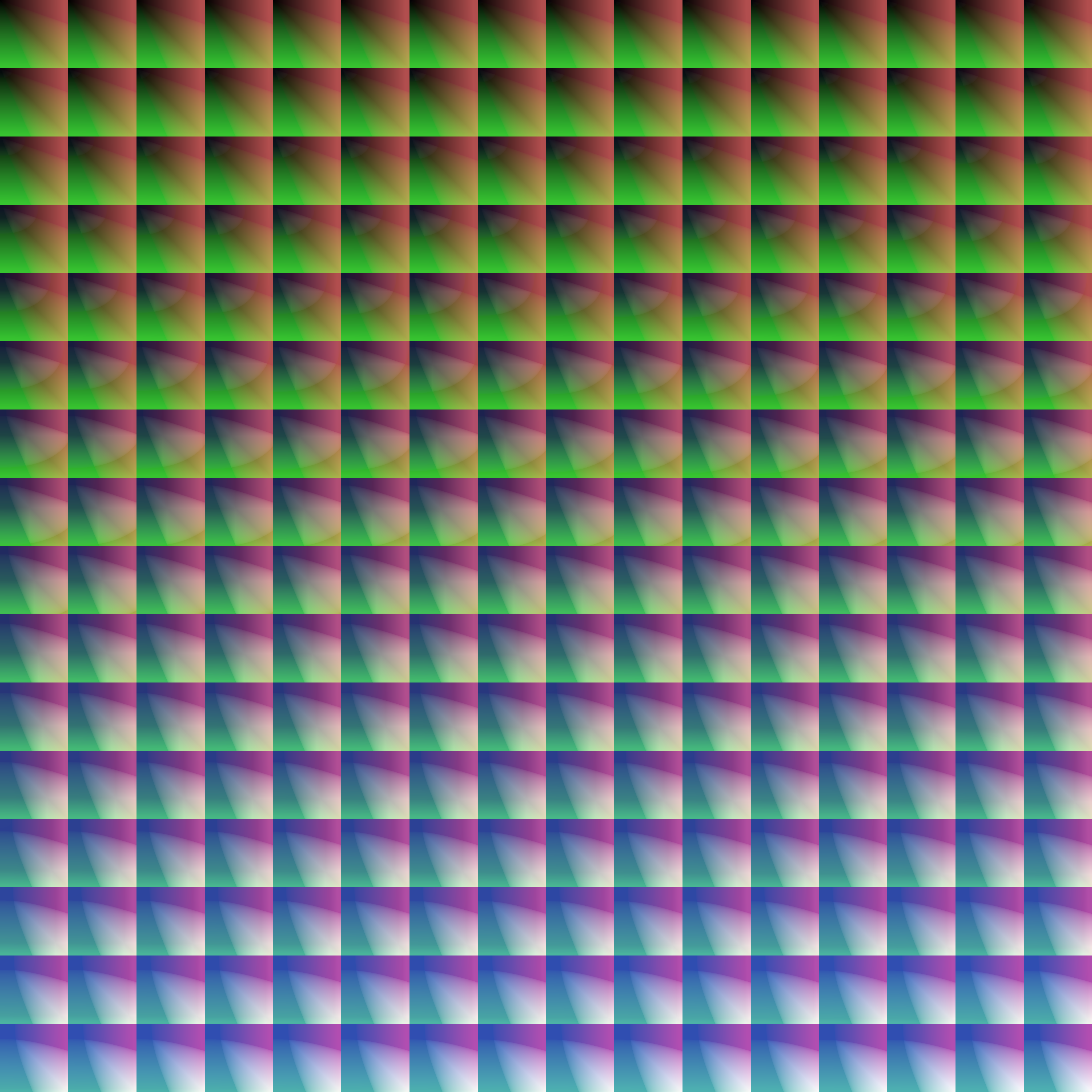
Thumbnail: https://cdn.modrinth.com/data/cKZlPuDG/images/1e63c5e4d8949e9454d9e36a182bead00096724e.png
Experimental Palette
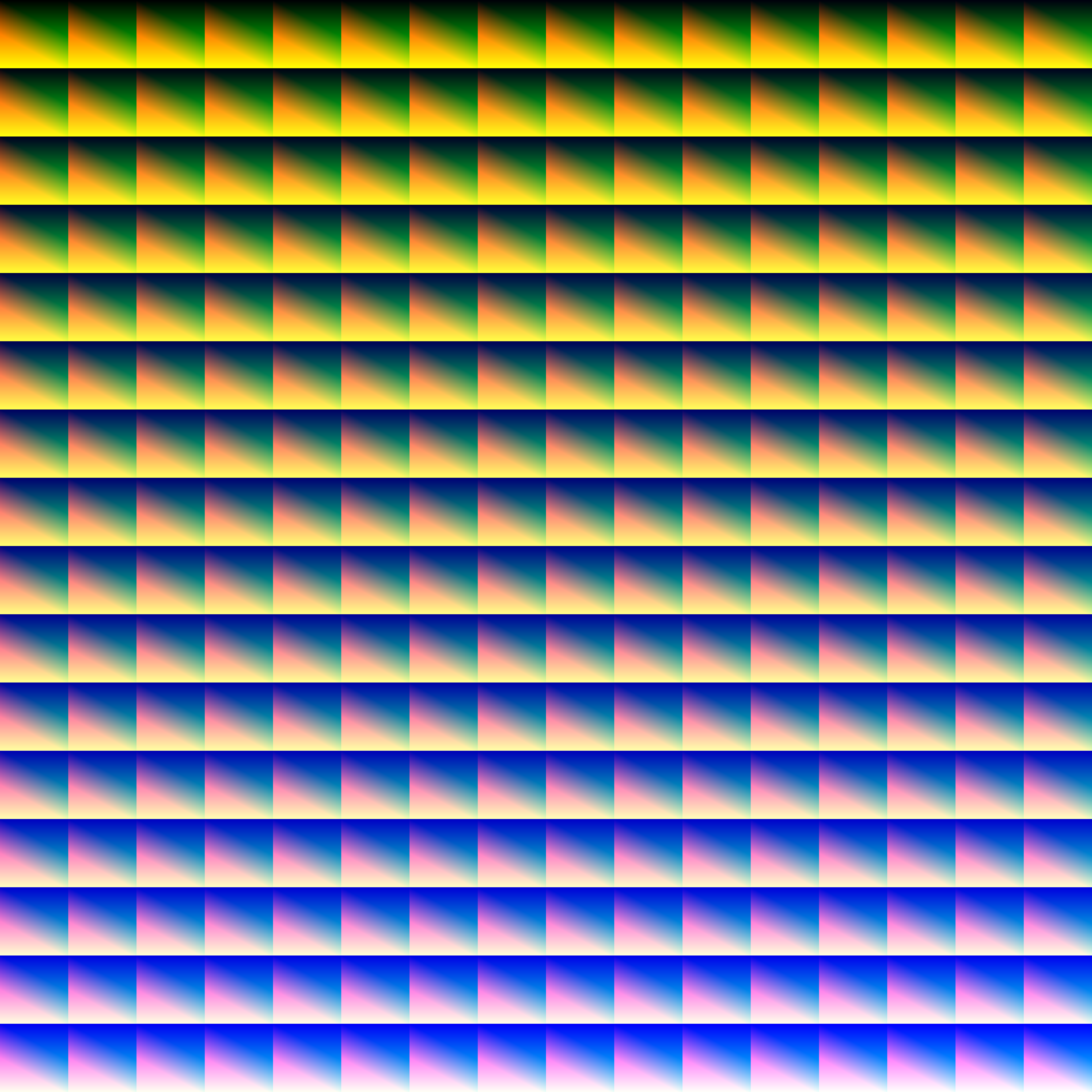
Thumbnail: https://cdn.modrinth.com/data/cKZlPuDG/images/20691902d1dae088f5b0ad961de96837a6a9eb62.png
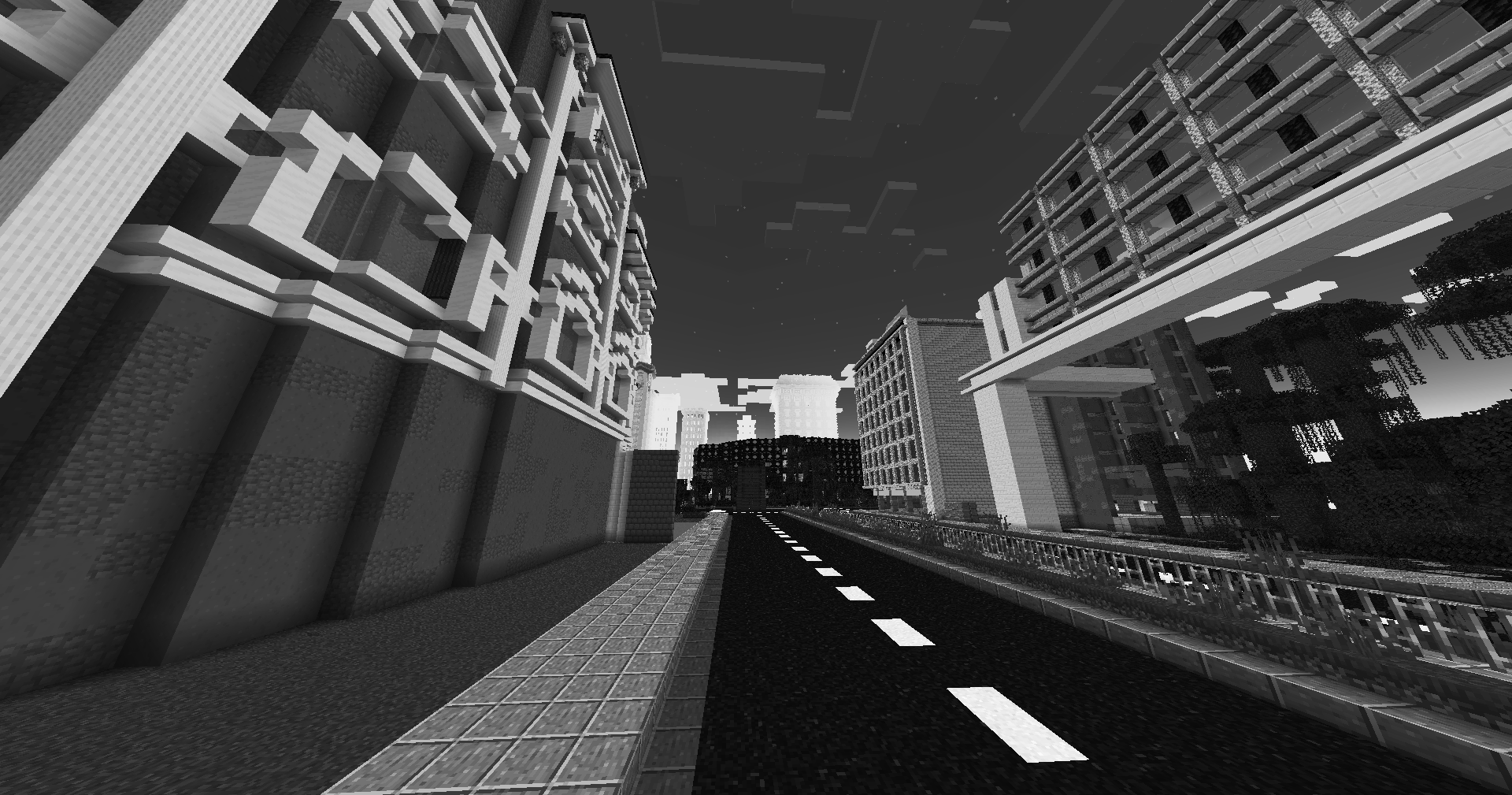
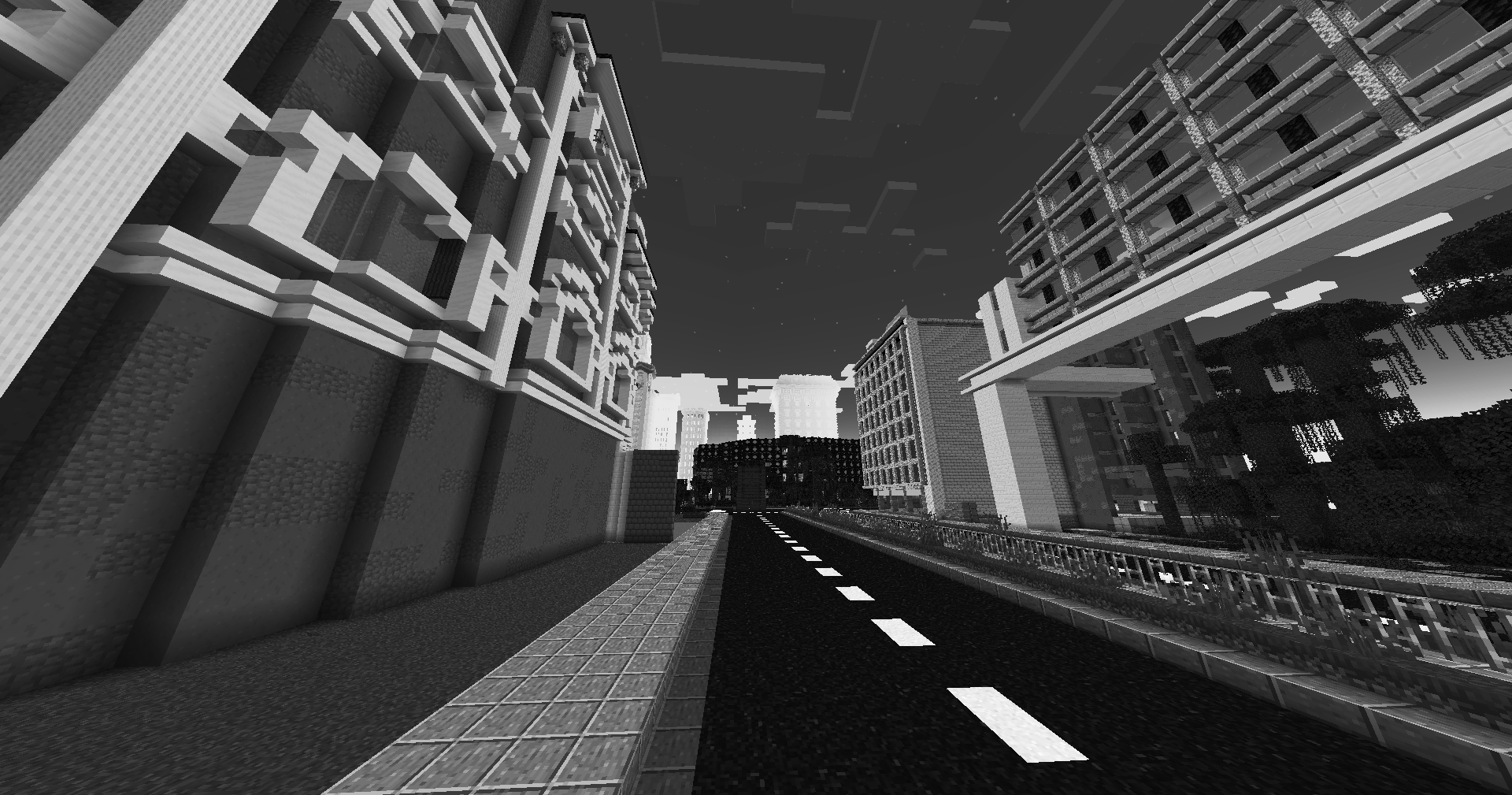
Dramatic Black & White
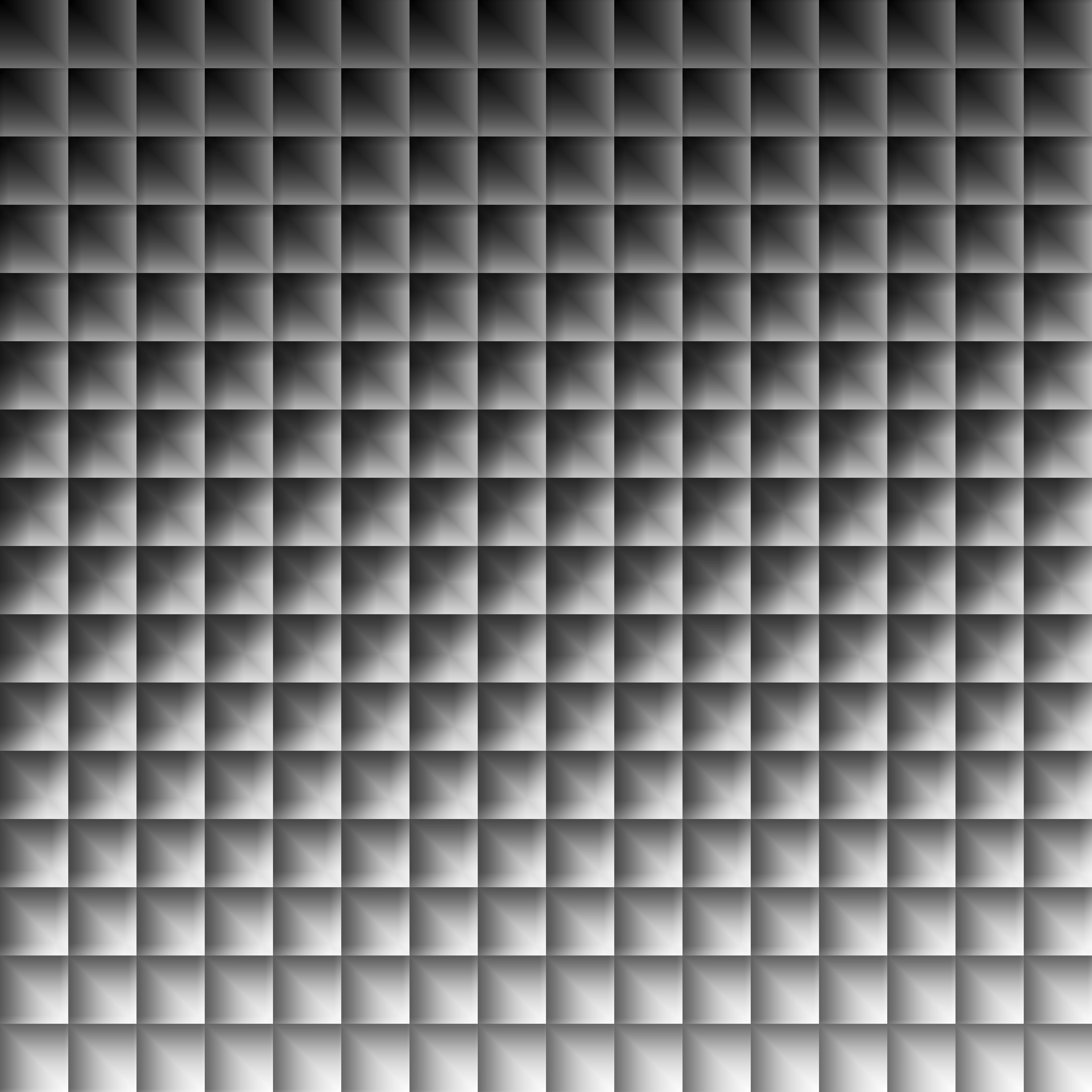
Thumbnail: https://cdn.modrinth.com/data/cKZlPuDG/images/b3ab1ff5652712b1b3dc222c5f8dc3927ad6fd60.png